Driving your vehicle
1346
Intelligent Speed Limit Assist (ISLA)
according to the speed limit, set
the offset to '0'.
䳜 Speed Limit Warning function
warns the driver when driving
speed exceeds the speed at which
the set Offset is added to speed
limit. If you want Speed Limit
Warning to warn you immediately
when the driving speed exceeds
the speed limit, set the offset to
'0'.
The setting of 'Speed Offset' is not
reflected in Navigation-based Smart
Cruise Control (NSCC).
Intelligent Speed Limit Assist oper
-
ation
Warning and control
Intelligent Speed Limit Assist will
warn and control the vehicle by 'Dis
-
playing speed limit', 'Warning over
-
speed' and 'Changing set speed'.
Intelligent Speed Limit Assist warn
-
ing and control are described based
on the Offset set to '0'. For details
on Offset setting, refer to "Intelli
-
gent Speed Limit Assist (ISLA) (if
equipped)" on page 6-132.
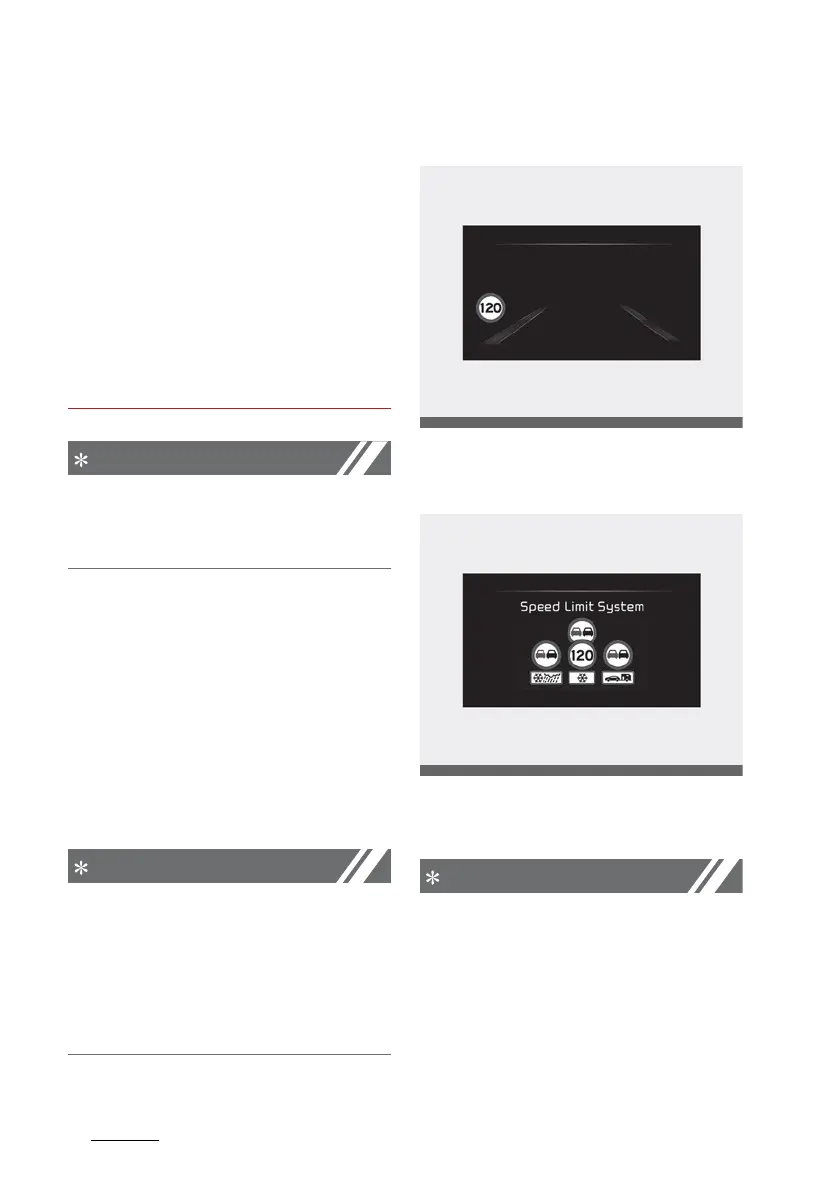
Displaying speed limit
Driving Assist screen selected (For
Europe)
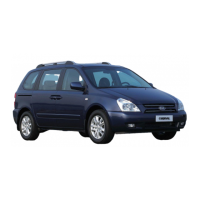
Speed limit information is displayed
on the instrument cluster.
䳜 If speed limit information of the
road cannot be recognized, '---'
sign will be displayed. Please refer
to "Limitations of Intelligent
Speed Limit Assist" if the road
signs are difficult to recognize.



 To Next Page