Driving your vehicle
1426
Driver Attention Warning (DAW)
Settings menu, 'System Off' is
displayed.
䳜 When vehicle speed is not within
the operating speed, the message
'Standby' (or 'Disabled') will be
displayed.
Taking a break
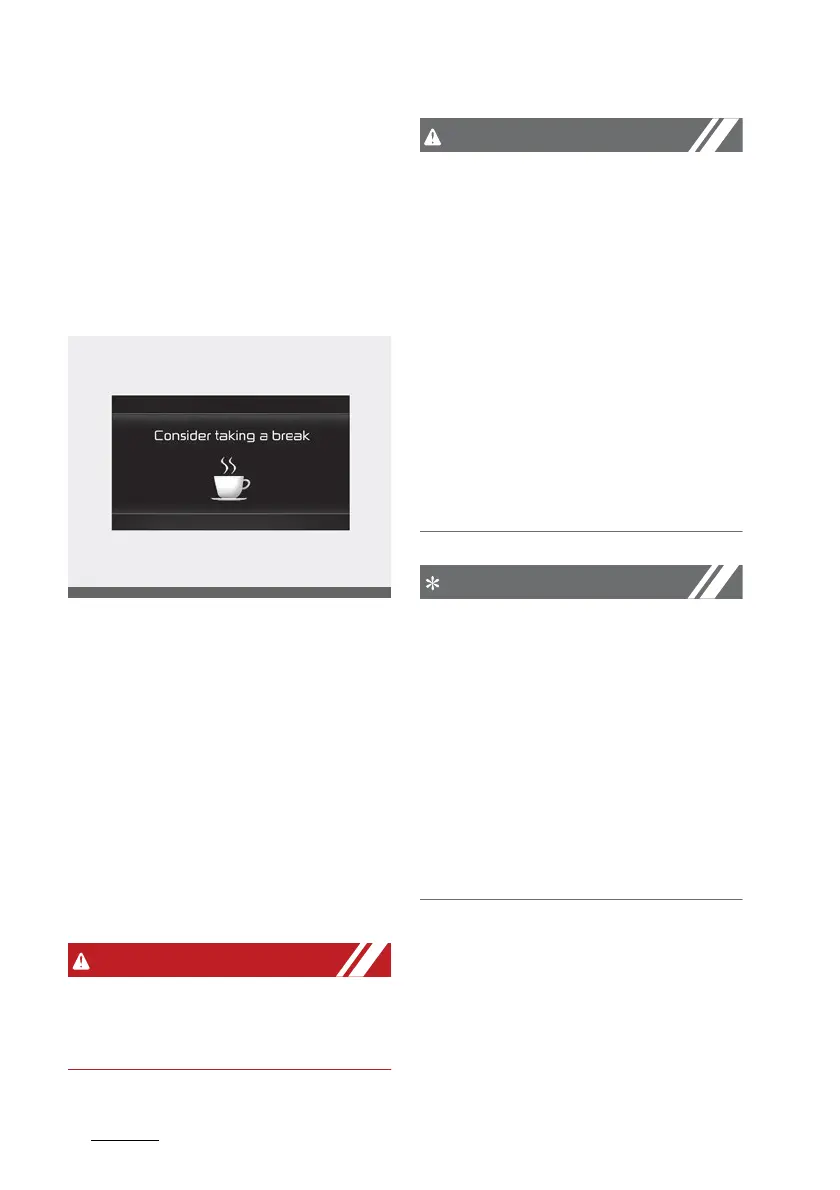
The 'Consider taking a break' mes
-
sage will appear on the cluster and
an audible warning will sound to
suggest that the driver take a break,
when the driver's attention level is
below 1.
䳜 Driver Attention Warning will not
suggest a break when the total
driving time is shorter than 10
minutes or 10 minutes has not
passed after the last break was
suggested.
For your safety, change the Set
-
tings after parking the vehicle at a
safe location.
䳜 Driver Attention Warning may
suggest a break depending on the
driver's driving pattern or habits,
even if the driver doesn't feel
fatigued.
䳜 Driver Attention Warning is a sup
-
plemental function and may not
be able to determine whether the
driver is inattentive.
䳜 The driver who feels fatigued
should take a break at a safe
location, even though there is no
break suggestion by Driver Atten
-
tion Warning.
䳜 For more details on setting the
instrument cluster, refer to "User
settings mode" on page 4-92.
䳜 Driver Attention Warning will
reset the last break time to 00:00
in the following situations:
- The engine is turned off
- The driver unfastens the seat
belt and opens the driver's door.
- The vehicle is stopped for more
than 10 minutes.



 To Next Page