177
6
6
Driving your vehicle Lane Following Assist (LFA)
detect that the driver has their
hands on the steering wheel.
䳜 If you attach objects to the steer
-
ing wheel, the hands-off warning
may not work properly.
䳜 You may change settings from
the instrument cluster (User Set
-
tings) or infotainment system
(Vehicle Settings), whichever
option that is provided with your
vehicle. For more details, see
"User settings mode" on page 4-
92, or "Vehicle Settings" section in
supplied Infotainment Manual.
䳜 For more details on operation the
functions in Smart Cruise Control,
refer to "Smart Cruise Control
(SCC) (if equipped)" on page 6-
152.
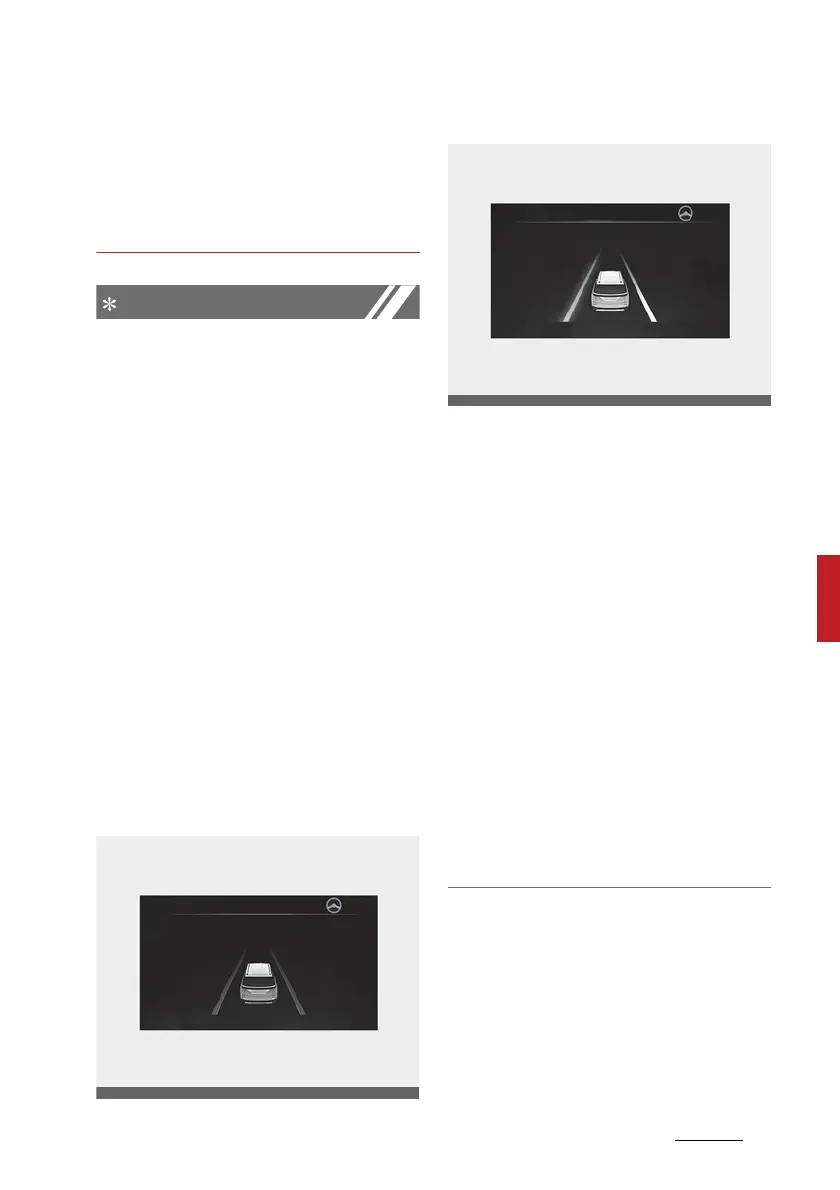
䳜 When both lane markings are
detected, the lane lines on the
cluster will change from grey to
white.
Lane undetected
Lane detected
䳜 Depending on the instrument
cluster specifications or theme,
images or colours may be dis
-
played differently.
䳜 If lane markings are not detected,
steering wheel control by Lane
Following Assist can be limited
depending on whether a vehicle is
in front or the driving conditions
of the vehicle.
䳜 Even though the steering is
assisted by Lane Following Assist,
the driver may control the steer
-
ing wheel.
䳜 The steering wheel may feel
heavier or lighter when the steer
-
ing wheel is assisted by Lane Fol
-
lowing Assist than when it is not.



 To Next Page