215
6
6
Driving your vehicle Remote Smart Parking Assist (RSPA)
water, the sensor may not oper
-
ate until the stains are removed
using a soft cloth.
䳜 Do not push, scratch or strike the
ultrasonic sensor. Sensor damage
could occur.
䳜 Do not spray the ultrasonic sen
-
sors or its surrounding area
directly with a high pressure
washer.
Remote Smart Parking Assist set
-
tings
Setting features
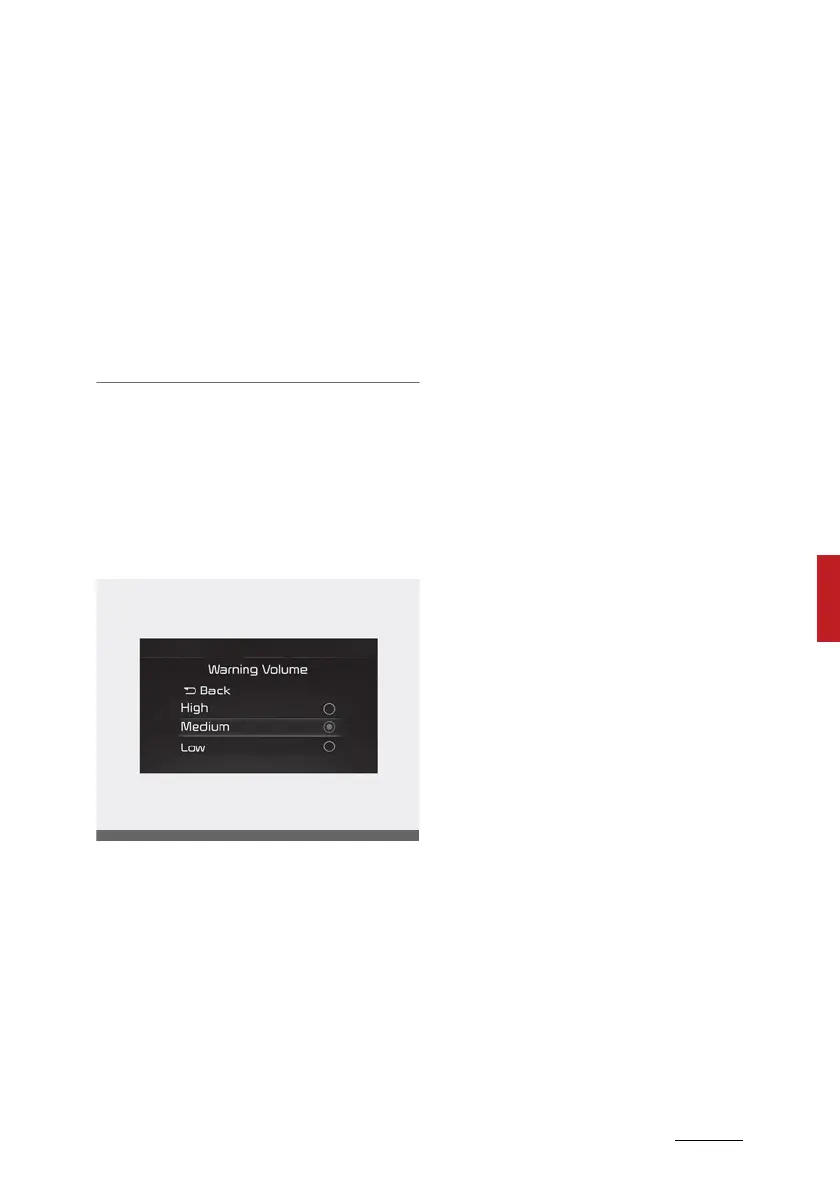
Warning Volume
With the vehicle on, select 'Driver
Assistance → Warning Volume' from
the Settings menu to change the
Warning Volume to 'High', 'Medium'
or 'Low' for Remote Smart Parking
Assist.
If you change the warning volume,
the Warning Volume of other Driver
Assistance systems may change.



 To Next Page