Chapter 3 Basic operation MDC-2200/2500 Series
0093125002-04 3-2
3 Turn [EBL] knob clockwise to increase brilliance.
Turn [EBL] knob counter clockwise to decrease brilliance.
* The display brilliance changes in 5 steps each time by pressing [EBL] knob.
Push
Brighte
Darker
EBL knob
Change brightness of control panel dimmer
(For MDC-2200)
1 Press [BRILL] key twice. (Press once during screen brilliance window is displayed.)
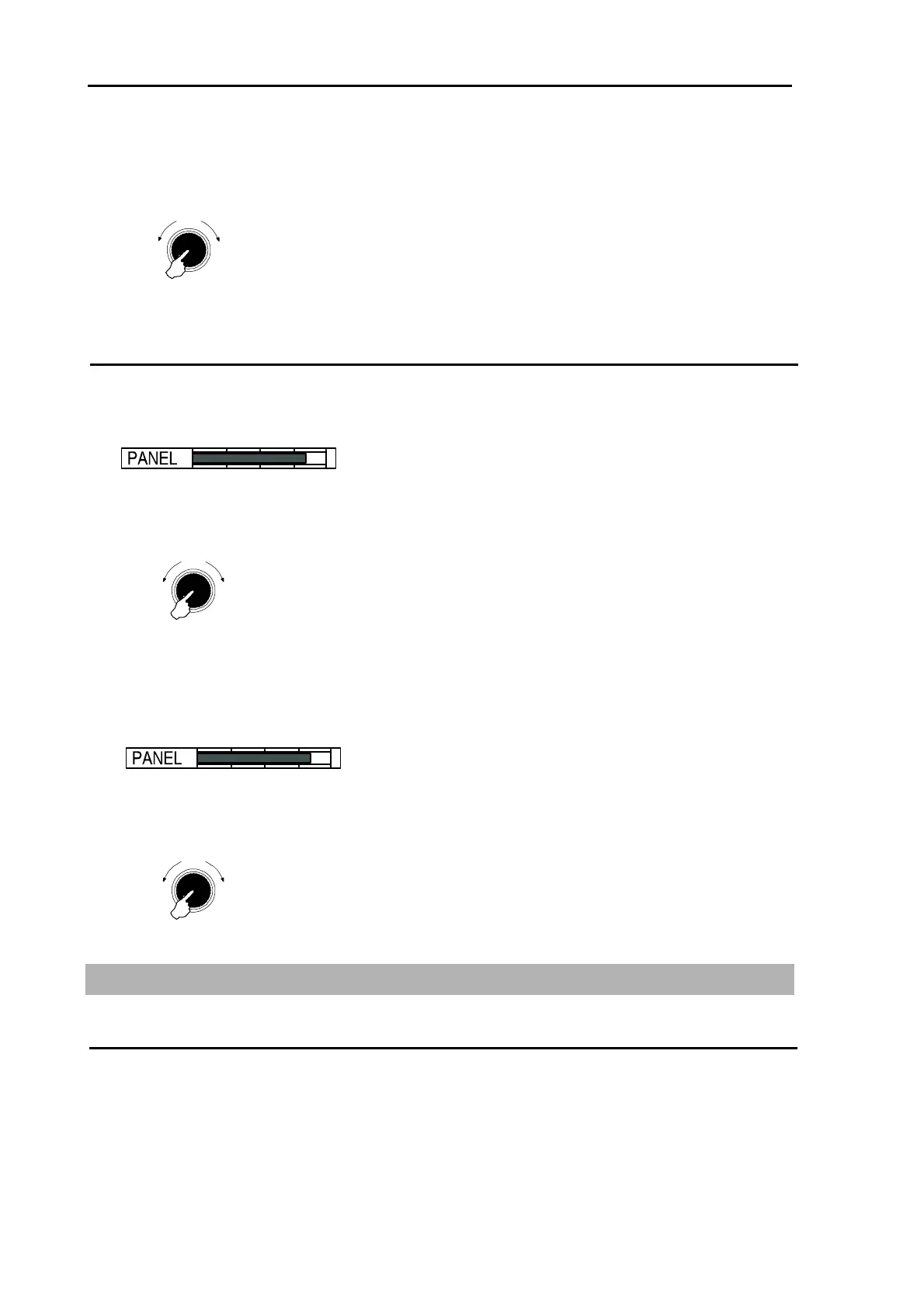
2 Panel dimmer adjustment window is displayed in the screen.
3 Turn [EBL] / [VRM] knob clockwise to increase brightness of the panel dimmer.
Turn [EBL] / [VRM] knob counter clockwise to decrease brightness of the panel dimmer.
* The panel dimmer changes in 5 steps each time by pressing [EBL] / [VRM] knob.
Push
Brighte
Darke
EBL / VRM knob
(For MDC-2500)
1 Press [PANEL] key.
2 Panel dimmer adjustment window is displayed in the screen.
3 Turn [VRM] knob clockwise to increase brightness of the panel dimmer.
Turn [VRM] knob counter clockwise to decrease brightness of the panel dimmer.
* The panel dimmer changes in 5 steps each time by pressing [VRM] knob.
Push
Brighte
Darke
VRM knob
3.3 Transmission
Start transmission
Press [STBY/TX] key. Antenna starts rotating and transmission.
Transmission is not available just after the power on and [WAIT] is displayed on the screen. Wait until
[STAND-BY] is displayed after timer count is completed.



 To Next Page