Chapter 4 Menu operations MDC-2200/2500 Series
0093125002-05 4-30
4.7 AIS menu (Optional AIS unit required)
Following items are provided in AIS Menu.
AIS function is used with installation of optional AIS unit.
Note: AIS menu is not displayed without AIS unit.
VDM sentence signal from AIS device is required to display AIS information.
Other ship symbol/other ship ID up to 200 can be displayed.
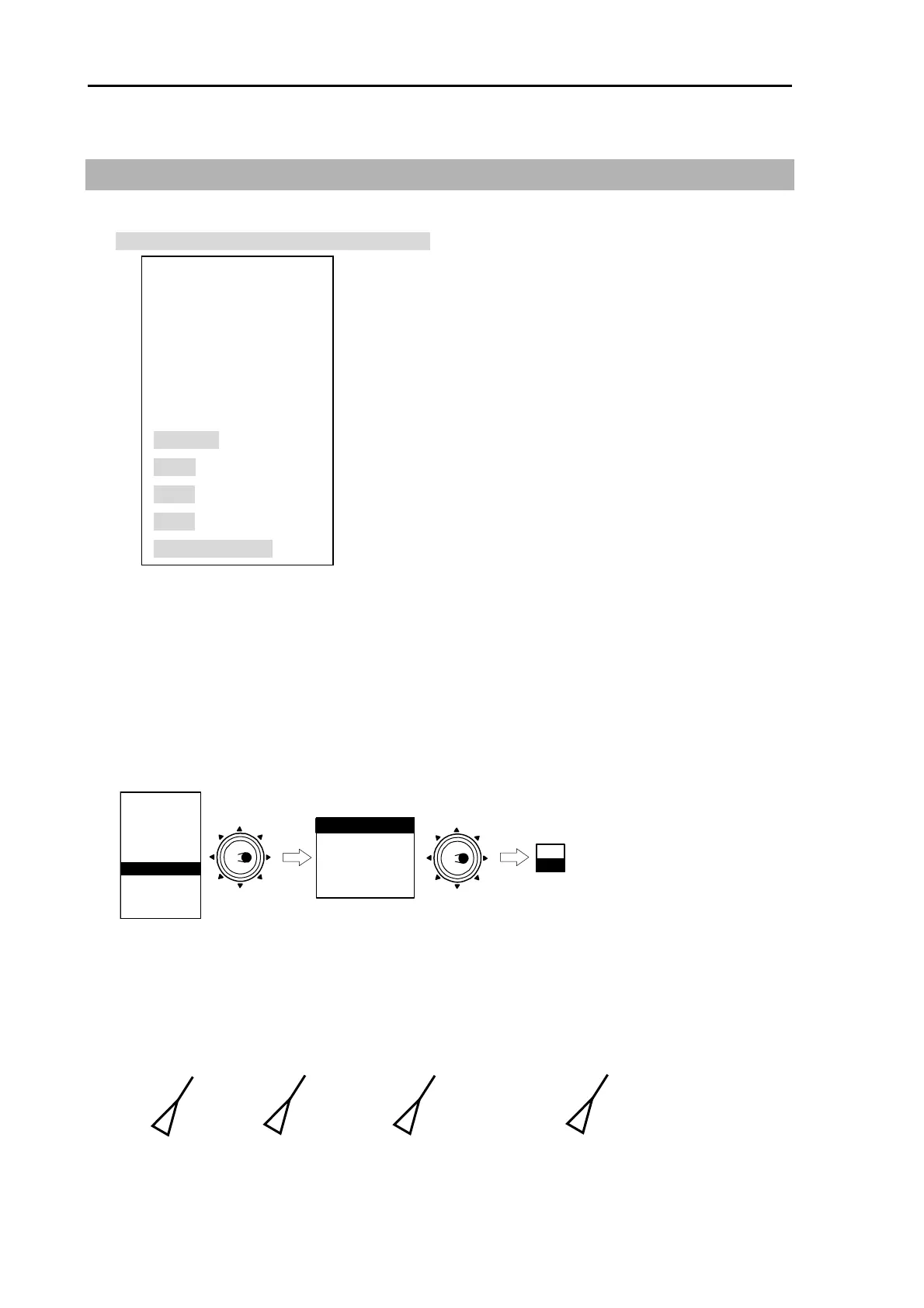
(1) Activate AIS display
1 Press [MENU] key to display “Menu.
Proceed to [AIS] => [AIS] then select [ON] and press [ENT] key.
MARKER
NAV
ALARM
CHART
DETADISP
STARTUP
ECHO
Move to
the right
ATA/EPA
AIS
AIS
TARGET ID
TARGET SELECT
LIMIT
LOST
SLEEP
Move to
the right
OFF
ON
(2) Set up target ID display
Target ID can be displayed in AIS symbol on the screen.
Select target ID display from Number, ship name, both (Number/ship name), Display OFF.
AIS
TARGET ID
TARGET SELECT
LIMIT
LOST
SLEEP
CLASS B
ATON
SART
BASE
AUTO ACQ RNG
(1)
(2)
(3)
(4)
(5)
(6)
(7)
(8)
(9)
(10)
(11)
OFF / ON
OFF / NUMBER / NAME / BOTH
100 - 299
1.0 - 64.0NM
OFF / ON
OFF / A / B / BOTH
OFF / ON
OFF / ON
OFF / ON
OFF / ON
0.0 - 20.0NM
KODEN
1
KODEN
Number
Ship name
Both(number/ship name)
Display Off
Shaded display is displayed in detailed Menu.



 To Next Page