MDC-2200/2500 Series Chapter 3 Basic operation
0093125002-04 3-1
Chapter 3 Basic operation (for control panel)
3.1 Power On/Off
Power On
Press [POWER ON/OFF] key. Buzzer sound [Peep] is produced and then Radar system is activated.
・ After activation, the character of [Model name] and [WAIT] will be displayed and the preheating of
magnetron will start.
・The brilliance of the screen is set with the brilliance set at the time when the power has been turned
off.
Power Off
Keep pressing [POWER ON/OFF] key for longer than 3 sec.
IMPORTANT: Re-entry of power shall be performed after having passed for longer than
3 sec. after power-off.
3.2 Change brilliance of display unit (Screen and Control panel)
Change screen brilliance
(For MDC-2200)
1 Press [BRILL] key. (Note: Each time [BRILL] key is pressed, it changes over “Screen brilliance”
and “Panel dimmer”)
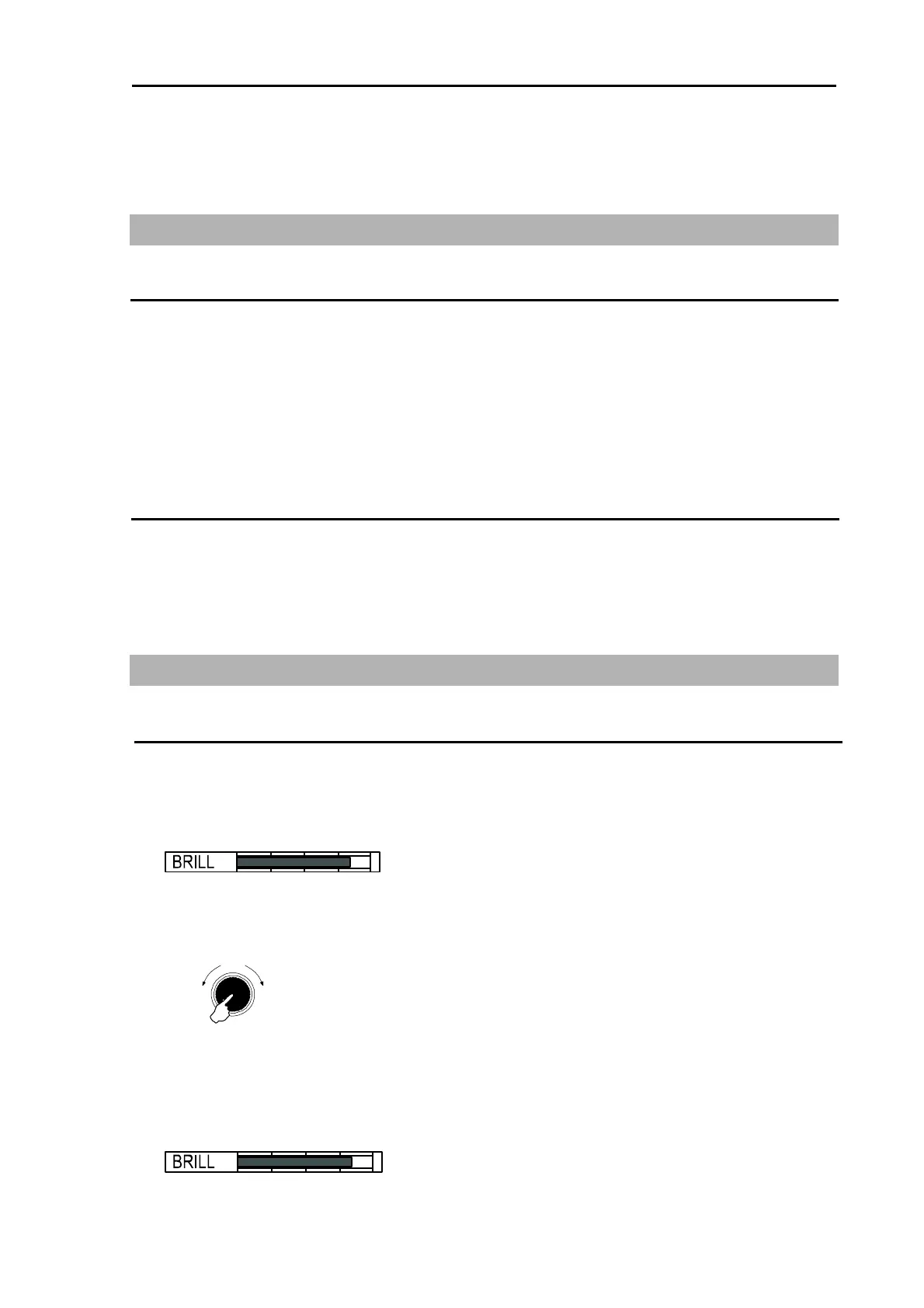
2 Screen brilliance adjustment window is displayed.
3 Turn [EBL] / [VRM] knob clockwise to increase brilliance.
Turn [EBL] / [VRM] knob counter clockwise to decrease brilliance.
* The display brilliance changes in 5 steps each time by pressing [EBL] / [VRM] knob.
Push
Brighte
Darke
EBL / VRM knob
(For MDC-2500)
1 Press [BRILL] key.
2 Screen brilliance adjustment window is displayed.



 To Next Page