Chapter 4 Menu operations MDC-2200/2500 Series
0093125002-05 4-2
Determine setting
Select item in sub-menu and designate numerical value or select item and then press [ENT] key.
IMPORTANT: Designated value is not altered when Menu is closed without pressing [ENT] key.
Display detailed menu
As this device supports much functions, menu configuration is constructed in 2 levels (main menu and
detailed menu). Main menu is displayed in normal operation. (Basic menu operation is available in this
menu.)
Detailed menu is displayed by following operation.
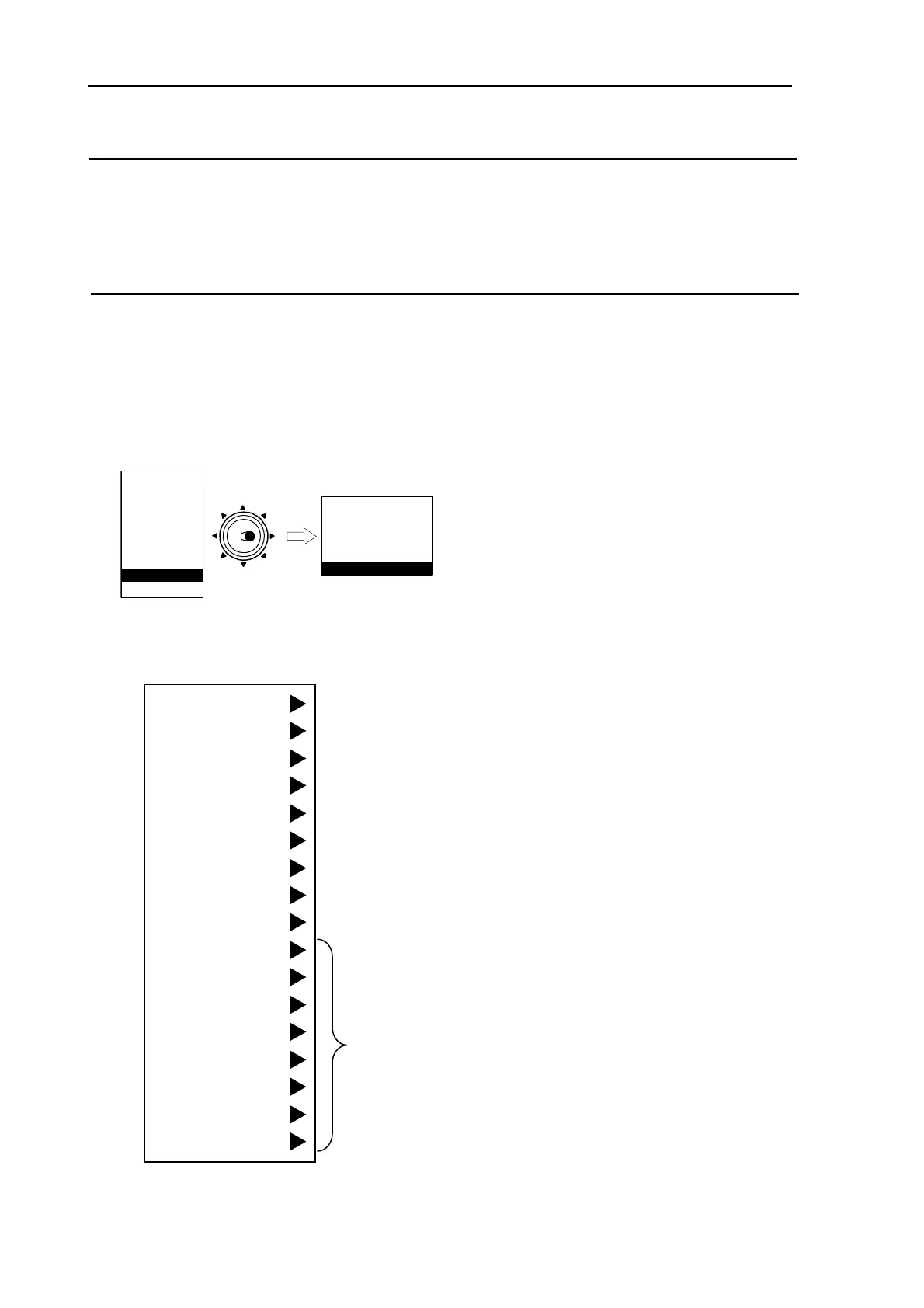
1 Press [MENU] key to display “Main menu”. Select “DATADISP” => “PROTECT CANCEL” and then
press [ENT] key.
MARKER
NAV
ALARM
CHART
DETADISP
STARTUP
ECHO
Move to
the right
ATA/EPA
AIS*
* : Displayed at installation of AIS unit (optional).
UPPER DISP
LOWER DISP BACK
DISP 1
DISP 2
DISP 3
PROTECT CANCEL
2 Press [MENU] key again. Then, detailed “Menu” below will be displayed.
・Refer to the last section of this chapter for detailed Menu list.
MARKER
ECHO
NAV
ALARM
ATA/EPA
AIS
CHART
DATADISP
STARTUP
I/O
SYSTEM
PRESET
CONTRAST
BITE
ANTENNA
OPTION
INITIAL
Refer to Installation manual



 To Next Page