MDC-2200/2500 Series Chapter 3 Basic operation
0093125002-04 3-25
EPA operation method
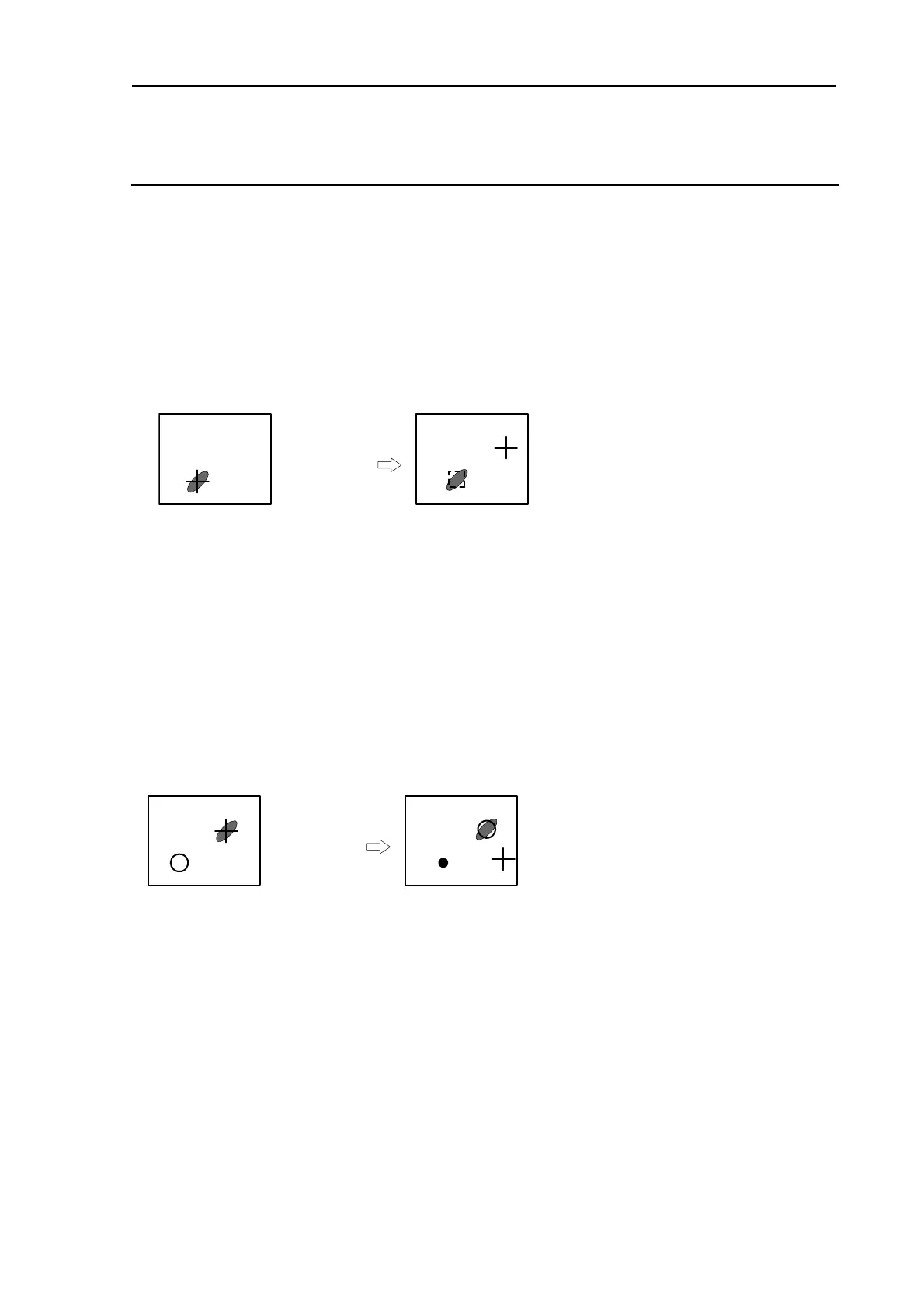
1 Move the cross cursor with [Joystick] to lay on the desired target.
(For MDC-2500)
Press [ACQ] key on the upper right of the operating panel. The symbol of starting acquisition is
overlaid on the target.
(For MDC-2200)
Press [F2] key
Note1
. The symbol of starting acquisition is overlaid on the target.
(Note 1) In MDC-2200, [F2] key is assigned to “Acquisition” at the setting in factory.
+ [ACQ] key
Note : When acquiring 2 or more target (up to 50), select target number by using Menu then start
operation.
2 After 30second passed, lay cross hair cursor on moved target then press [ACQ] key ([F2] key for
MDC-2200) again.
Note : When acquiring 2 or more target (up to 50), select target number by using Menu then start
operation.
・The symbol moves to the latest target position and its course and speed are displayed by vector.
・ Up to 5 history track points are shown on the display with [・] symbol.
+ [ACQ] key
3 As the symbol moves according to the latest vector data, periodic use of procedure 2 above,
allows the symbol to keep tracking the target which changes its speed and heading.
・ If no additional manual tracking is done within 10 min and over, the EPA reliability is judged to have
been lost and the symbol stops tracking.
・ If no additional manual tracking is performed within 15 min and over , tracking is deleted
automatically.



 To Next Page