Chapter 4 Menu operations MDC-2200/2500 Series
0093125002-05 4-38
(12) Mark input/delete (cursor position)
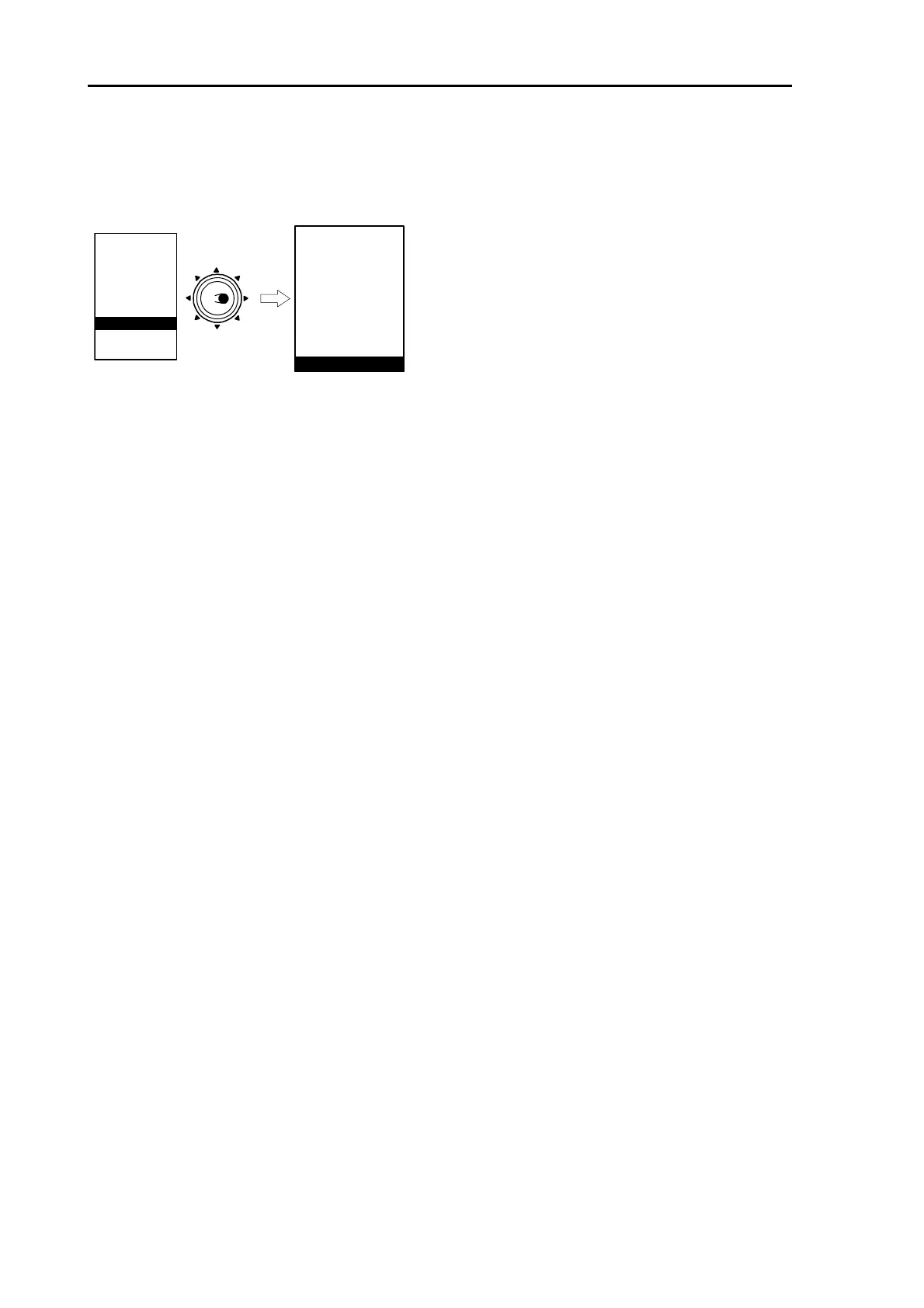
Move cursor to input position by using [Joystick].
[MENU] key => [CHART] => [CURSOR] then press [ENT] key.
MARKER
NAV
ALARM
CHART
DETADISP
STARTUP
ECHO
Move to
the right
ATA/EPA
CHART
PAST CRS NO
PLOT INT
DISP NO
CLEAR
WPT / ROUTE
MARK
BLOCK NO
BLOCK CLEAR
OWN
CURSOR
AIS*
* : Displayed at installation of AIS unit (optional).
Operation becomes easier by assigning “MARK CURSOR” to F key.
(Delete mark)
1 Move cursor onto mark to be deleted.
2 Press [Menu] key then select [CHART] => [CURSOR] and press [ENT] key by keeping [OFF] key
pressed.
In case of [MARK OWN], [MARK CURSOR] is assigned to F (Function) key.
1 Move cursor onto mark to be deleted.
2 Press [F] key by keeping [OFF] key pressed.
(13) Input/edit mark (latitude/longitude input)
Input mark by latitude/longitude.
With this menu mark data already registered can be edited.
Change shape
Change latitude data
Change longitude data
Delete data
(14) All marks display
All marks can be displayed regardless of the block number.
OFF: Mark designated with block number is displayed.
ON: All mark is displayed.
(15) Select chart
Select Global chart or Japan chart (C-MAP).
This device automatically selects oversea chart in English mode and Japan Chart in Japanese mode.



 To Next Page