Chapter 4 Menu operations MDC-2200/2500 Series
0093125002-05 4-42
4.9 DATADISP menu
Following designation items are provided in Datadisp Menu.
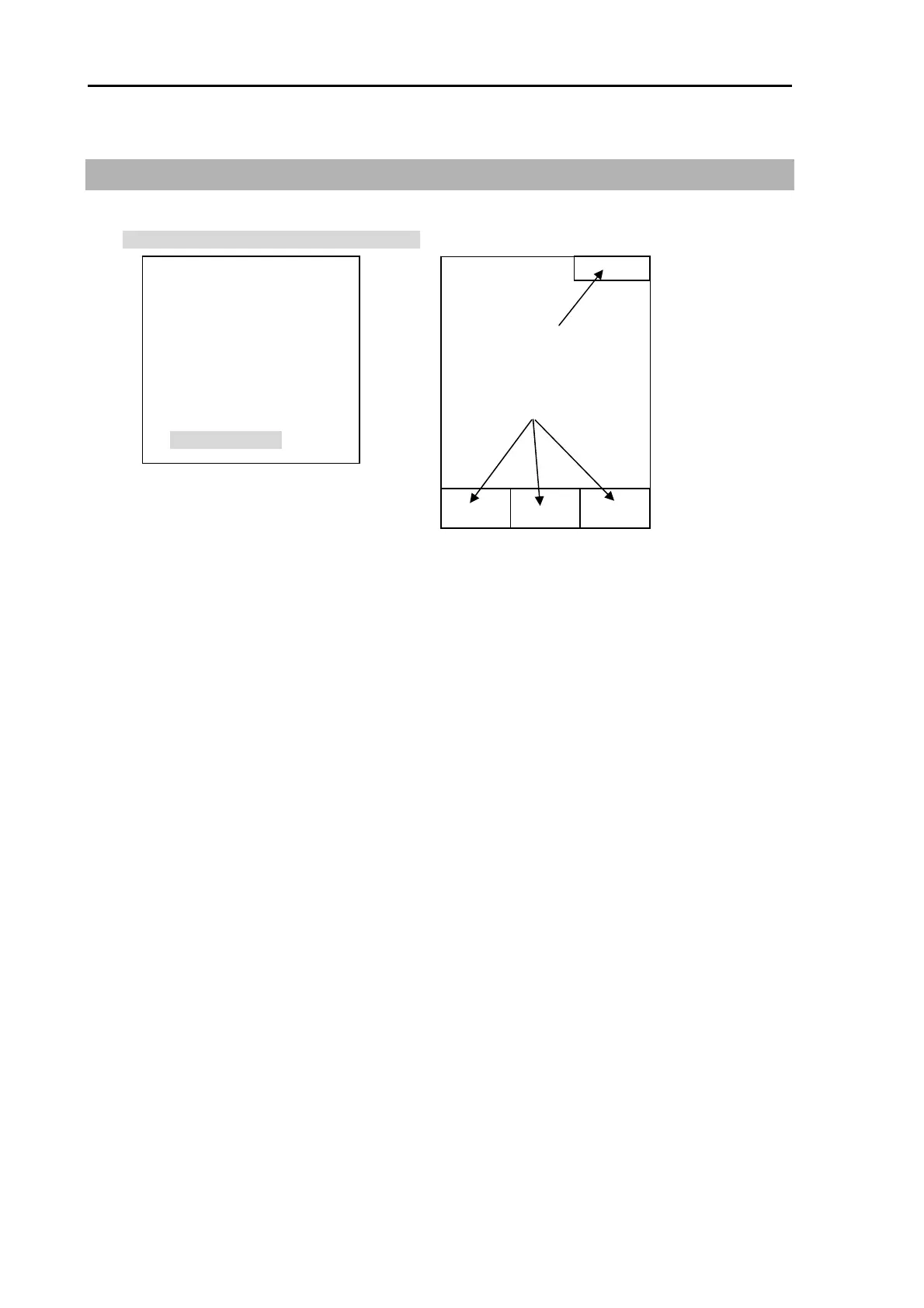
This device enables to display various data on the upper screen or lower screen (3 positions) as shown
in the figure.
DATADISP menu is used to select display data.
DATADISP menu is also utilized to display detailed menu.
(1) Upper display setting
Select from following items. No display when OFF is selected.
・Stabilization base (SEA or GND)
・COG/SOG (Own ship information, COG & SOG)
・Latitude/longitude (Own ship information, lat/lon)
・LOP (Own ship information LOP)
・Tidal bearing/speed (Own ship information, Set & Drift)
・Water depth, water temperature (Own ship information, Depth & Temperature)
・Waypoint latitude/longitude (Waypoint information, latitude & longitude)
・Waypoint Bearing/distance (Waypoint information. Bearing & Distance)
・Antenna location/Inter switch
・Time (Date & Time)
・Vector (Vector time display)
・OFF
(2) Lower display area background color setting
Setup background color of lower screen display area.
When the setting is OFF, data is displayed on radar image and radar observation area is expanded.
UPPER DISP
LOWER DISP BACK
DISP 1
DISP 2
DISP 3
PROTECT CANCEL
(OR) PROTECT
Shaded display is displayed in detail Menu.
(1)
(2)
(3)
(4)
(5)
(6)
UPPER
DISP
LOWER
DISP
DISP 1 DISP 2 DISP 3



 To Next Page