Chapter 4 Menu operations MDC-2200/2500 Series
0093125002-05 4-28
Refer to “3.15 Use ATA/EPA”.
(4) Delete all acquired targets
Delete all acquired targets.
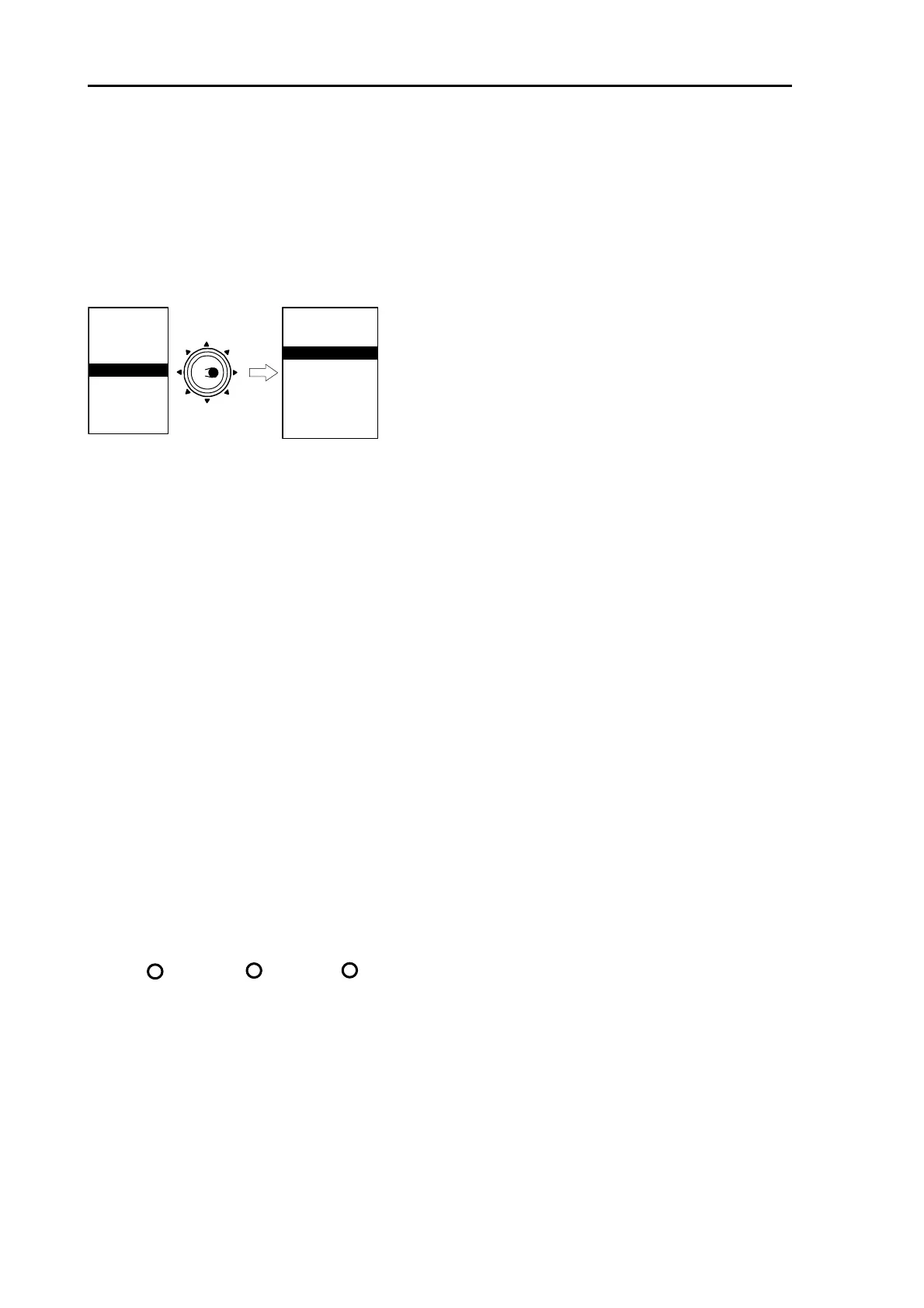
Press [MENU] key to display “Menu”.
⇒
Select [ATA/EPA] [ALL DELETE] then press [ENT] key.
MARKER
NAV
ALARM
CHART
DETADISP
STARTUP
ECHO
Move to
the right
ATA/EPA
AIS*
* : Displayed at installation ofAIS unit (optional).
ATA/EPA TYPE
ACQ
DELETE
ALL DELETE
MAN ACQ NO
AUTO DETECT
TARGET ID
TARGET SELECT
EPA UPDATE
DATA STYLE
(5) Setting method for acquiring number manually
Set up number of the targets to acquire manually.
Initial value is 10 targets. When changes number to be acquired manually, auto acquiring number is
also changed at the same time.
(50 – manual acquisition number = auto acquisition number)
Note: Auto acquisition function is not available when manual acquisition number is set to 50.
(6) Auto acquisition
Set up auto acquisition area.
Refer to “3.15 Use ATA/EPA”.
(7) Set up target ID display
This function enables to display target ID (number) in the acquired ATA symbol.
(8) ID size
Set up size of target ID (number).
(9) Select target
This function determine target number to perform [Information display・Delete operation].
(10) EPA Update
Refer to “3.15 Use ATA/EPA”.
1 1
1
Small Medium Large



 To Next Page