MDC-2200/2500 Series Chapter 3 Basic operation
0093125002-04 3-21
other Function key.
Delete target (Select and delete)
(For MDC-2500)
1 Move cross cursor using [Joystick] to lay on the target to be deleted and then press [ACQ] key by
pressing [OFF] key.
(For MDC-2200)
1 Move cross cursor using [Joystick] to lay on the target to be deleted and then press [F2] key by
pressing [OFF] key.
(Note 1) In MDC-2200, [F2] key is assigned to “ACQ” at the factory setting.
Delete all targets
This function is used to delete all acquired targets.
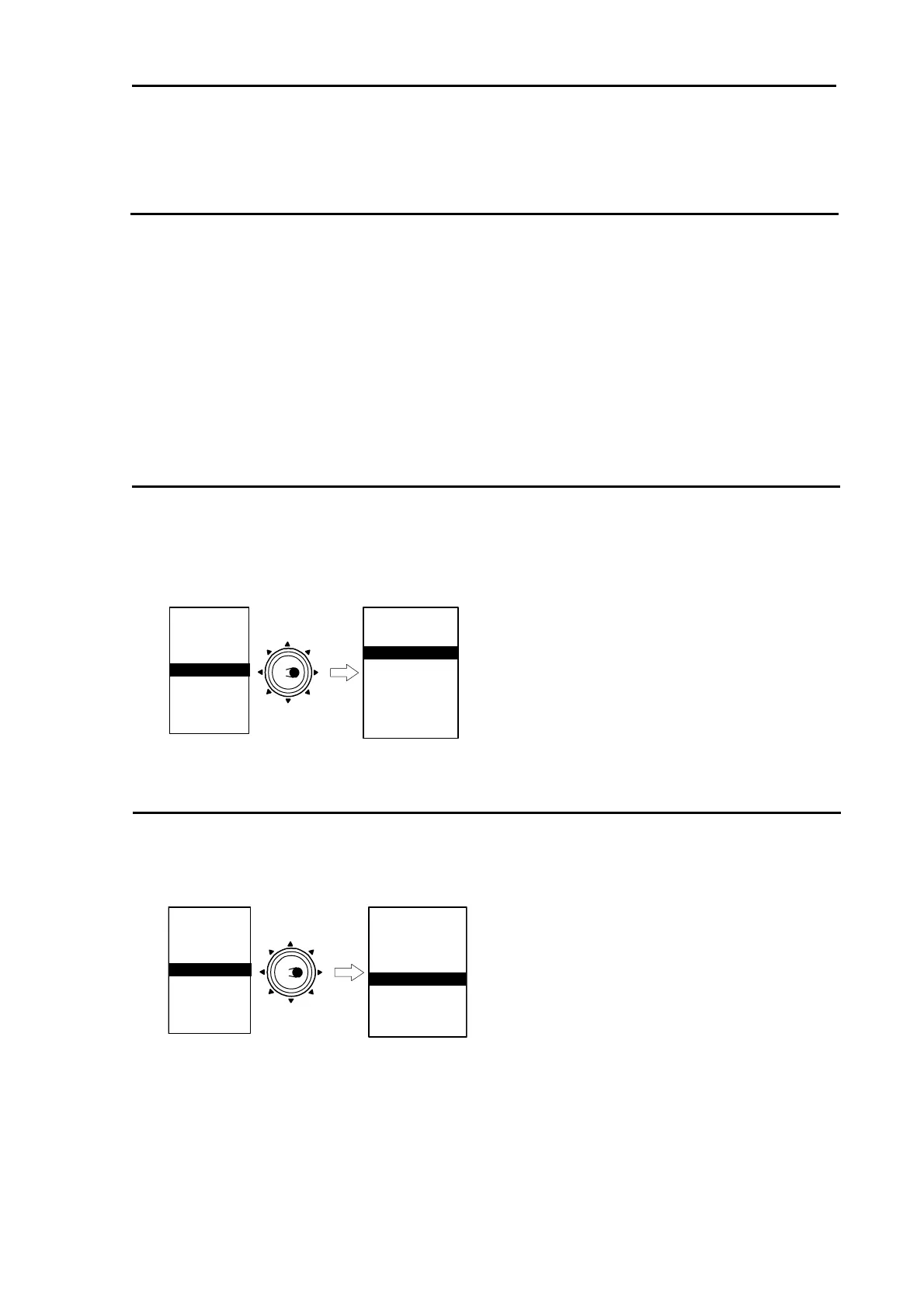
1 Press [MENU] key to display “Menu”.
Select [ATA/EPA] => [ALL DELETE], and then press [ENT] key.
MARKER
NAV
ALARM
CHART
DETADISP
STARTUP
ECHO
Move to
the right
ATA/EPA
AIS*
* : Displayed at installation ofAIS unit (optional).
ATA/EPA TYPE
ACQ
DELETE
ALL DELETE
MAN ACQ NO
AUTO DETECT
TARGET ID
TARGET SELECT
EPA UPDATE
DATA STYLE
Use Automatic acquisition (Up to 40 targets can be acquired in default)
1 Press [MENU] key to display “Menu”.
Select [ATA/EPA] => [AUTO DETECT], and then press [ENT] key.
MARKER
NAV
ALARM
CHART
DETADISP
STARTUP
ECHO
Move to
the right
ATA/EPA
AIS*
* : Displayed at installation of AIS unit (optional).
ATA/EPA TYPE
ACQ
DELETE
ALL DELETE
MAN ACQ NO
AUTO DETECT
TARGET ID
TARGET SELECT
EPA UPDATE
DATA STYLE



 To Next Page