Chapter 3 Basic operation MDC-2200/2500 Series
0093125002-04 3-26
Update EPA
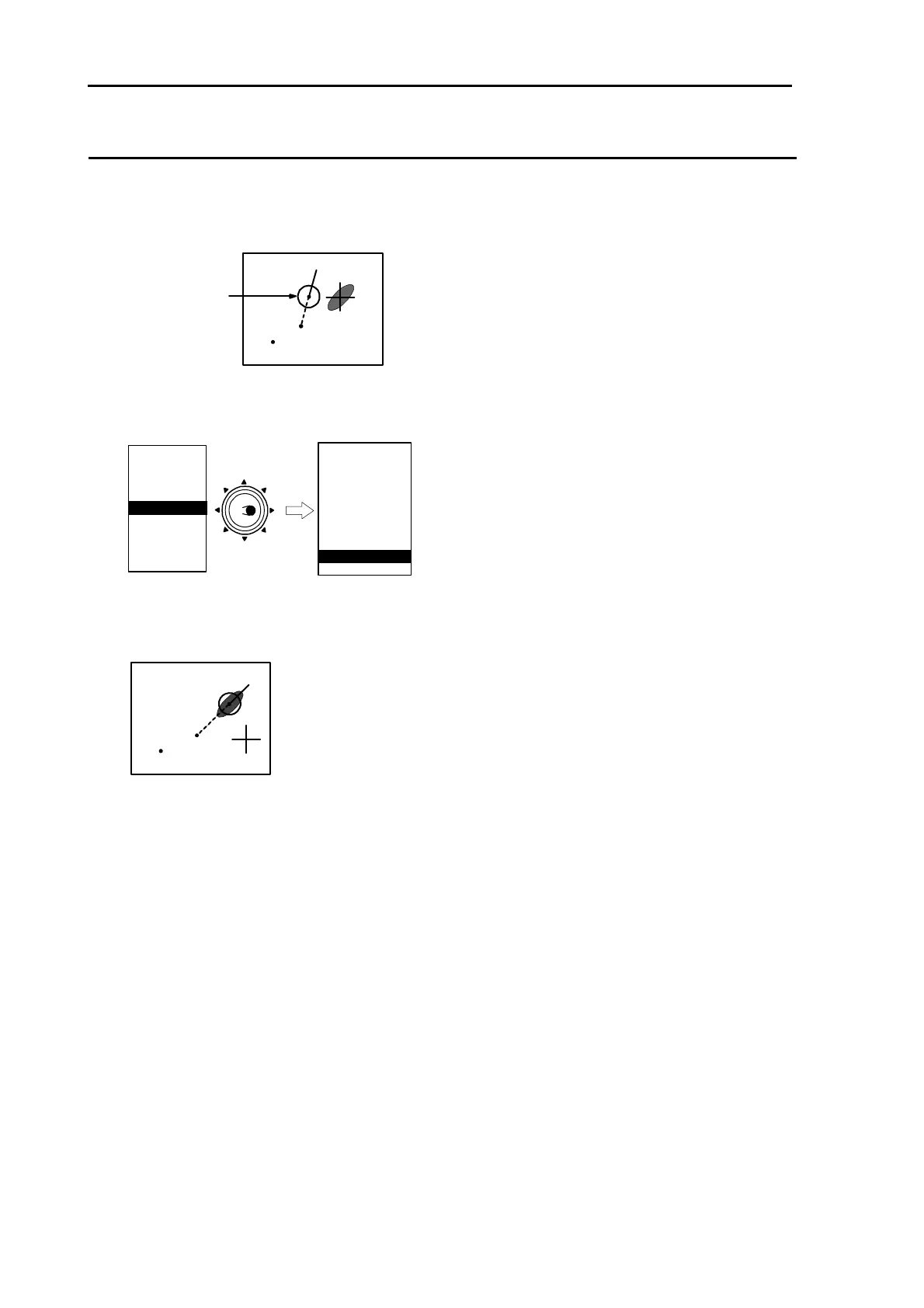
This function is used to correct the latest tracking point.
1 Move a cursor to the point to be corrected by using [Joystick].
rong position
2 Press [MENU] key to display “Menu”.
Select [ATA/EPA] => [EPA UPDATE], and then press [ENT] key.
MARKER
NAV
ALARM
CHART
DETADISP
STARTUP
ECHO
Move to
the right
ATA/EPA
AIS*
* : Displayed at installation ofAIS unit (optional).
ATA/EPA TYPE
ACQ
DELETE
ALL DELETE
MAN ACQ NO
AUTO DETECT
TARGET ID
TARGET SELECT
EPA UPDATE
DATA STYLE
3 Update tracking setup.



 To Next Page