MDC-2200/2500 Series Chapter 3 Basic operation
0093125002-04 3-3
Stop transmission
Press [STBY/TX] key in [Transmission] status to stop transmission.
[STAND-BY] is displayed on the screen after stopping transmission.
3.4 Change range (indicated distance)
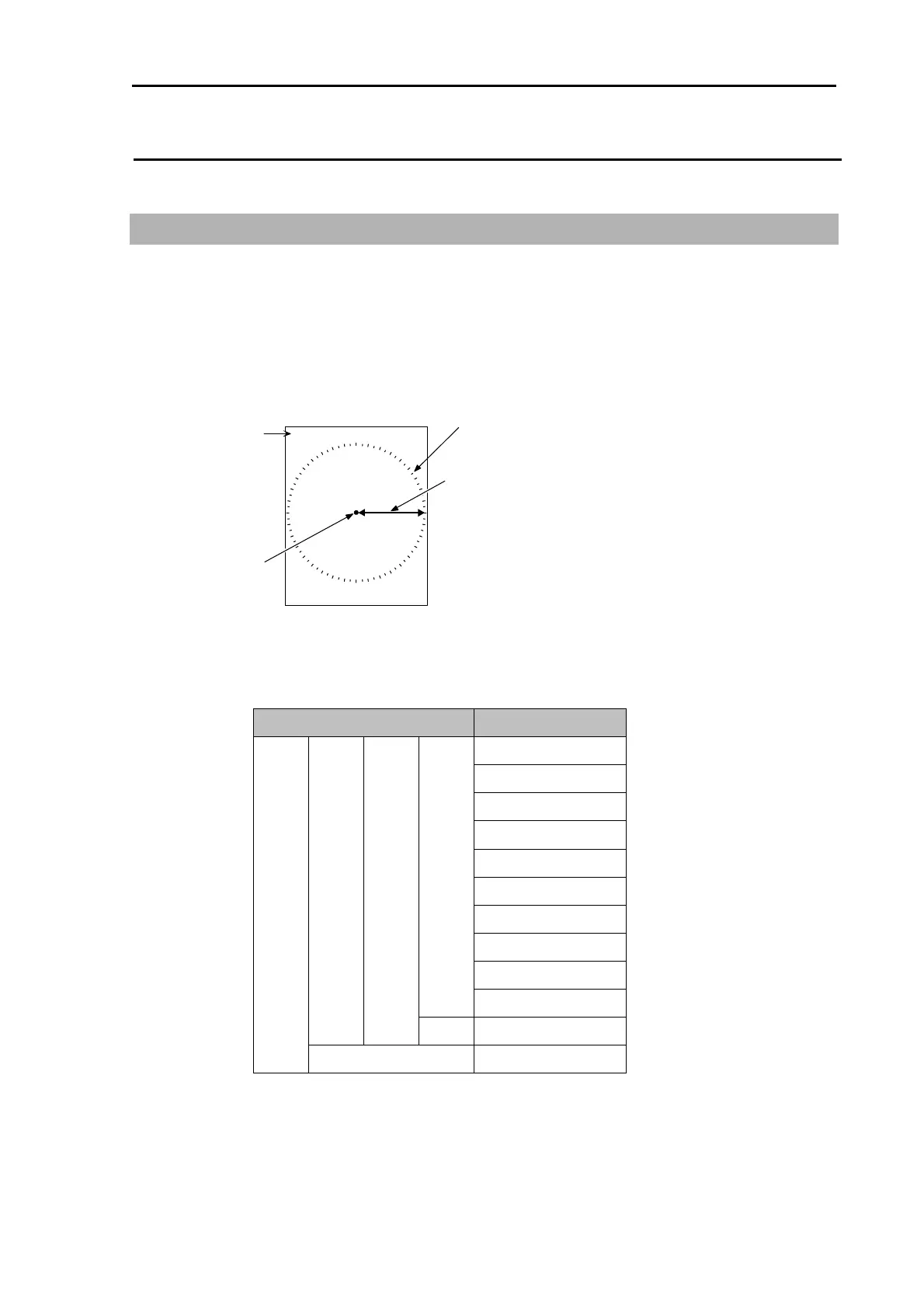
By switching over range, observing area can be changed. Set up the most suitable range for
observation. The observing range is numerically displayed on the upper left of the screen.
1 Press [RANGE +] key to zoom out the area and to observe a long distance.
Press [RANGE -] key to zoom in the area and to magnify proximity of own ship to observe.
Indicated distance
1.5
Bearing scale
Range
Own ship
Ranges usable per each model are as shown below. (Standard setting)
Model name Range
0.125NM
0.25NM
0.5NM
0.75NM
1.5NM
3NM
6NM
12NM
24NM
MDC-2240/2540
(Max. output : 4 kW)
48NM
MDC-2210/2510
(Max. output : 12 kW)
MDC-2260/2560
(Max. output : 6 kW)
72NM
MDC-2220/2520
(Max. output : 25 kW)
96NM



 To Next Page