MDC-2200/2500 Series Chapter 4 Menu operations
0093125002-05 4-5
(6) Designate cross cursor display method.
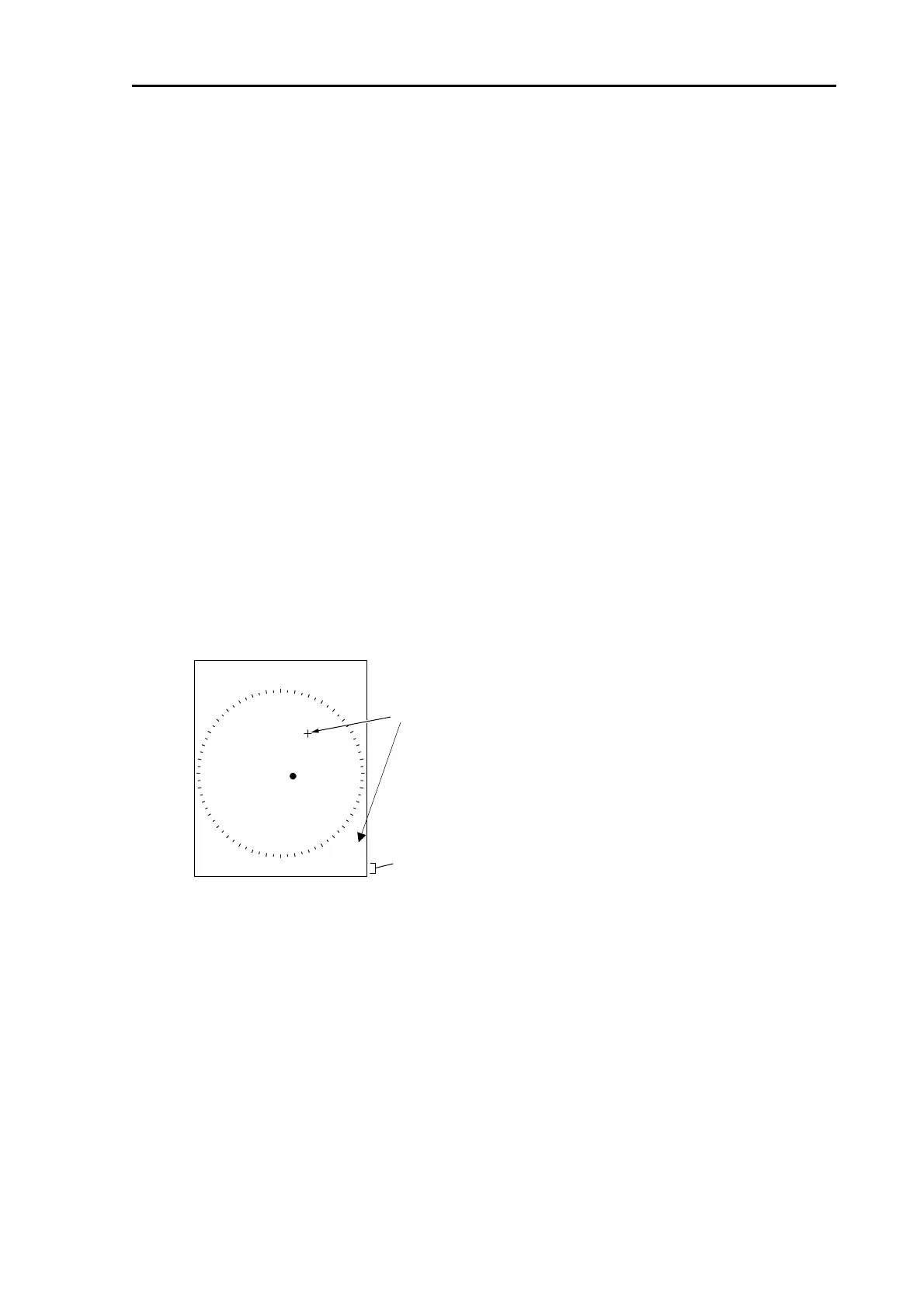
Information of cross cursor (bearing and range from own ship position) is displayed on the lower right of
the screen.
This information includes bearing and range from own ship position and latitude/longitude of cursor
position.
(Display latitude/longitude of cursor position)
Select [MARKER] => [CURSOR] => [L/L], then press [ENT].
Select setting item [ON] then press [ENT] key to stop latitude/longitude display.
IMPORTANT: Heading signal and latitude/longitude signal shall be input to display latitude/longitude.
・ Cursor display is turned off normally and when operated only with joystick, cursor can also be
displayed.
(Display only when cursor is in use)
Select [MARKER] => [CURSOR] => [OFF], then press [ENT] key.
Select setting item [ON], then press [ENT] key to keep cursor displayed.
CURSOR
0.22.0°
9.059NM
139°88.255N
038°44.521E
Latitude/Longitude
Cursor
< Display content of setting item >
OFF : Cursor is displayed only when joystick is operated.
ON : Cursor is always displayed.
L/L : Display bearing/distance from own ship position and latitude/longitude.



 To Next Page