MDC-2200/2500 Series Chapter 4 Menu operations
0093125002-05 4-1
Chapter 4 Menu operations
4.1 How to see and use Menu
Display menu (main menu)
Press [MENU] key then Main menu is displayed on the lower left of the screen.
Delete menu
Menu is disappeared by pressing [MENU] key when “Menu” is displayed.
Select menu item
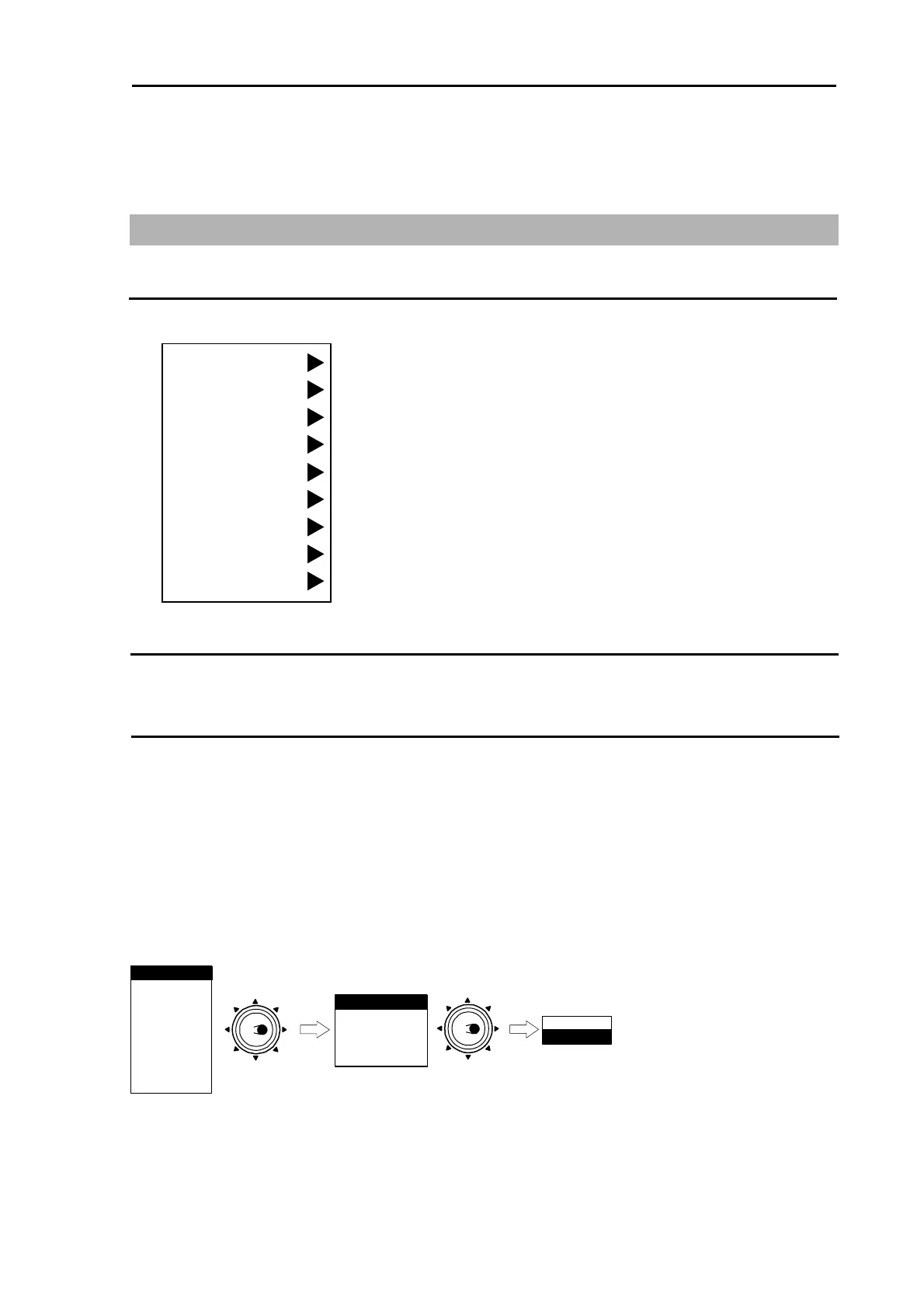
1 Select Main menu item by turning [Joystick] up or down after Main menu is displayed. (Selected
item is displayed in reverse)
2 Sub menu is displayed by turning [Joystick] to the right after Main menu item is selected.
3 Turn [Joystick] up or down to select sub-menu item.
4 Turn [Joystick] to the right after sub-menu is selected, then next sub-menu will be displayed.
5 Turn [Joystick] to the left to return previous menu.
< Menu operating procedure >
NAV
ALARM
CHART
DATADISP
STARTUP
ECHO
RANGE RINGS
BRG TRUE/REL
CURSOR
ON
MARKER
Move to
the right
PARALLEL INDEX
OFF
ATA/EPA
MARKER SEL**
**:MARKER SEL is provided for MDC-2200 series onl
* : Displayed at installation ofAIS unit (optional).
AIS*
Move to
the right
y.
Press [ENT] key.
MARKER
ECHO
NAV
ALARM
ATA/EPA
AIS
CHART
DATADISP
STARTUP



 To Next Page