MDC-2200/2500 Series Chapter 4 Menu operations
0093125002-05 4-43
When the setting is ON, display data becomes to read easily as background is masked.
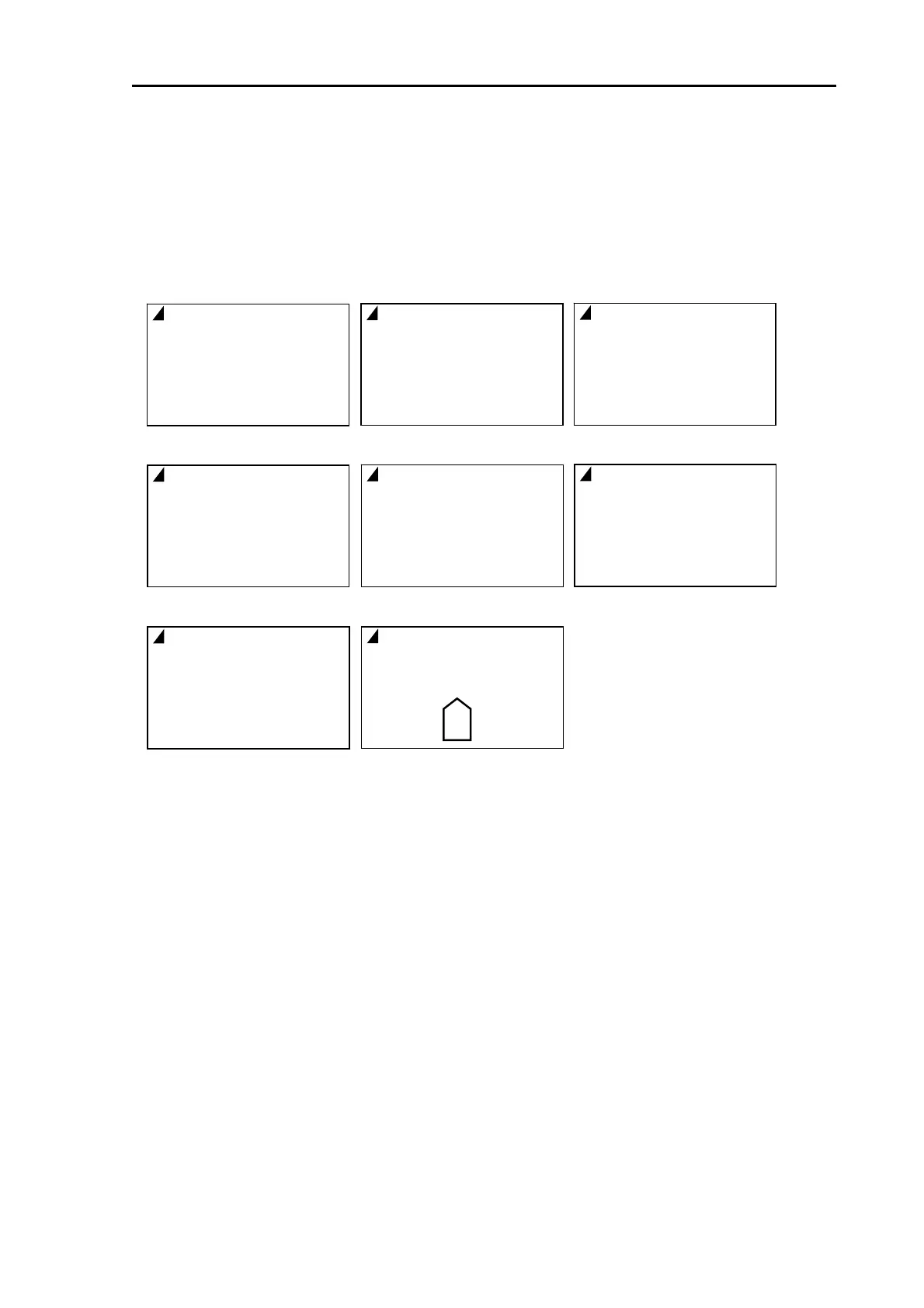
(3) Setup DISP1 display item
Select lower screen, left display items.
Setting value : OFF, OWN1, OWN2, WPT, ATA/EPA, AIS, NAV, AIS DETAIL1, AIS DETAIL2
(4) Setup DISP2 display item
Select lower screen, middle display items.
Setup item is the same as the one displayed left.
(5) Setup DISP3 display item
Select lower screen, right display item.
Setup item is the same as the one displayed left.
(6) Protect cancel
To display detailed Menu, Select protect cancel then press [ENT] key.
Refer to item 4.1 “How to see and use Menu” for detail.
OWN
LAT
LON
COG
SOG
SET
DRIFT
OWN 1
OWN
DEPTH
W TEMP
TD
TD
△LAT
△LOT
OWN 2
WPT
ID
LAT
LON
R BRG
RNG
XTE
WPT
ATA
CPA
TCPA
COG
SOG
T BRG
RNG
TA/EP
AIS
MMSI
NAME
SOG
CPA
TCPA
COG
AIS
AIS
T BRG
RNG
LAT
LON
HDG
ROT
IS DETAIL 1
NAV
T VECT
Limit CPA
TCPA
AIS
DATUM
REF
NAV
LOCAL
AIS
DEST
ETA
DIM
AIS DETAIL 2



 To Next Page