Data transfer to external media (optional) page 79
12.2 PC transfer to LabDesk
12.2.1 Installation
*
The computer system requirements are listed in the Appendix IV.
Software installation
1. Close all Windows applications with the exception of Explorer.
2. Insert the LabDesk CD. If the installation program does not start automatically:
Start the
Setup.exe
program in the root directory of the CD.
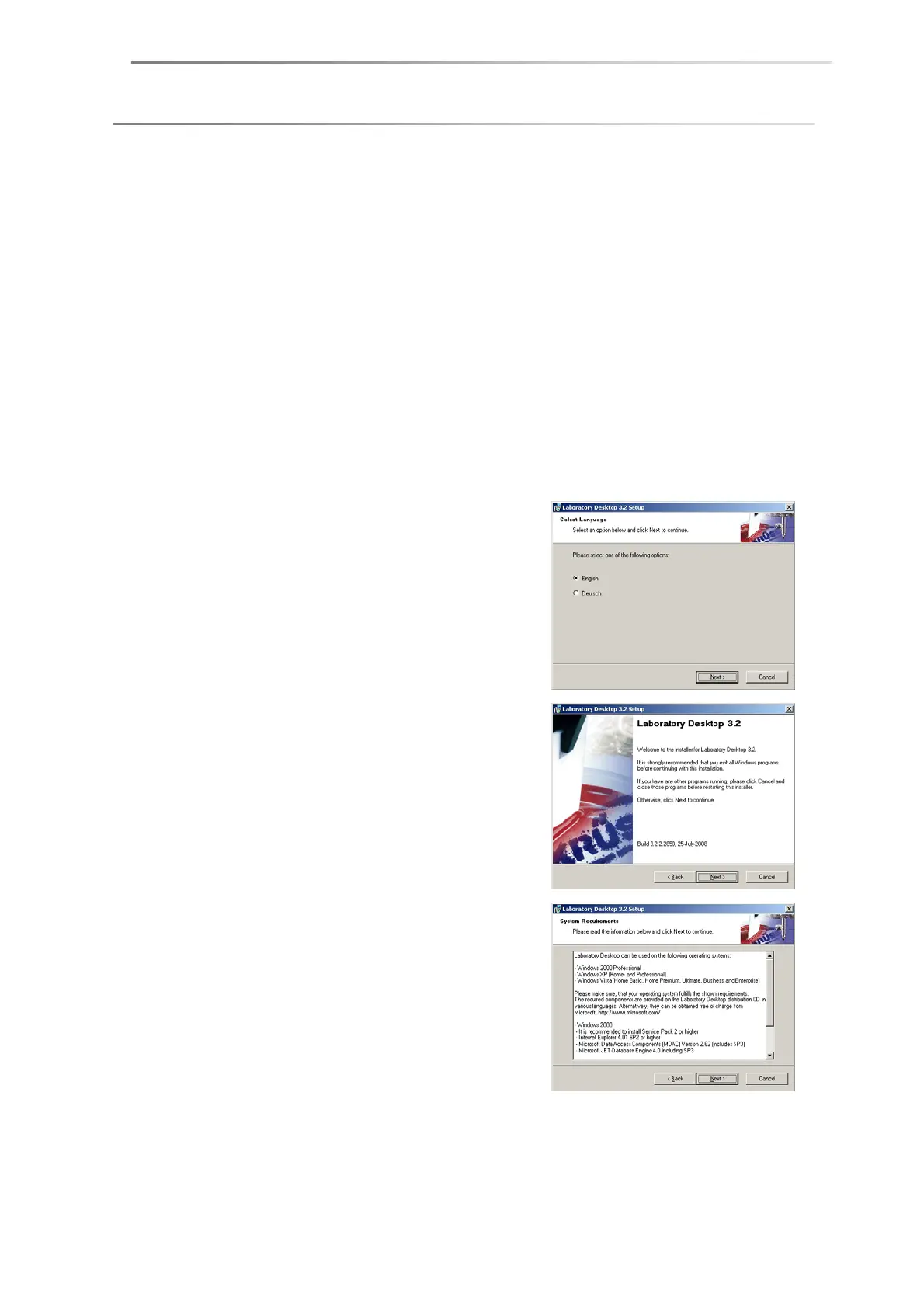
3. Choose the language for the installation
dialogue. Click on
Next
.
4. A Welcome window will appear. Click on
Next
.
5. The operating system requirements will be
listed. Check whether additional components
need to be installed for your Windows
version. If this is the case, click Cancel and
install the necessary Microsoft components
from the LabDesk CD. Click
Next
if the
requirements are fulfilled.


 To Next Page
 Loading...