Storage Mode
Storage Mode Page
11-1
Chapter 11
Storage Mode
UseStoragemodetoload,save,backup,andcopyfilesbetweenthePC3LEandtheoutside
world.StorageModecanloadandsavewithaUSBdevice(suchasathumbdrive)orwitha
computerbyusingtheUSBComputerport.StorageModefeaturesincl ud e:
•SaveallPC3LEobjects
(Programs,Setups,Songs,etc.)oraselectionofPC3LEobjectstoa.PLE
file(seeTheSTOREPage on page 11‐6.)
•Loadagroupofobjectsorasingleobjectfroma.PLEorcompatiblefile(seeTheLOAD
Page on page 11‐8fordetails.)(SeeAppendix Cforfilecompatibilitydetails.)
•Loadastandard
MIDIsequencefile(.MIDfile)whichcanbeplayedinSongModeorused
asariffinSetupMode(seeTheLOADPage on page 11‐8fordetails.)
•ExportasongfromSongmodeasastandardMIDIsequencefile(seeExport on page 11‐11.)
•Exportalistofcontrollerassignmentsora
listofobjects(seeExport on page 11 ‐11.)
• OrganizefilesandfoldersonaUSBdevice(seeTheUtilities(UTILS)Page on page 11‐10.)
Storage Mode Page
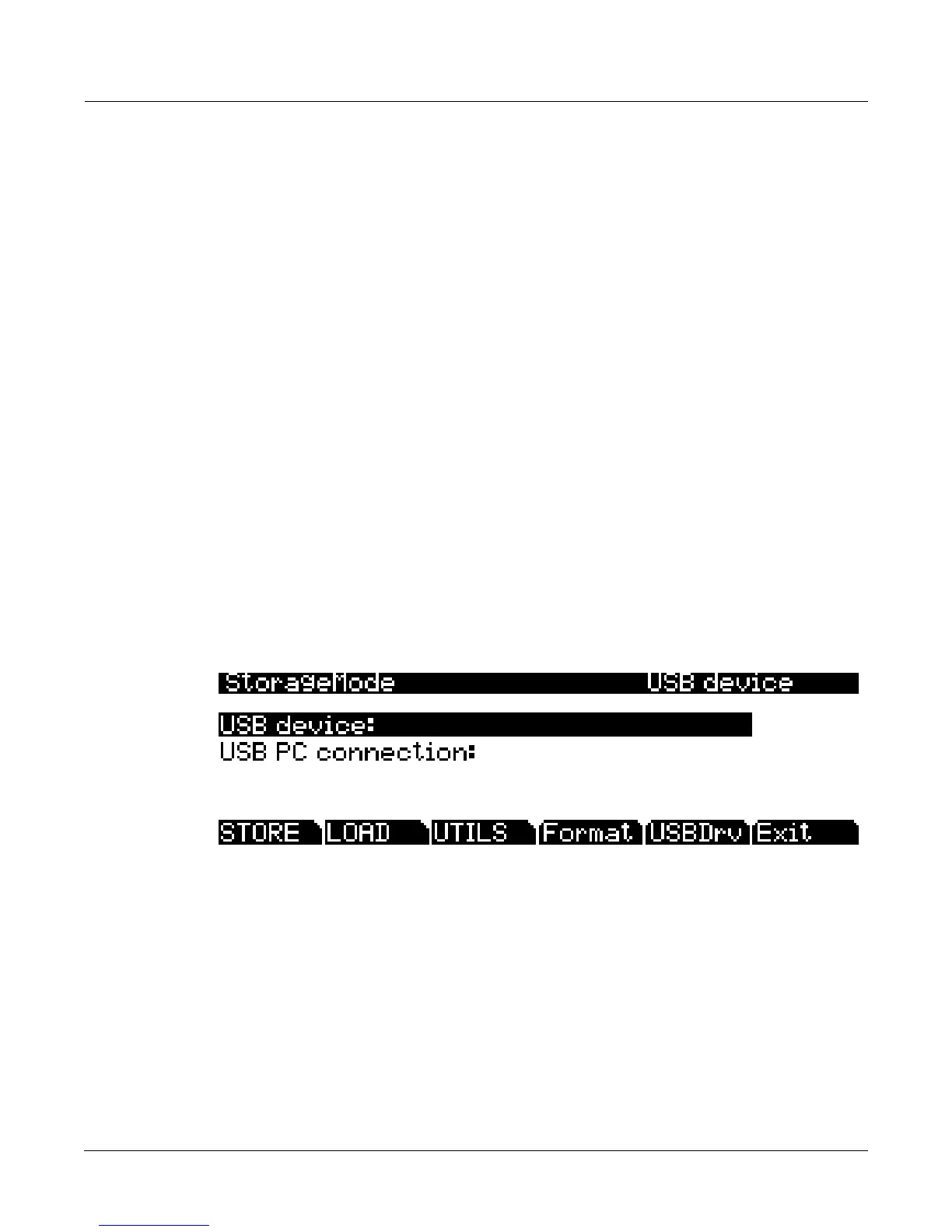
ToenterStoragemode,presstheStoragebutton,andtheStoragemodepagewillappear:
Usethispagetoselectthestoragedeviceyouwishtouse.Thecurrentlyselecteddevicewillbe
readfromorwrittentowhenyouload,save,rename,ordeletefilesinStoragemode.Youcan
loadandsavewithaUSBdevice(suchasathumbdrive)byusingtheUSBStorageportorwith
acomputerbyusingtheUSBComputerportontherearofthePC3LE(seeUsingUSBD evices
belowfordetails.)
Inthecenterofthepagethecurrentlyselectedstorage
deviceishighlighted.Usethecursor
buttons,‐/+buttonsorthealphawheeltoselectoneofthetwostoragedevices.(Youcanalsoselect
theUSBdrivebypressingtheUSBDrvsoftbutton.)WhentheUSBdriveisselected,therewillbea
prompttellingyouthattheUSB‐
MIDIconnectionwillbedisconnected.Youmustacknowledge
thisprompttocontinue.
Thestatusoftheselecteddevicewillbedisplayedaseitherreadyoryouwillseea“No
connection”message.Thetopright‐handcornerofthepagedisplaysthecurrentlyselected
storagedevice.Ifyouarehavingtrouble
selectingadevicethatyouhavepluggedin,tryexiting
StoragemodeandthenenteringStoragemodeagain.














 To Next Page