11-2
Storage Mode
Storage Mode Page
Afterselectingastoragedevice,usethesoftbuttonsontheStorageModepagetostartoneofthe
availableoperations:
STORE Saveobjectsasa.PLEfileonthecurrentdevice.
LOAD Loadselectedfile(s)orobject(s)fromthecurrentdeviceintoPC3LEmemory.
UTILS Organizefilesandfolders onaUSB
device.
Format FormattheUSBdevicecurrentlyconnectedtotheUSBStorageport.
USBDrv SelectthevirtualUSBdrivewhentheUSBcomputerportisconnectedtoa
computer.
Using USB Devices
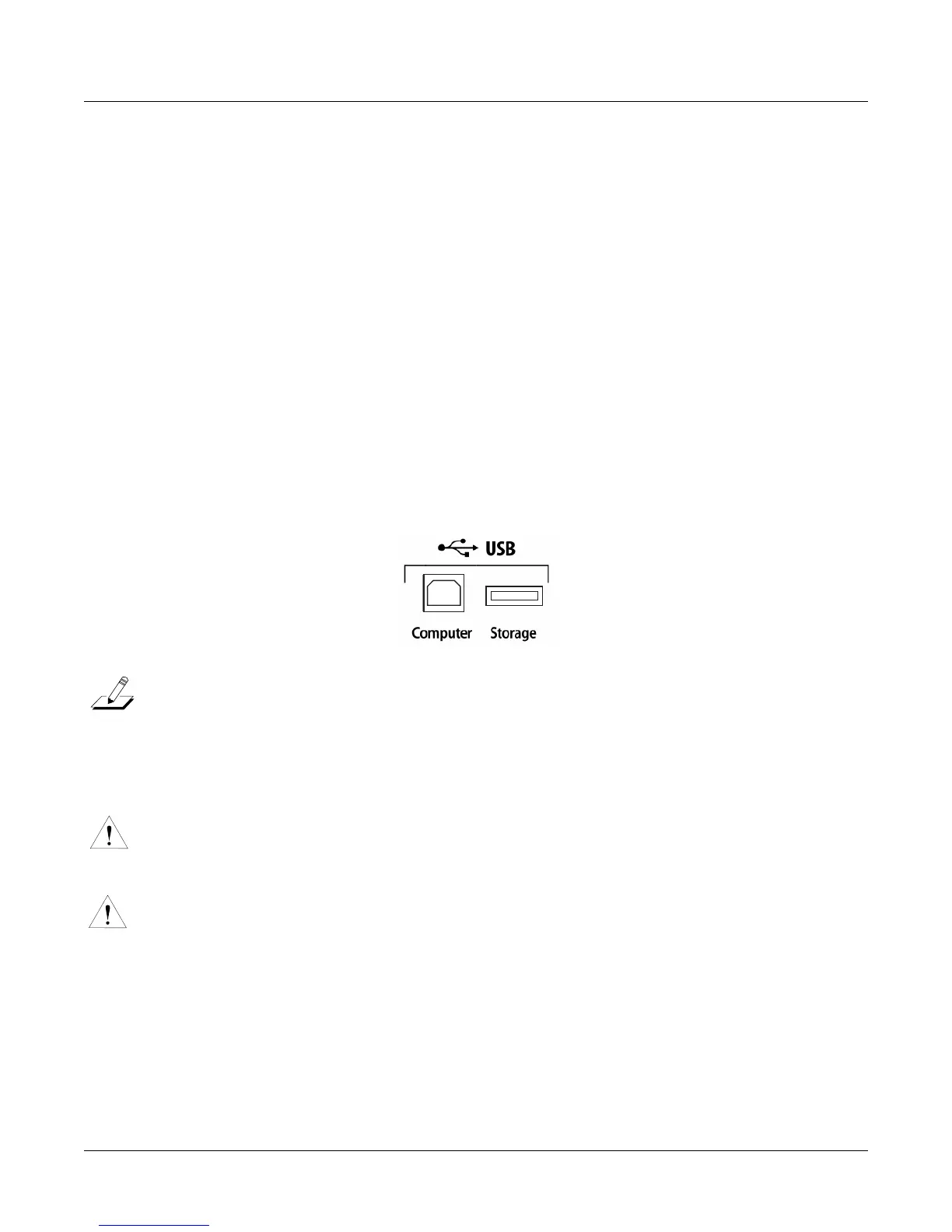
ThereisaUSBStorageportonthebackpanelofthePC3 LE,butitiseasilyaccessiblefromthe
frontoftheinstrument(seebelow.)YoucanplugaUSBmassstoragedevicesuchasa“thumb
drive”intothePC3LEforbackingup,archivin g,sharingyourwork,andupdating
your
software.AnysizeUSBmassstoragedevicewillwork,thoughthumbdrivesarerecommended
fortheirportability,durability,andlowprice.
Note:MostUSBthumbdrivesarecompatiblewiththePC3LE,butsomeolderUSBthumbdrivesand
largerUSBbuspowereddriveswillnotworkwiththePC3LE
iftheyrequiremorethan500mAof
current.WhenattemptingtouseanincompatibleUSBdevice,thePC3LEwilldisplaythemessage“USB
devicerequirestoomuchpower”.Powerrequirementspecificationsforthumbdrivesarenotalwaysmade
clearlyavailablebythemanufacturer,butanewlypurchasedthumbdrivewill
mostlikelybecompatible.
Ifpossible,checkthepowerrequirementspecificationsofyourUSBdevicebeforepurchase.
Caution:AUSBconnectorwillonlyfitintotheportiforientedproperly,sodon’tforceitintothe
port,asthismaydamageyourPC3LEorUSBdevice.Ifyouare having
troubleinsertingyour
USBconnectorintotheport,tryflippingtheconnectorover.
Caution:DonotremoveaUSBdevicewhilethedisplaysaysLoading...orSaving....RemovingaUSB
deviceduringafiletransfercancausedatacorruption.
Formatting a USB Device
SeeFormat on page 11‐11.














 To Next Page