Storage Mode
Storage Mode Common Features
11-5
Common Dialogs
ThesearedialogsthatthePC3LEcallsupwhenabouttoperformcertainstoragefunctions.
The Select Directory Dialog
Whenstoringanobject—orgroupofobjects—thePC3LEpromptsyoutoselectadirectoryin
whichtosavethatobjectorgroup.
Therearethreenavigatingsoftbuttonsontheleftsideofthebottomof
thepage:
NewDir Createnewdirectory.Callsup theNewDirectorydialog(seethefollowingsection)
Open Opensthe highlighteddi rectory.
Parent Movesyouuponelevelinthedirectoryhierarchy.Ifthedisplayisalreadyatthe
rootdirectory,thisbuttonhasnoeffect.
Whenyouhavechosenyourdirectory,presstheOK
softbuttontocalluptheFileNamedialog
(seethefollowingsection)andcompletethestoringprocess.
The File Name/New Directory/Rename Dialog
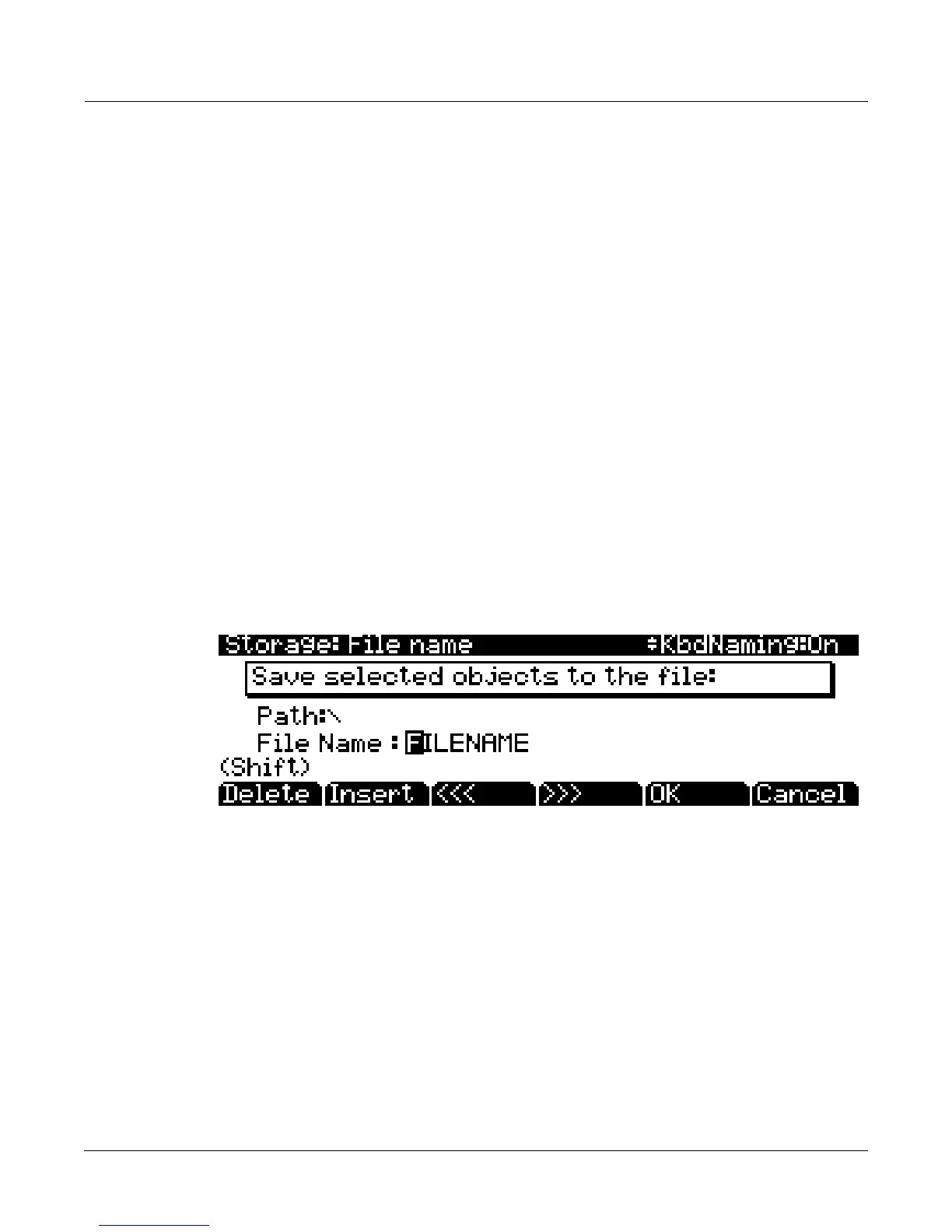
WhenyoucreateanewfileinStoragemode,createanewdirectory,orrenameafileordirectory,
thePC3LEpromptsyoutoentertheobject’sname.ThisFileNamedialog
appearsasshown
below(boththeNewDirectoryandRenamescreensappearandfunctionsimilarlytotheFile
Namedialog.)
NewfilenameswilldefaulttoeitherFILENAME(afterapowerup),orthenamewillbethatof
themostrecentfilesavedorloaded.Newdirectorynameswilldefaultto
eitherDIRNAME
(afterapowerup),orthenamewillbethatofthemostrecentfilesavedorloaded.Youcanedit
thenameusingtheLeftandRightcursorbuttons,theDeleteandInsertsoftbuttons,andthe<<
and>>softbuttons.SeeKeyboardNaming on page 5‐5foranotherway
toenterfilenames.
PresstheOKsoftbuttontofinishtheoperation.














 To Next Page