11-6
Storage Mode
The STORE Page
The STORE Page
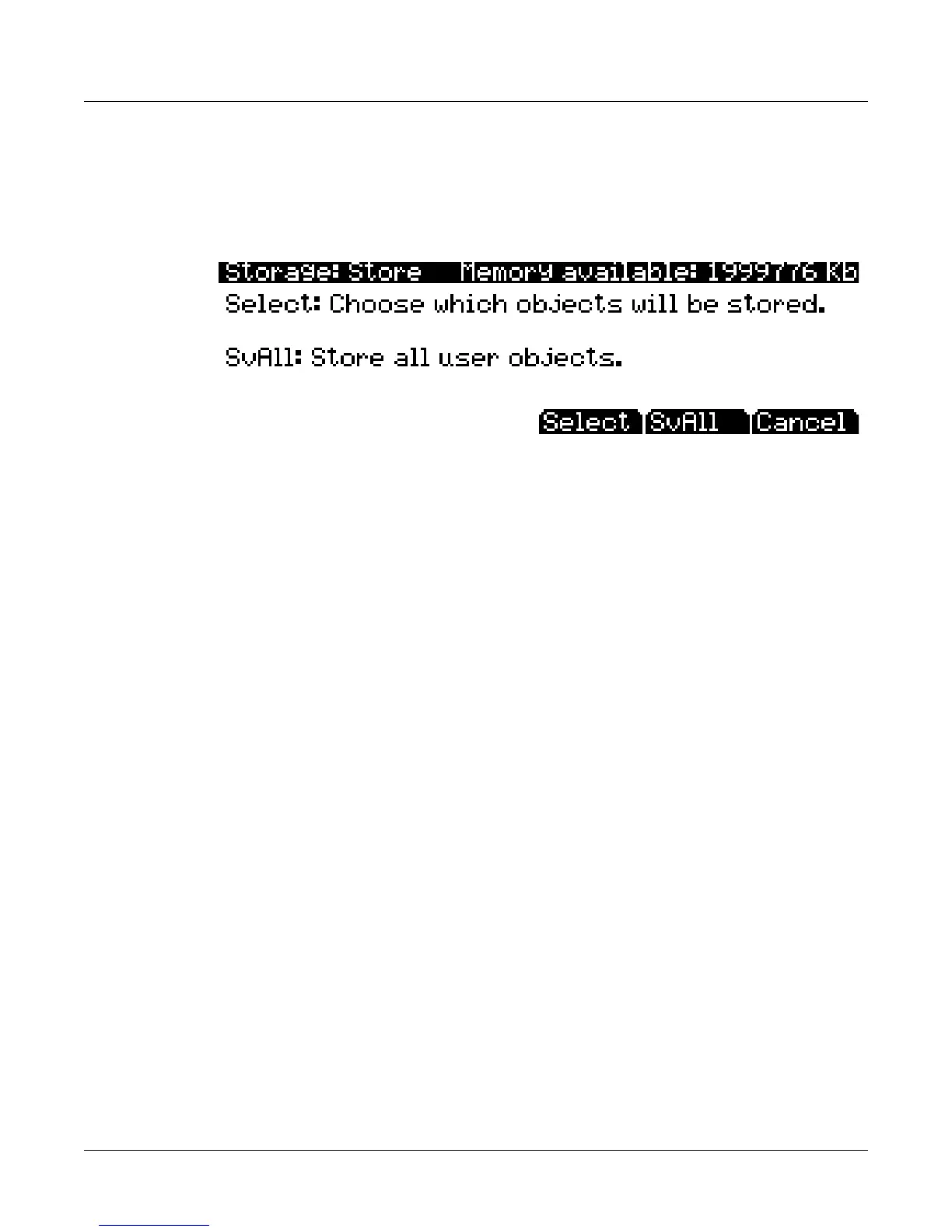
PressingtheSTOREsoftbuttoncallsuptheStorepage,whereyoucanselectuserobjectsfrom
RAMtostoreinthecurrentstoragedevice.Thepageappearsasshownbelow:
Atthetoprightofthepage,thedisplayshowshowmuchmemoryisavailableinthecurrent
storagedevice.
PressoneoftheStorepage’sthreesoftbuttons.Belowisadescriptionofthe
functionofeachsoftbutton:
Select Allowsyoutoselectspecificuserobjectstostore,seeTheStoreAdvancedPagebelow
fordetails.
SvAll Savesalluserobjects.
Cancel ExitstheStorepageandreturnsyoutothe
Storagemodepage.
YoucannotstoreROMobjects.IfyouwishtostoreaROMobject,suchasaprogram,youmust
firstsaveitinternallyasauserRAMprogram.ThePC3LEsavesaobjectsinafilewitha(.PLE)
extension.Notethatalthough.PLEfilesare“collections”
ofobjects,youcan loadindividual
objectsifyouwantto.SeeLoadingIndividualObjects on page 11‐9.
The Store Advanced Page
PressingtheSelectsoftbuttoncallsuptheStore Advancedpage.Onthispage,youcanselect
individualobjectstostore,ratherthanstoringallobjects.TheStoreAdvancedpagelistsevery
usereditedobjectinthePC3LE.TheobjectsareorganizedbynumericalIDandobjecttype.
Therearefive
softbuttonsontheStoreAdvancedpage:
Select Selectordeselectthehighlightedobject.Anasterix(*)appearsbetweentheIDand
objecttypeofselectedobjects.
Next Scrolltonextentry.Samefunctionaspressingthedowncursorbuttonorthe+
button,orturningtheAlphaWheeloneclick
clockwise.
Type Jumptonextobjecttypeinthelist.
Store Storetheselectedobjectstothecurrentstoragedevice.Pressingthissoftbuttoncalls
uptheSelectDirectorydialog.
Cancel ExitstheStoreAdvancedpage.
Shortcuts when Storing Individual Objects
Selectingordeselectingalloftheobjectsatoncecanbedonewiththefollowingdouble
‐presses
(twofront‐panelbuttonssimultaneouslypressed):














 To Next Page