42 Laborie alpHaONE User & Service Manual LBL-01791 [B]
Diary Information
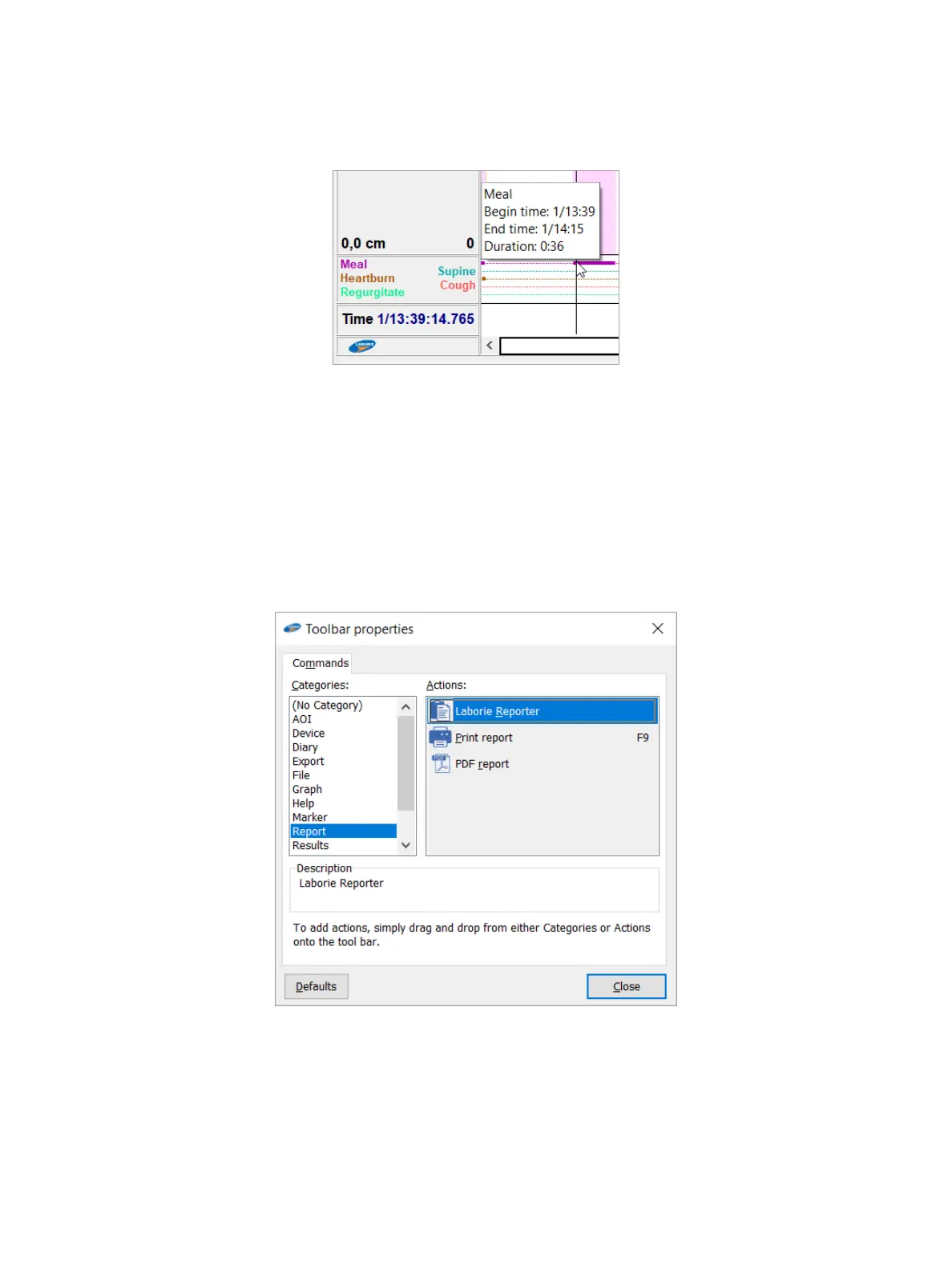
Detailed diary information is shown below the graphs. In the left column, you can see the diary names, as shown in
Figure4-2.
Figure4-2: Diary Information
Move the cursor over a vertical bar on the to show the begin time, end time, and duration of a period. Normally, you
edit the diary via the Editdiary dialog box. For more information about editing a diary, see the section “Diary” on
page53.
Conguring the Toolbar
Youcancustomizethetoolbartodisplaythecommandbuttonsthatyouprefer.Tocongurethebuttonsonthe
toolbar,right-clickthetoolbarandthen,inthecontextmenuthatopens,chooseProperties. to display the Toolbar
properties dialog box, as shown in Figure4-3.
Figure4-3: The Toolbar Properties Dialog Box
•
To place a button on the toolbar, in the Toolbar properties dialog box, drag a button from the Categories list box
or the Actionsboxtothelocationonthetoolbarwhereyouwouldlikethebuttontoappear,andthenreleasethe
mouse button..
•
To move a button on the toolbar, drag the button to the spot on the toolbar where you want it to appear.
•
To delete a button from the toolbar, drag the button down, off the toolbar, and then release the mouse button
when the cursor is clear of the toolbar.



 To Next Page