32 Laborie alpHaONE User & Service Manual LBL-01791 [B]
9. Transfer the data to the computer
a. Use the USB cable to connect the alpHaONE recorder to the computer and then, in the Laborie alpHaONE
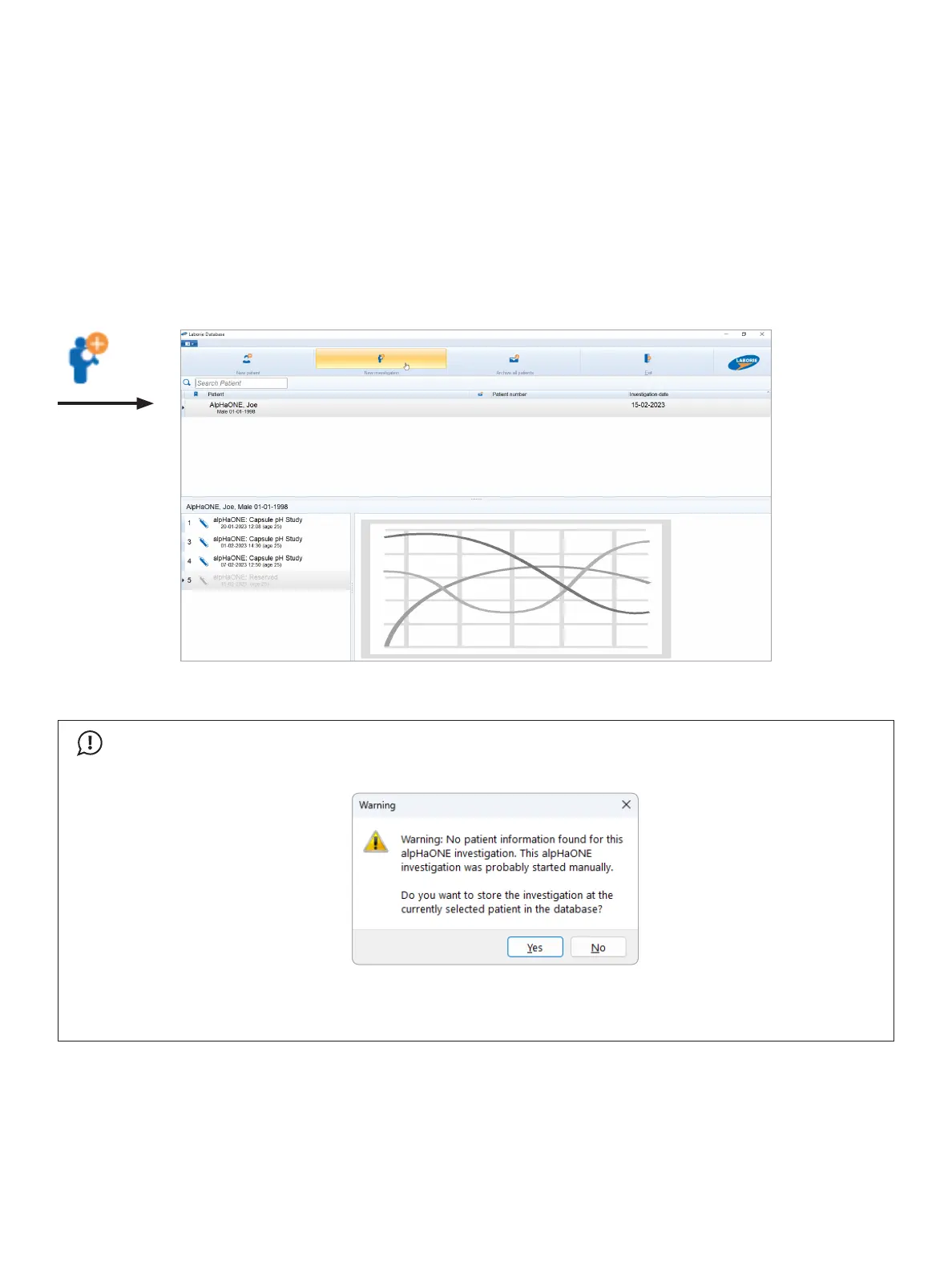
application,double-clicktheLaborieDatabase button.
b. Select the patient or enter the patient information if the patient doesn’t yet exist in the database.
c. ClicktheNewinvestigation button to transfer the data.
d. ClicktheReview button to edit the diary and to print the investigation report.
Stop Recording and Transfer Data
Use the supplied USB cable to connect the alpHaONE recorder to the computer and then, in the Database module,
double-clickthereservedalpHaONEstudyorclicktheNewInvestigation button, as shown in Figure2-18.
Figure2-18: Investigation downloaded
IMPORTANT
If the capsule is paired using the alpHaONE data recorder, you’ll need to add the new patient’s information
intheDatabasemodulebeforeclickingDownload. The following message will display:
ClickYestoproceeddownloadingthestudyfortheselectedpatient,clickNo to return to the database to
enter a new patient. For more details about adding new patients, refer to the section “EnteringPatientData
andSelectingthePatient” on page 19.
The alpHaONE recorder automatically transfers the measured data to the computer.



 To Next Page