Chapter 2 Performing an Investigation 31
ENTER
ESC
Pl ease remove the
capsule breaker
after pressing
ENTER.
S earching ca psule
c. Afterseveralseconds,thescreenwilldisplaytheserialnumberofthecapsuletowhichyouarepairing.
Verify that this number matches that printed on the bottom of the capsule’s delivery-system handle. If the
numbers match, press Yes to continue. If the number displayed does not match the one on the handle of
the delivery system, press No and then start the search again.
C o n firm th e S N
JSPC0000431009
No YesESC
NOTE
If the recorder cannot detect the capsule’s signal, the screen will display the message No capsule signal!
To search again?
01-01-2017 01:01
N o capsule signal!
To search again?
ESC ENTER
6. Pair the capsule and recorder and then start recording.
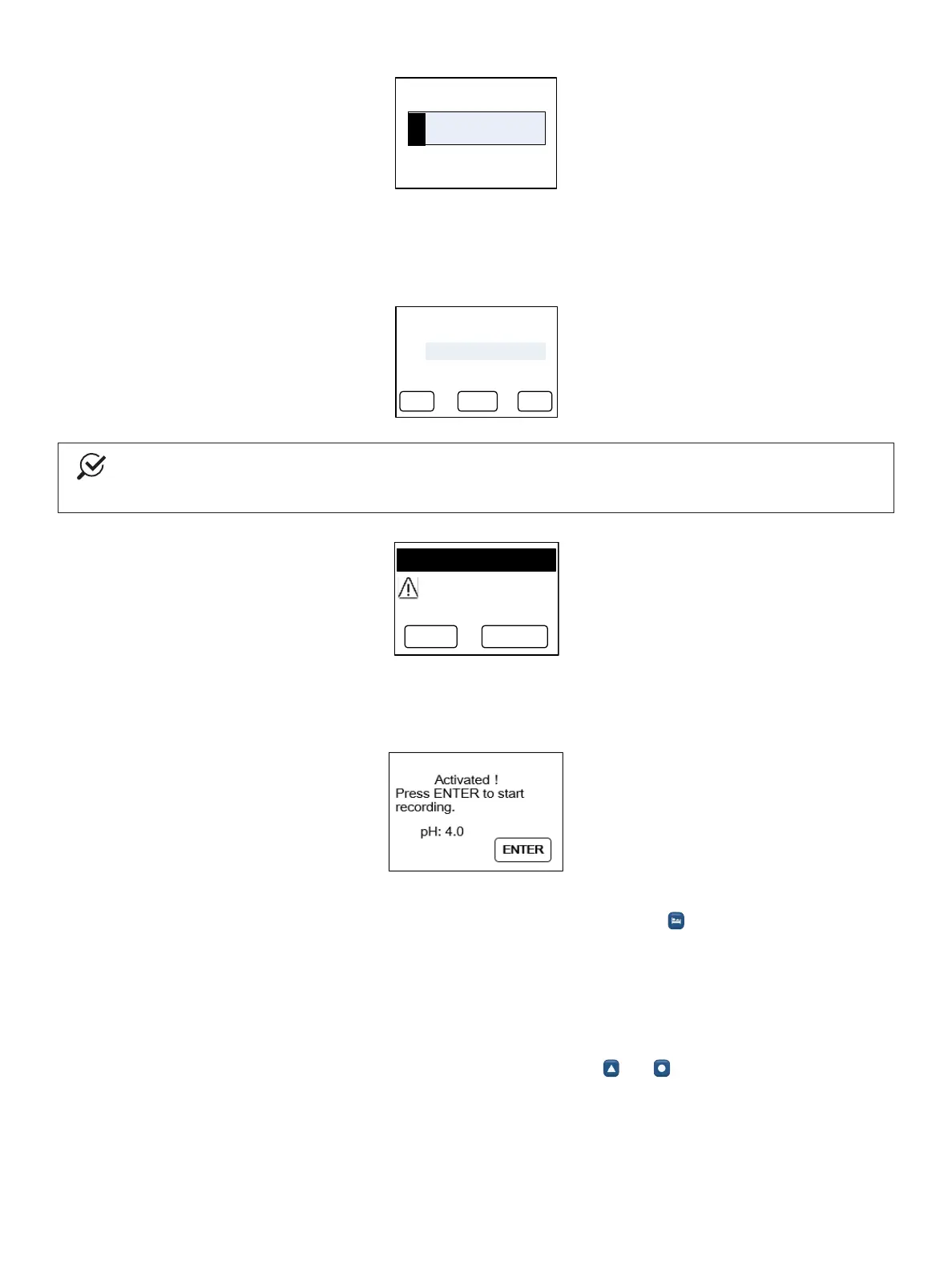
a. Aftertherecorderandcapsulehavebeensuccessullypaired,thescreendisplaysthemessageActivated!
PressENTERtostartrecording.
b. Insert the capsule as described in the section “PlacingtheCapsuleinthePatient” on page 24.
c. AftersuccessfullyattachingthepHcapsuletotheesophogealwall,press to start recording.
7. Provide the patient with instructions on what to do during the monitoring phase.
Explain to the patient how to use the alpHaONE event buttons and the written diary. For more information on
providing instuctions to the patient, see the section “PatientInstructions” on page 36.
8. Complete the monitoring phase.
a. The alpHaONE system will stop recording after the preselected study time.
b. To manually stop the alpHaONE recorder, simulataneously press and .



 To Next Page