38 Laborie alpHaONE User & Service Manual LBL-01791 [B]
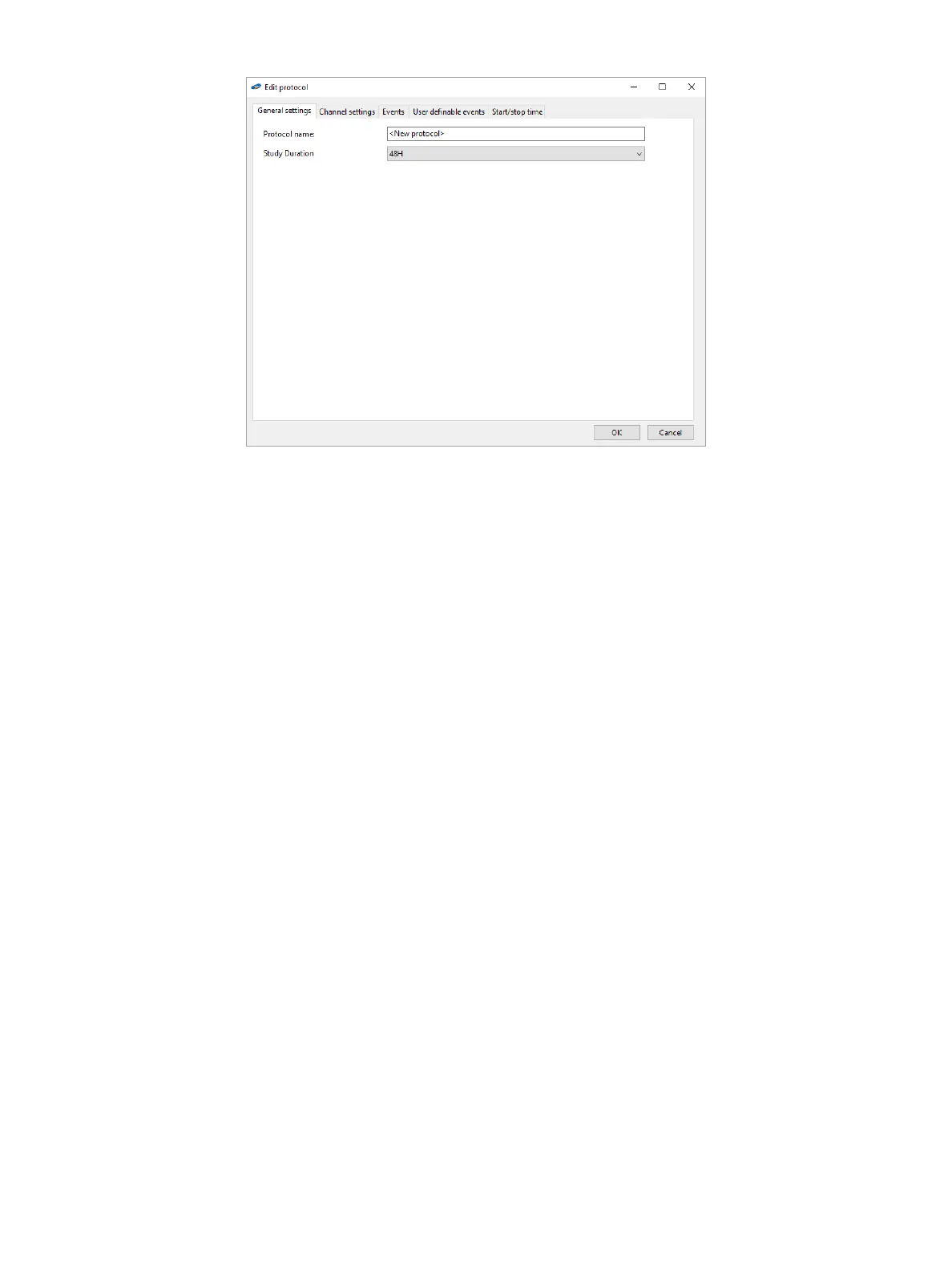
Figure3-1: The Edit Protocol Dialog Box
Intheinvestigationprotocol,youcandenethesettingsspecictoanindividualinvestigation.
The application supports up to 10 protocols. Investigation protocols are set once. To change a protocol, the alpHaONE
recorder must be connected to the computer. If you need to apply different investigation settings to an examination,
you must add a new investigation protocol or edit an existing one.
The Editprotocoldialogboxoffersvetabsonwhichyoucancongureaprotocol:Generalsettings, Channel
settings, Events, Userdenableevents, and Start/stop time. The subsections that follow describe what you can do on
each tab.
General settings
Select the Generalsettings tab to enter the name of the protocol and select the Study Duration. Options available are
24, 48, 72, or 96 hours.
Channel settings
On the Channel settingstab,youcancongurehowthepHchanneldisplaysonthescreen.Formoreinformation,see
the section “ChannelSettings” on page 56.
Events
Select the Events tab (Figure3-2)toconguretheeventbuttonsavailableonthealpHaONErecorder.Settingsonthis
tabwillalsobeapplicablefortheAnalysismodule.



 To Next Page