Chapter 4 TheAnalysisModule 43
Whenyouhavenishedconguringthetoolbartoyourpreference,clicktheClose button.
The Menu Bar
ThesubsectionsthatfollowdescribeeachofthemenusthatareavailableontheAnalysismodulemenubar.
Results
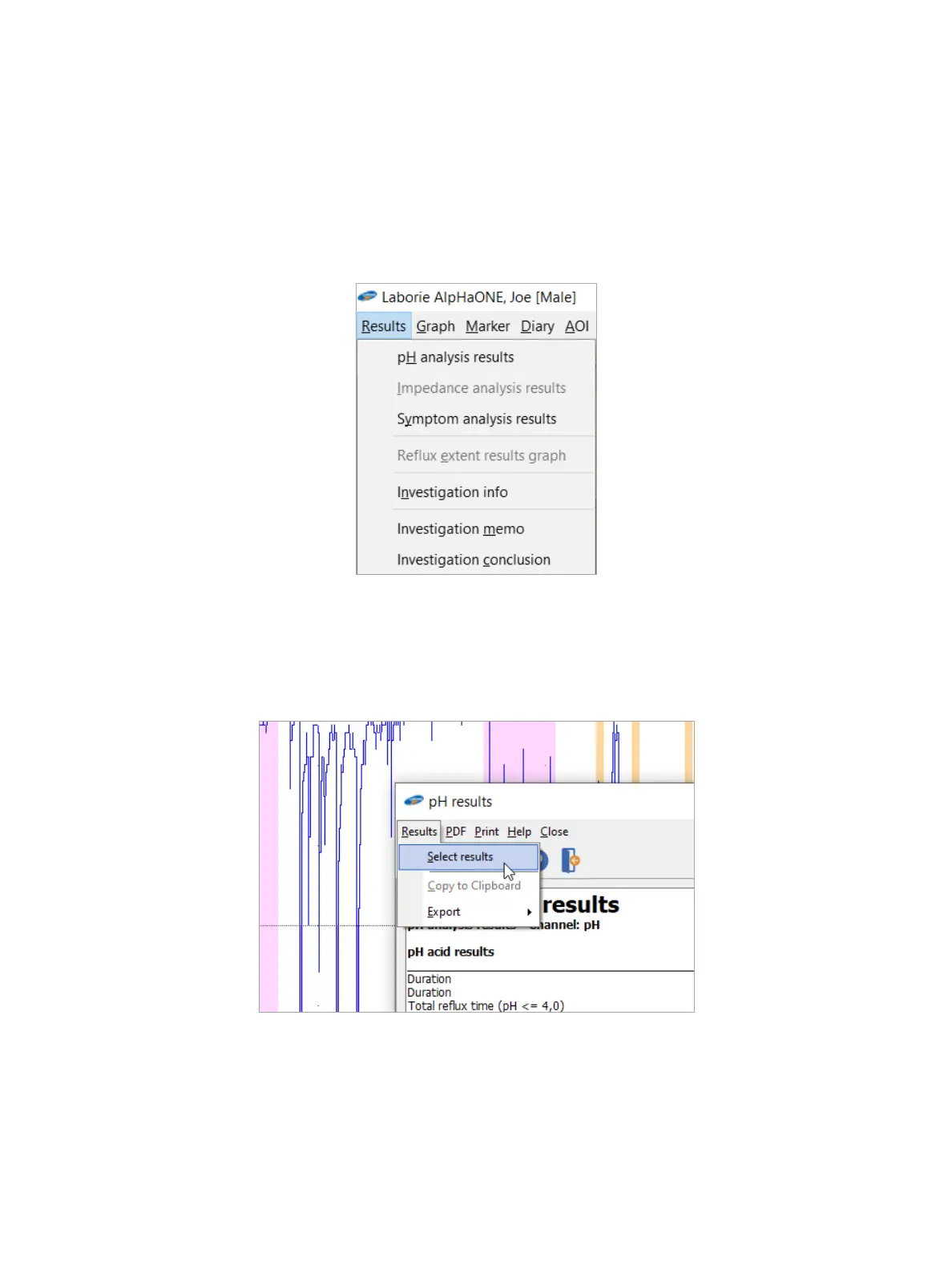
On the menu bar, choose Results (Figure4-4) to display and set results for pH analysis and symptom analysis.
Figure4-4: The Results Menu
Conguring the Results
In the pHanalysis and Symptom results dialog boxes, choose Results > Select results (Figure4-5)orclicktheSelect
resultsbuttontoopenadialogboxinwhichyoucanselectspecicresultstoanalyze,asshowninFigure4-6.
Figure4-5: Navigating to the Result Selection Dialog Box



 To Next Page