Chapter 2 Performing an Investigation 29
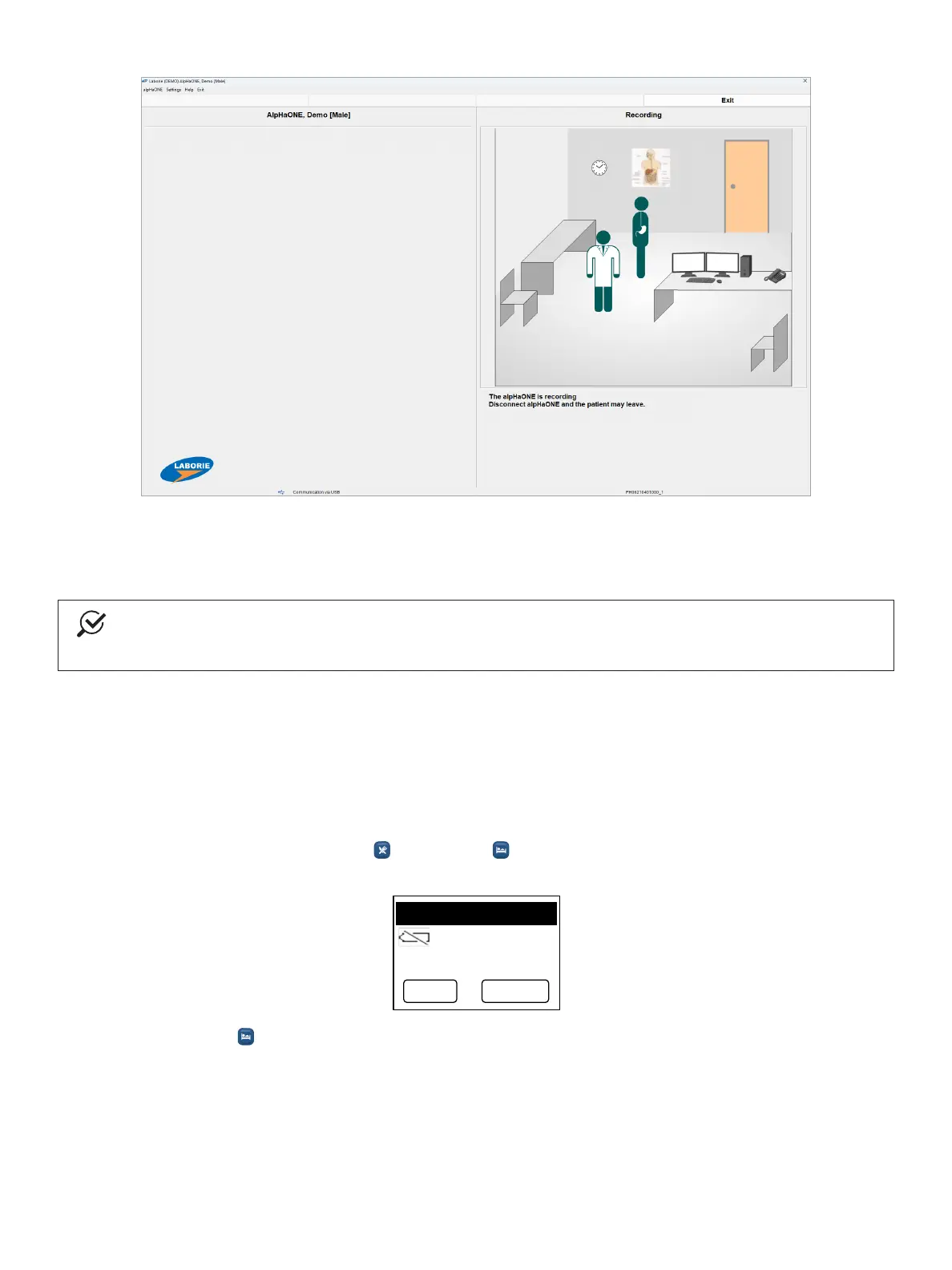
Figure2-17: Screen Indicating That a Recording Is in Process
Explain to the patient how to use the written diary and the event buttons on the alpHaONE recorder. For more detailed
patient instructions, see the section “PatientInstructions” on page 36.
NOTE
The monitoring phase of the examination is 24, 48, 72, or 96 hours in length, during which time the patient
may leave the facility and resume daily activities.
Starting a New Study by Using the alpHaONE Buttons
You can set up the alpHaONE recorder and conduct an examination using only the buttons on the recorder through the
following procedure:
1. Turn on the recorder.
a. InstallthreenewAAAbatteriesintothealpHaONErecorder.
b. Simultaneously press the Meal( )andSupine( )buttonsuntilthescreendisplaysthemessage
Pleaseusenewbatteriesforeachstudy.
01-01-2017 01:01
P lease use new
b a tte rie s fo r
each study.
ESC ENTER
c. Press Enter( )toconrmandgotothenextstep.



 To Next Page