Chapter 4 TheAnalysisModule 65
Export
Table4-3 lists the items available in the Export menu.
Table4-3: OptionsAvailableontheExportMenu
Menu Item Function
CSV Export the investigation data to CSV format. To export results only, see the section
“Introduction” on page 41.
Reuxeventsand
symptoms to XLS
ExportdetailedinformationofallreuxandsymptomeventstoanXLSle.
Report
Laborie Reporter
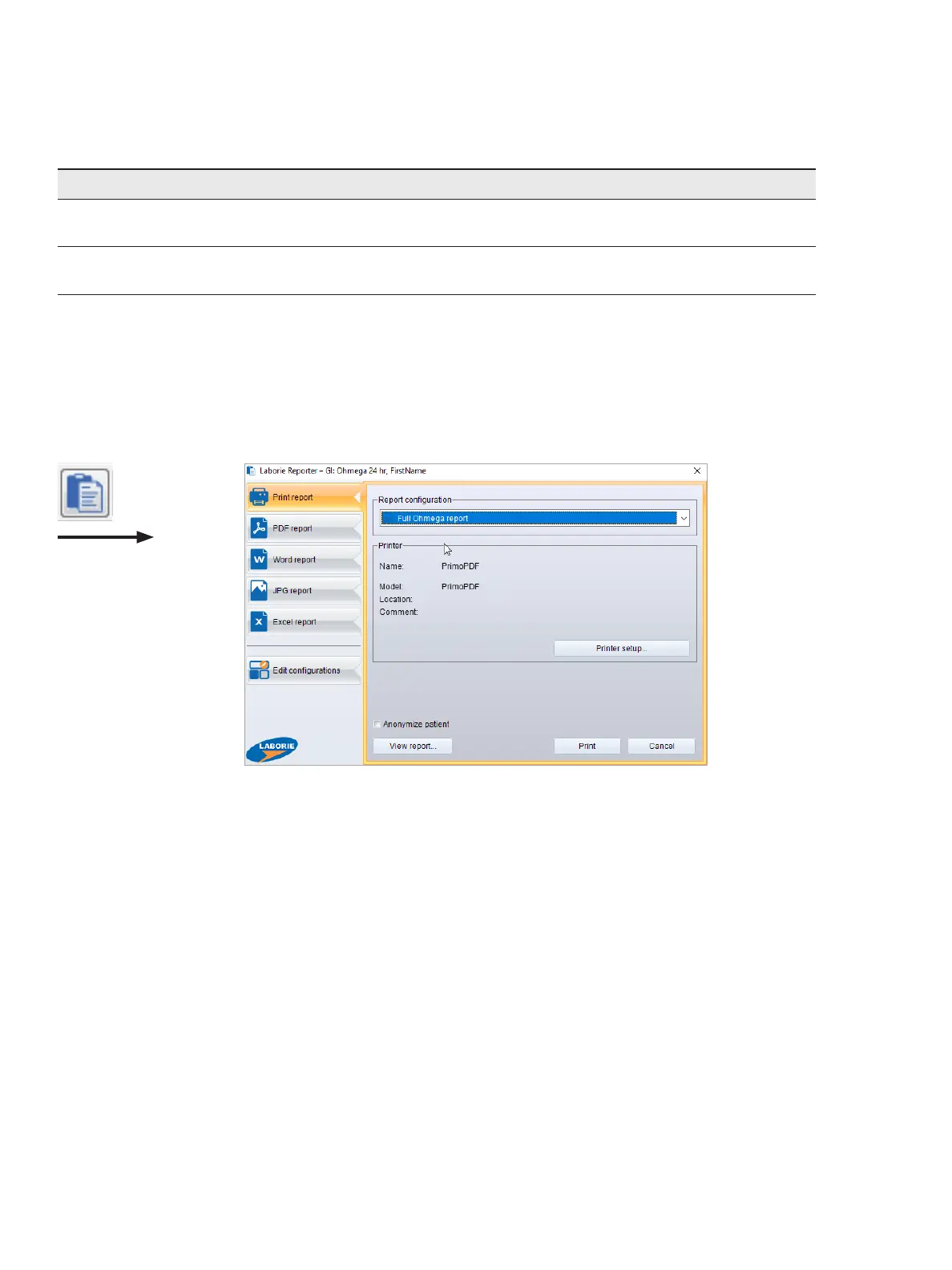
Ifyouwanttoviewthereportormakechangestoitbeforeprintingorexportingit,onthemenubar,chooseReport >
Laborie reporteror,onthetoolbar,clicktheReporter button, as illustrated in Figure4-32.
Figure4-32: The Laborie Reporter Dialog Box
YoucanndmoreinformationintheseparateReportermanual,inPDFformat,whichyoucanaccessviatheManuals
menu in the Database module.
Printing or Exporting a Report or Graph Immediately
You can print or export the report or graph immediately by choosing Report > Print/PDF/JPGReportor Print/PDF/JPG
graph.ThereportorgraphisprintedorexportedaccordingtothePrint/PDF/JPGsettings.Ifyouwanttoadjustthe
setting, you need to start the Reporter module, as described in the previous subsection. You can change the settings
byclickingthePrint/PDF/JPGsetupbutton.YoucanndmoreinformationintheseparateReportermanual,inPDF
format, which you can access via the Manuals menu in the Database menu.
Shortcut Keys
Youcanaccessanoverviewoftheavailableshortcutkeys,asshowninFigure4-33, by choosing Help > Shortcutkeys.



 To Next Page