56 Laborie alpHaONE User & Service Manual LBL-01791 [B]
Print Overview
To print an overview of the diary events, on the menu bar, choose Diary > Diaryoverview.
Toprintanoverviewoftheeventkeys(alpHaONEbuttons)usedbythepatient,chooseDiary > Eventkeysoverview.
Area of Interest
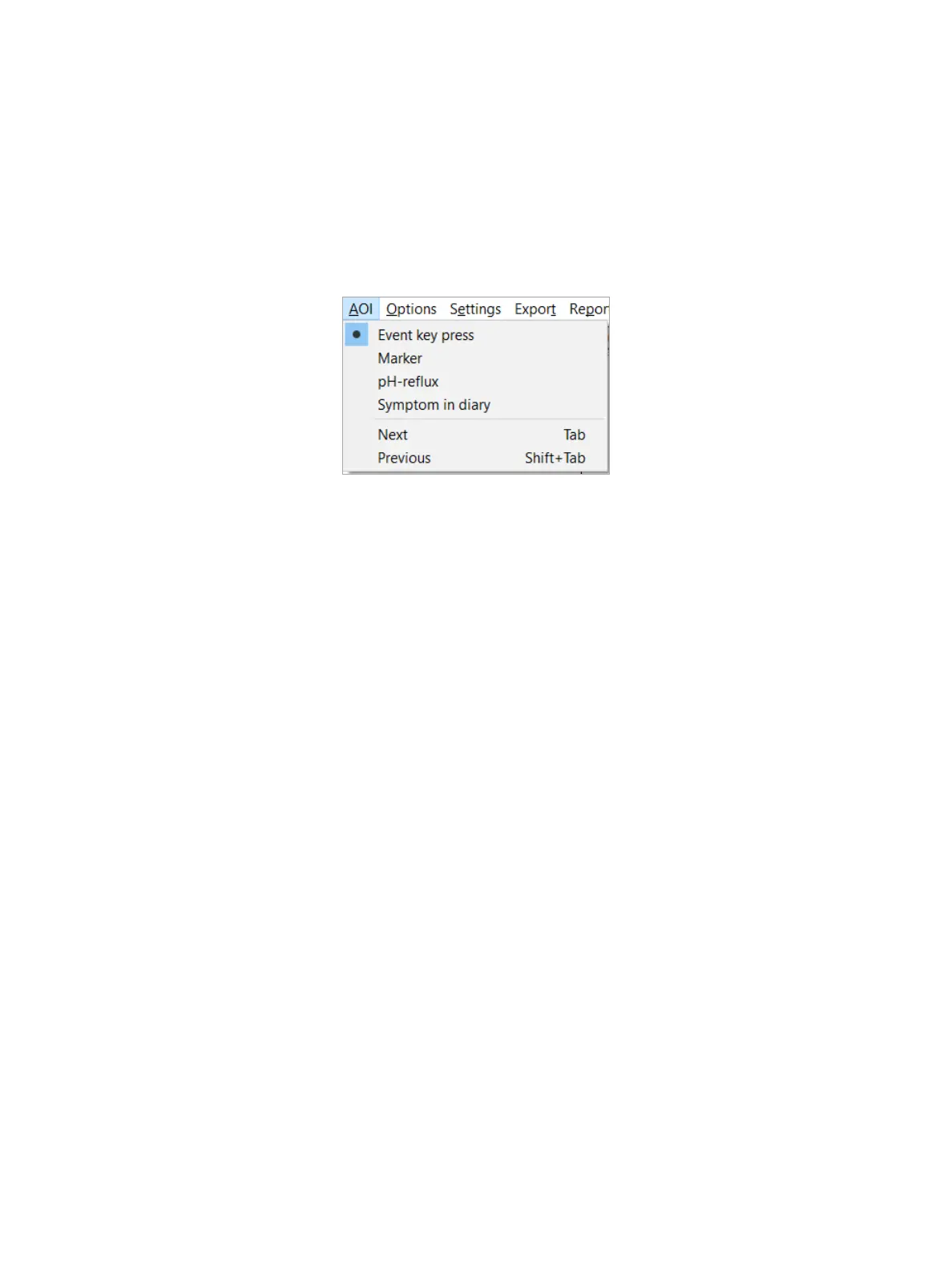
TosearchforanAreaofInterest(AOI)intheinvestigation,onthemenubar,chooseAOI > Next or AOI > Previous. You
canselectwhichAOItosearchforbyclickingtheappropriateoptionintheAOI menu (Figure4-21): Eventkeypress,
Marker, pH-reux(reuxdetectedonpHchannel),orSymptom in diary.
Figure4-21: TheAreaofInterestMenu
Onthekeyboard,youcanalsopresstheTab and Shift+Tabkeystosearchthenextandpreviouspointofinterest,
respectively.ThecursorwilljumptothenextorpreviousAOI.
WhentheAOIissettoSymptom in diary,thecursorwillalsojumptouser-denablediaryitems,withsymptomas
analysis type.
Utilities
Ruler
ClicktheRuler button or, on the menu bar, choose Utilities > Rulertoturnontheruler.Clickonthegraphanddrawa
linetomeasuretheswalloworreuxtimeinseconds.YoucanalsousetheRkeyonyourkeyboard.
Diagnostics
On the menu bar, choose Utilities > Diagnostics to print or save diagnostic information concerning the selected study.
Normally,youwilldothiswhenaskedbyLaborieoroneofitsrepresentatives.
Settings
Channel Settings
On the menu bar, choose Settings > Channel settings to display the channel settings, as shown in Figure4-22.



 To Next Page