Chapter3 The Measurement Module 39
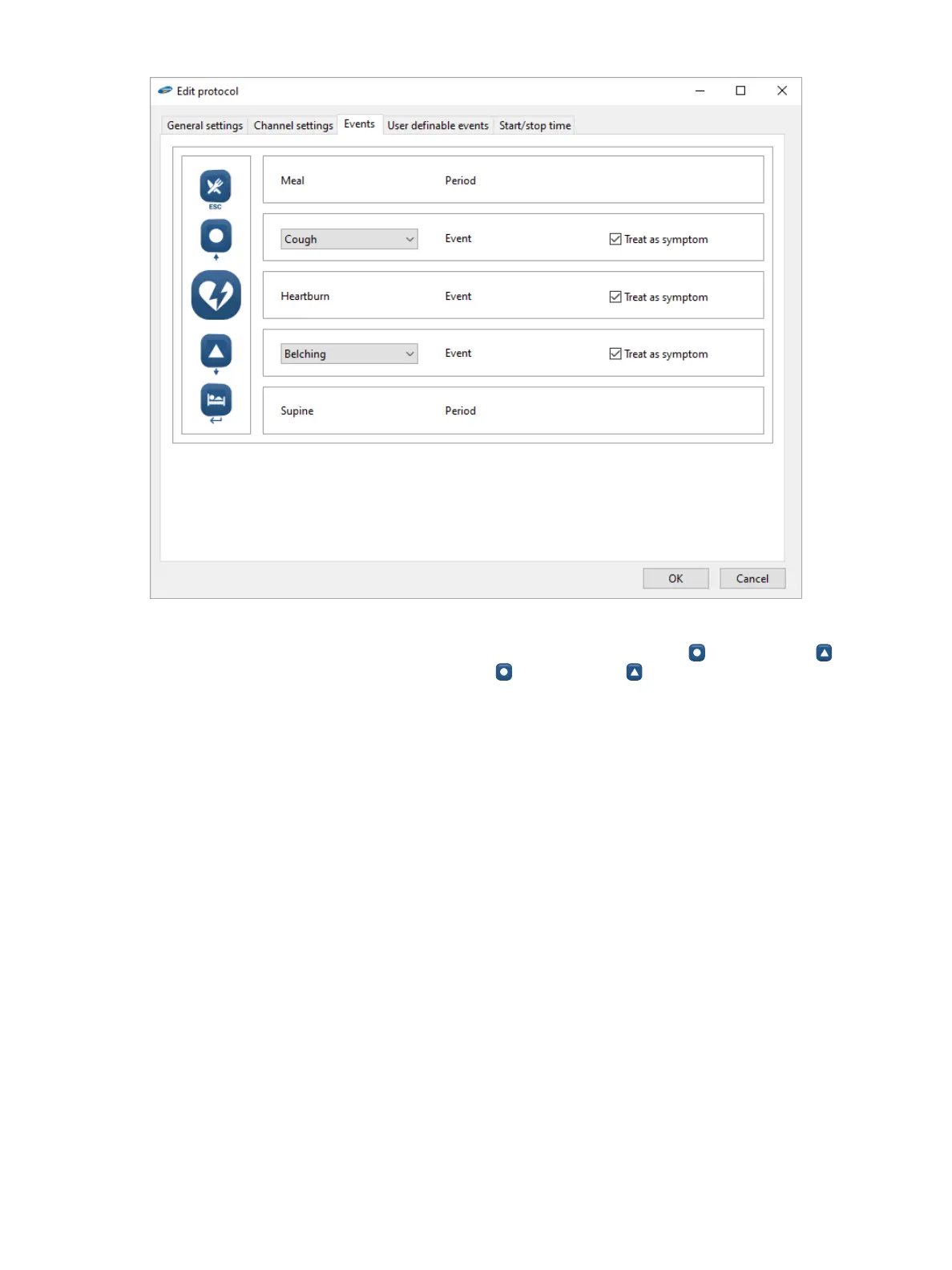
Figure3-2: The Edit Protocol Dialog Box—Events Tab
Using the corresponding prepopulated drop-down lists, you can assign a symptom to the button and the button.
You can select the analysis type for the Heartburn button, the button, and the button by selecting the Treat as
symptomcheckbox.TheeventswillthenbeincludedintheSAPanalysisresults(seethesection“SymptomAnalysis
Results” on page 46). By default, the Treat as symptomcheckboxisselectedforeachbutton.
User denable events
On the Userdenableevents tab (Figure3-3), you can use the Addbuttontoaddanewdiaryevent.Youcandene
your own name (maximum 16 characters), the type of the event (e.g., Event), analysis type (e.g., Symptom), and
whether to show seconds (Yes/No).



 To Next Page