LaCie Ethernet Disk RAID (Firmware version 1.4)
User Manual
page 85
Protecting Local Disks
Click OK to go to the Microsoft website and then
click OK to cancel the installation of Windows
Backup Software.
On the Microsoft website, click iSCSI Software
Initiator v2.0, and follow the instructions in section
7.1.3. Installing the Microsoft iSCSI Initiator.
You must install the Microsoft iSCSI Initiator 2.0
before you can install Windows Backup Software.
When you have finished installing the iSCSI ini-
tiator, re-start the installation of Windows Backup
Software.
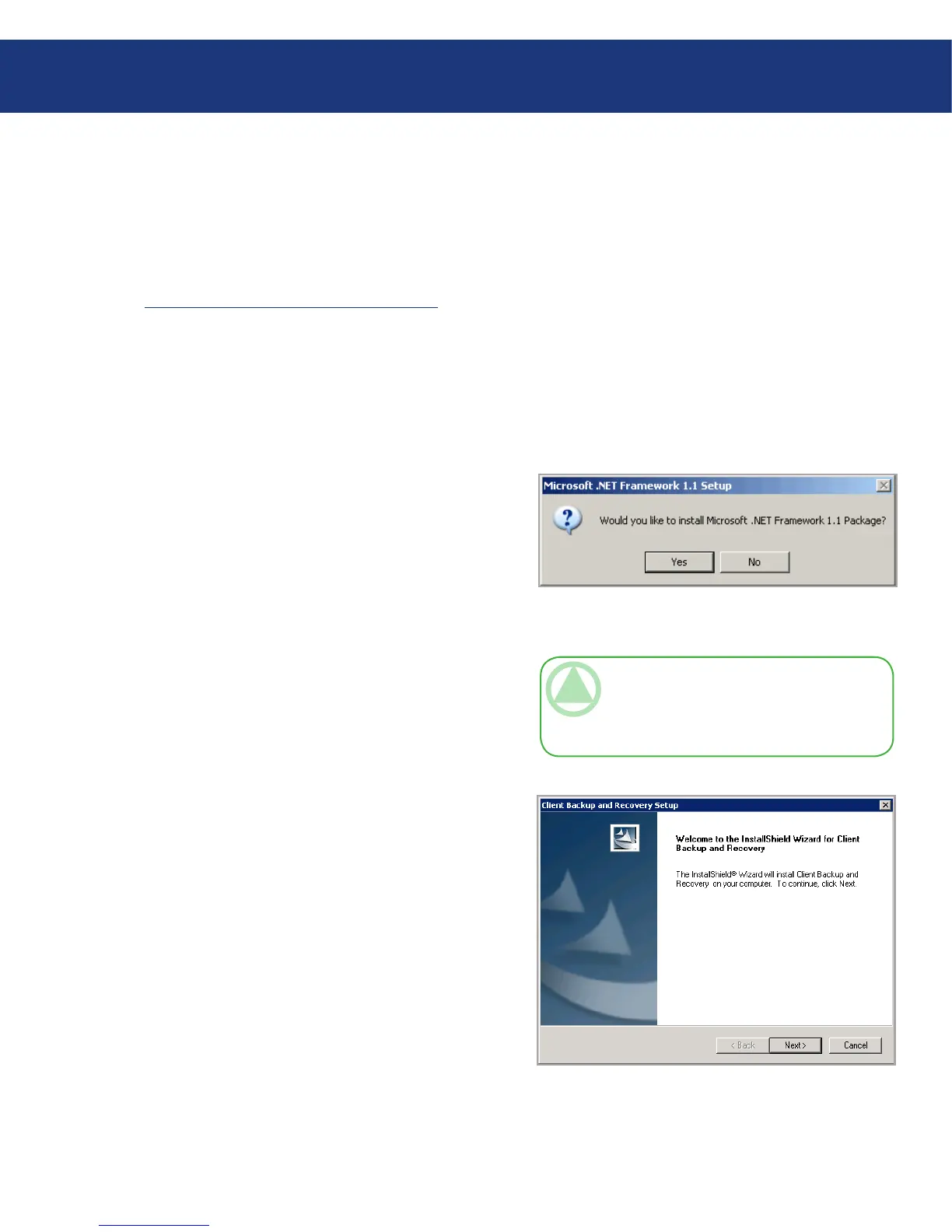
7. If Microsoft .NET Framework 1.1 is already in-
stalled, go to step 9. If this component is not cur-
rently installed, the prompt in Fig. 7.1.4.C appears.
Click Yes to install this component. (You cannot
install Windows Backup Software without first in-
stalling Microsoft .NET Framework 1.1.) When
you click Yes, the setup utility for Microsoft .NET
Framework 1.1 starts.
8. If you agree to the terms of the license agreement,
select I agree and then click Install.
It might take some time to copy and configure the
associated files.
6.
Fig. 7.1.4.C
TeChNICAl NOTe: e remaining time
might be reported as 0 and it might appear that
no progress is occurring. However, configuration
is occurring in the background.
9. When a message appears, indicating that the installa-
tion of Microsoft .NET Framework 1.1 is complete,
click OK.
After you click OK, the Intelligent Manage-
ment Agent is installed automatically (if it is not
already installed), and the welcome page for in-
stalling Windows Backup Software appears.
See Fig. 7.4.1.D.
Fig. 7.1.4.D














 To Next Page