LaCie Ethernet Disk RAID (Firmware version 1.4)
User Manual
page 86
Protecting Local Disks
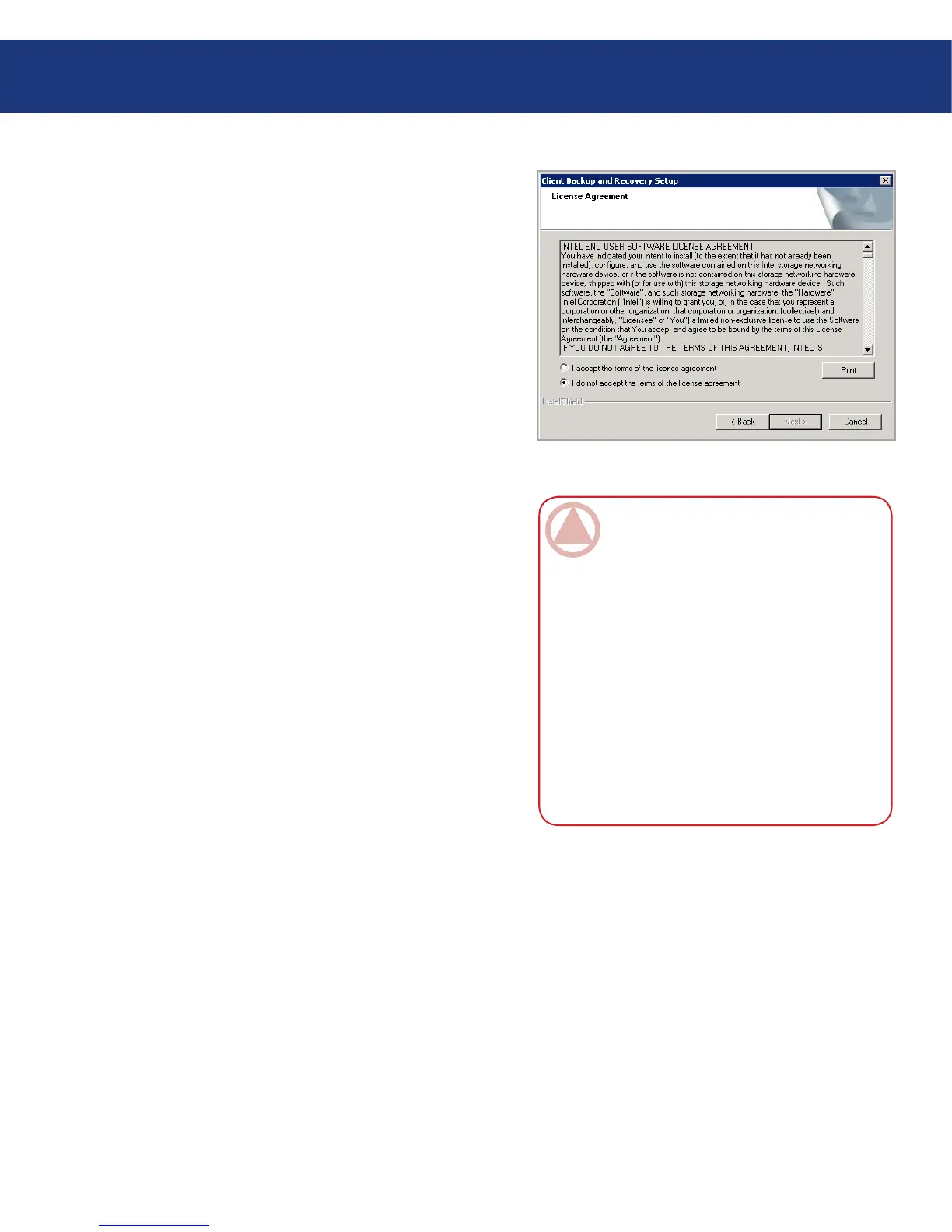
10. On the welcome page, click Next. e license agree-
ment appears. See Fig. 7.4.1.E.
11. If you agree to the terms of the license agreement,
select I accept the terms of the license agreement
and then click Next.
12. Click Next to install the Windows Backup Software
in the displayed location. Alternatively, you can click
Browse, select or enter a different location, click OK,
and then click Next.
Fig. 7.1.4.E
ImpOrTANT INfO: It is strongly recom-
mended that you install Windows Backup Soft-
ware on the partition that you boot from (that
is, where Windows is installed, typically C:). If
you install it on a non-system partition of your
system disk, you will not be able to recover that
partition using the Client Backup and Recovery
application window. In addition, if you plan to re-
motely boot from a backup on the Ethernet Disk
RAID, you must protect the entire disk rather
than just the system partition. If you install Win-
dows Backup Software on a different disk than
your system disk, you will not be able to remotely
boot.














 To Next Page