LaCie Ethernet Disk RAID (Firmware version 1.4)
User Manual
page 94
Protecting Local Disks
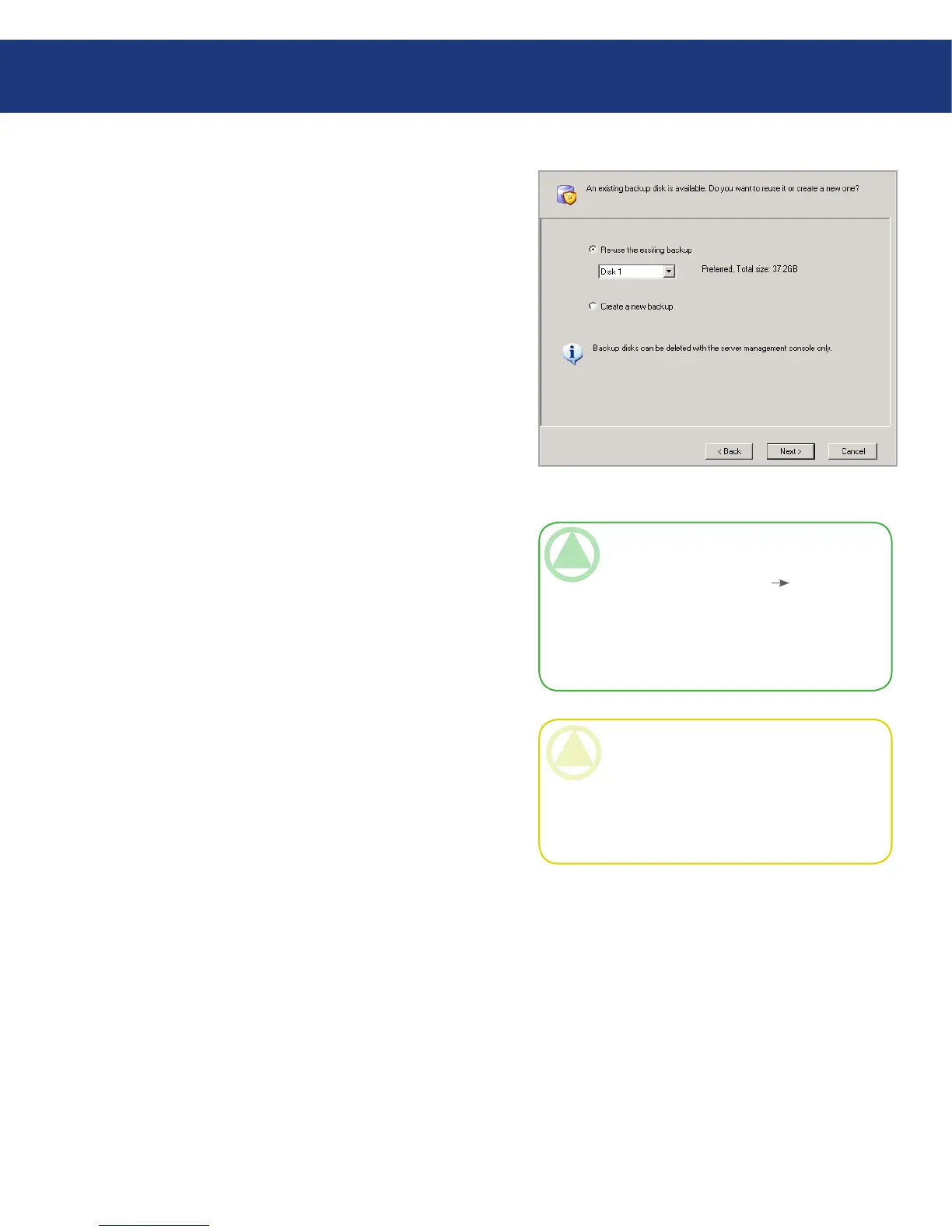
6. If you previously protected this disk and removed pro-
tection, specify whether or not you want to re-use the
existing backup or create a new one. See Fig. 7.2.D.
If you select Re-use the existing backup, you must
select which backup to re-use from the list. When
you select an item from the list, the size also ap-
pears to help you identify exactly which back-
up to use. e word “Preferred” appears for the
backup that best matches the disk that you’re cur-
rently protecting. Once you have selected the de-
sired backup, click Next and go to the next step.
If you select Create a new backup and click Next,
you must select the desired backup location as de-
scribed in step 4.
Fig. 7.2.D
TeChNICAl NOTe: If the list does not dis-
play the expected information, you might need
to click Cancel, click Action Repair Con-
nection, and then try to protect the disk again.
Repairing the network connection refreshes the
information about the backups that exist on the
Ethernet Disk RAID.
CAUTION: If you select any disk other than
the preferred one, all the data associated with the
selected disk will be overwritten with the data as-
sociated with the disk that you’re protecting, and
you will not be able to recover any previous back-
ups associated with the selected disk.














 To Next Page