319
+3
+2
+1
-1
-2
-3
OFF
HC4692
HS4692
L4692
N4692
NT4692
AM5872
5739 22 (White)
5739 23 (Magnesium)
067457
HD4692
Conguration
The probe must always be congured by connecting two congurators to the ZA and ZB
sockets, which identify the device address, and the number of the zone controlled by the
Socket Function Congurators
ZA zone address 0 – 9
ZB zone address 0 – 9
SLA Master/Slave mode 0 – 8
Master and Slave probe
A probe can operate in conjunction with other probes so that an average temperature
calculation can be performed, based on measurements taken from several points within
the same zone. This function is useful for the management of very large areas, throughout
which the temperature may change consistently. To activate this function, one probe must
be congured as “Master”, and one or more probes must be congured as “Slave” (max 8). The
Master probe calculates the average between its own temperature, and the temperatures
measured by the Slave probes, and then performs the appropriate operations. Congure
the Master probe by connecting to the SLA socket a numeric congurator indicatin
g the
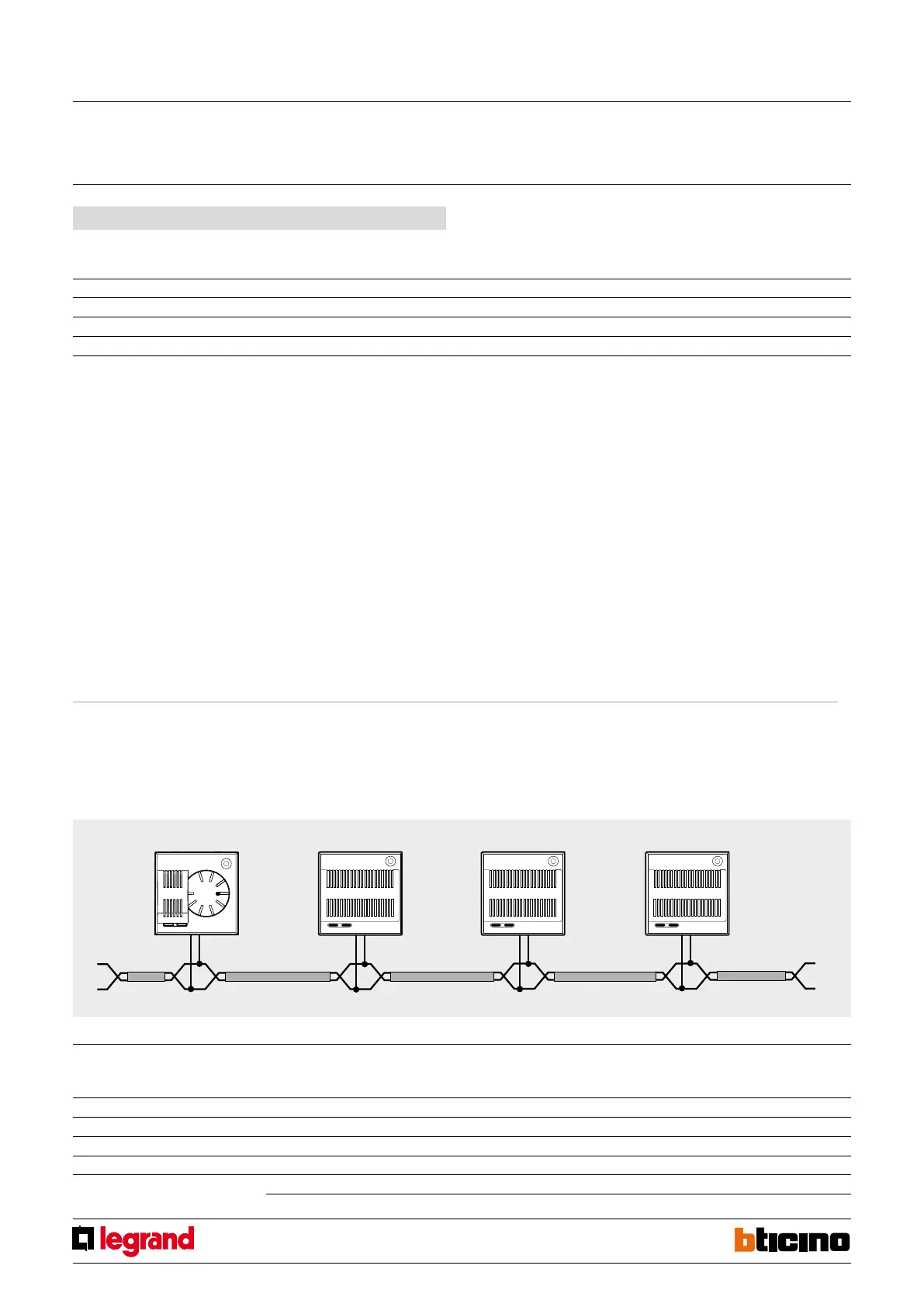
Example of conguration of a zone (address 47), with one Master, and three
Slave probes.
To dene the probes as belonging to ZONE 47, connect congurators 4 and 7 to the ZA
and ZB sockets of the 4 devices. The SLA congurator must be connected to the MOD
sockets of the three Slave probes (denition of Slave probes).
MASTER
PROBE
t ROOM = 20°C
SLAVE 1
PROBE
t ROOM = 18°C
SLAVE 2
PROBE
t ROOM = 19°C
SLAVE 3
PROBE
t ROOM = 21°C
Connect congurator no. 3 to the SLA socket of the Master probe (there are three Slave
probes inside the zone); Connect congurators no. 1, 2, and 3 to the SLA sockets of the
three Slave probes respectively (progressive number of the probe within the zone).
Programming
Using the “Congure zones” item of the “Maintenance” menu of the temperature control
system central unit, it will be possible to dene if the zone should manage a heating
system, a cooling system, or a combined one.Using the same menu item, also select the
Master probe
(HC/HS/L/N/NT4692, AM5872,
573923, 573922 and 067457)
Slave 1 probe
(HC/HS/L/N/NT4693, 573921,
573920 and 067458)
Slave 2 probe
(HC/HS/L/N/NT4693, 573921,
573920 and 067458)
Slave 3 probe
(HC/HS/L/N/NT4693, 573921,
573920 and 067458)
Socket Congurators Socket Congurators Socket Congurators Socket Congurators
ZA 4 ZA 4 ZA 4 ZA 4
ZB 7 ZB 7 ZB 7 ZB 7
SLA 3 SLA 1 SLA 2 SLA 3
MOD SLA MOD SLA MOD SLA
probe itself. The actuators controlled by the probes must be congured with the same
zone address.
AVERAGE t = 19.5°C
number of Slave probes within the zone (8 max). To congure a Slave probe, connect
the congurator marked as SLA to the MOD socket. Use the SLA socket to progressively
assign a number to all Slave probes of the zone. During this numbering procedure, it
is essential to start from no. 1, and that the sequence is respected, without missing
any numbers. The HC/HS/L/N/NT4692 and AM5872 probe can only operate as
“MASTER” probes. Therefore only the probe without knob, item 4693, may be
used as a “SLAVE” probe.
type of load to control, among the following: ON/OFF, OPEN/CLOSE, 3SP FAN-COIL. When
performing programming operations from the central unit, refer to the installation
manual supplied with the central unit itself.
The probe can be congured remotely with “Virtual Conguration”. When no physical
congurators are available, a PC with Virtual Congurator software version 2.1 must be
used.
Probe with selector
MQ00179-c-EN 21/05/2014



 To Next Page