4-10 Description and Operation
D-H001.0609EN
System Tab
Tab name:
System
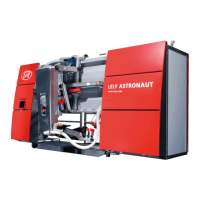
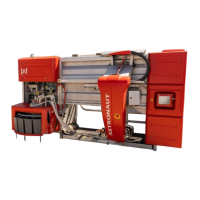
This tab shows the components used in the milking robot. It also contains the menus to put the milking robot
into and out of operation, and move the robot arm to the home position.
T4C Tab
Tab name:
T4C
This tab enables the operator to communicate with the T4C software. The operator can see reports that include
which cows were too late for milking and when a milking failed.
Date and Time Tab
Tab name: n.a.
This tab displays the actual date or the actual time.
Quick-Launch Buttons Tab
Tab name:
^
The quick-launch buttons enable the user to easily do some routine tasks on the milking robot. The
quick-launch buttons are:
•
Out/in operation
This button puts the milking robot out of operation. The robot completes the current cleaning or milking
process then closes the gates to stop entry of a cow. Scheduled cleanings are also paused.
•
Extra feed (one pulse)
This button gives extra food to the cow. This button is pressed before the cow goes into the box. When the
cow is in the box the extra food is delivered every 20 seconds. The extra feeding stops after 20 minutes, or
if the cow was fed as defined by the feed program, or if the operator presses the button again.
•
Change of milk filter
This button guides the operator through the procedure to change the milk filter.






 To Next Page