Adjustments
52
You now have two options:
Save the angular position.
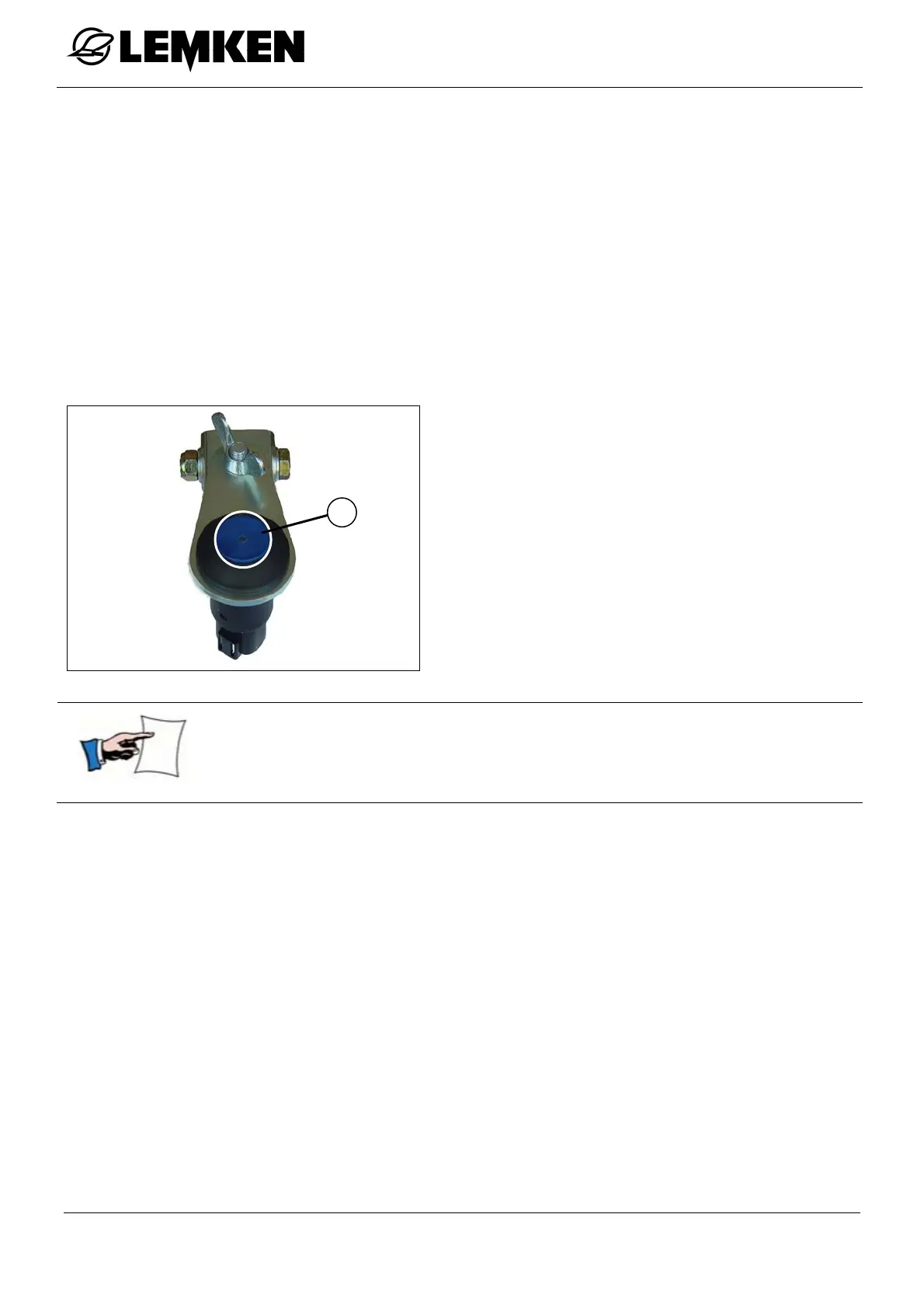
Hold down the button (1) until the LED goes out = min. 3 seconds.
After every rotation, the saved angle is automatically restored.
Set the angle once.
Briefly press the button (1). When you release it, the LED goes out.
After the next rotation, the last saved angle is automatically restored.
A remote control with blue button (1) for
angular adjustment is available for
operation from the tractor seat
The angle is adjusted separately for the two sides of the plough.
The angle value can be different for the right pointing and left
pointing sides of the plough.
10.4 Working Depth
The working depth adjustment occurs via the tractor hydraulics and the depth
wheel of the plough. The instructions for the adjustment of the tractor hydraulics
can be learned from the operating manual of the tractor manufacturer. In each
case the tractor hydraulics must be set to ‘Draft’ or ‘Mixed’ control.
The depth wheel of the plough is used as control wheel and prevents that the
plough works too deep. That is why the plough weight should be transferred to the
tractor as far as possible to prevent too much slippage. Too much slippage leads
to premature wear of the wheel and increased fuel consumption.
1



 To Next Page