Chapter 7 Advanced Configuration
http://www.level1.com Page 43
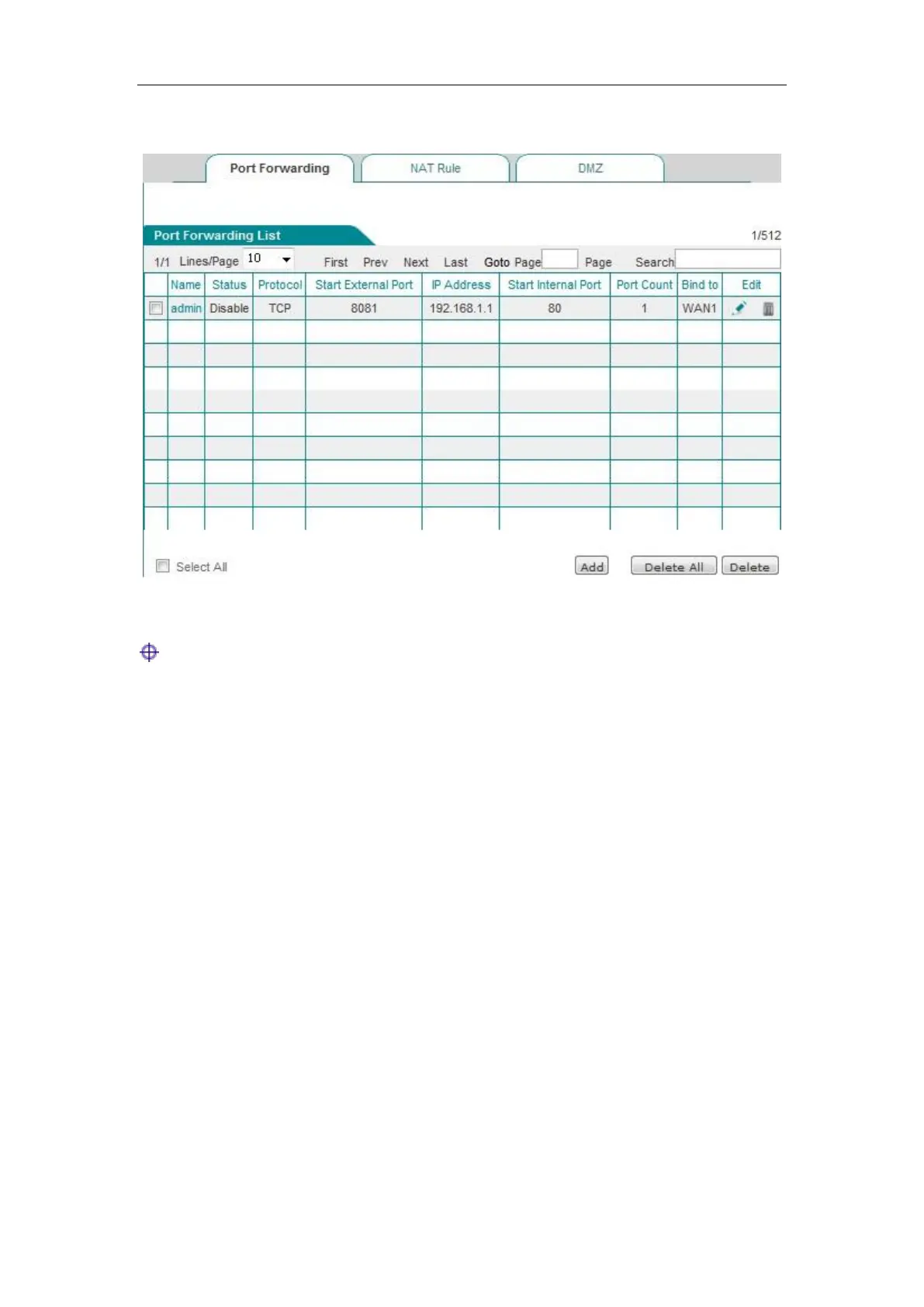
1. Port Forwarding list
Figure 7_1 Port Forwarding list
Tip:
After enabling certain functions of the system, the list displays some NAT static mapping entries
(A static mapping entry named as "admin" is added in the list after remote management is enabled
in Systems management -> Remote management page, they cannot be edited or deleted in this
page.
2. Static NAT mapping configuration
Click <Add new entry> in the page of Figure 7_1 to enter the Static NAT mapping configuration
page, as shown in Figure 7_2. Here, the meaning of the parameters of the static NAT mapping
configuration is described.



 To Next Page