TYPES OF OPERATIONS
Logicube Forensic Falcon™ User’s Manual 83
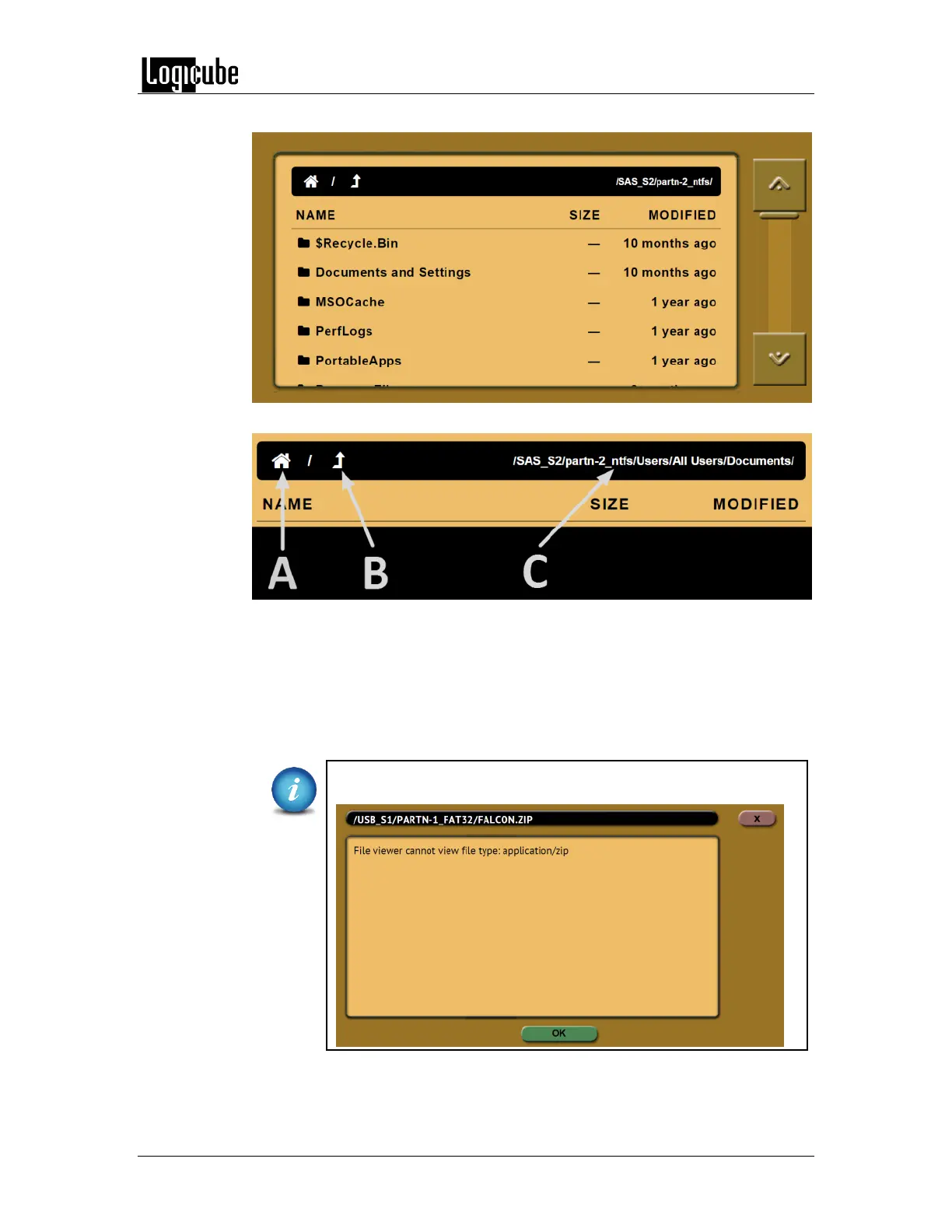
The folders/directories and files in that partition will be displayed:
Legend:
A – Home – Tap the Home icon to bring you to the top-level of the drive.
B – Up One Level – Tap this icon to go up one level (one folder/directory).
C – Path – Displays the current path to the folder/directory being viewed.
Falcon can open and preview certain files. Some of the files it can preview are:
*.jpg, *.gif, *.png, *.txt, *.pdf, *.html
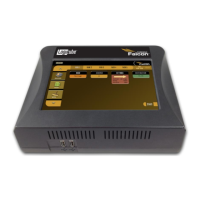
f the Falcon cannot preview a file, a message will appear stating
“File viewer cannot view file type:”



 To Next Page