8.11.3 Connect Hardware for TDMS/EADAS Data Link
PROCEDURE
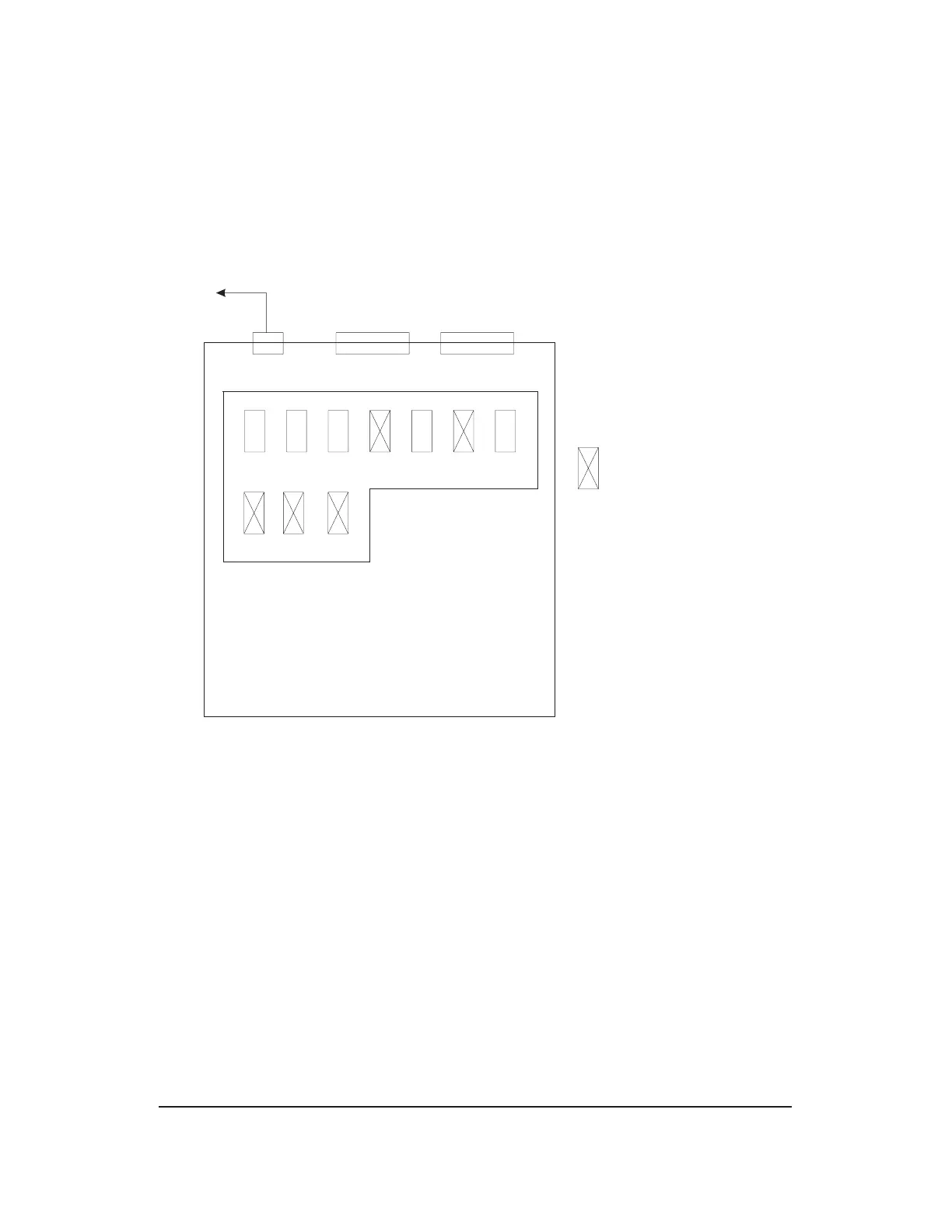
1. Verify that the internal jumpers of the RS422 to RS232 converter (ED5D764-30
G17A, Black Box # IC456A-R4) are set as illustrated in Figure 8.11.3-1
.
2. Connect the RS422 cable (ED5D764-30 G106, Black Box # EDN37J-00XX-MM;
where XX is the cable length in feet) between port 3 on the High Speed Interface
(HSI) and the RS422 port on the converter.
3. Connect the RS232 male to male cable (Black Box # ECM25C-0010-MM) from the
RS232 port on the converter to the Data Communication Equipment (DCE),
which may be a modem, DSU2, or router.
4. Plug the converter’s AC power adapter into a UPS 120VAC outlet. Refer to
Figures 8.11.3-2 , 8.11.3-3 and 8.11.3-4 for an illustration of the wiring
configuration for the TDMS/EADAS or RMAS data link.
1. Trademark of Sun Microsystems, Inc.
To 120VAC
on UPS
RS422
port
RS232
port
XW1A XW2A XW3A XW4A XW4B XW5A XW5B
XW1BXW2B XW3B
= DIP equipped with shunt
RS422 to RS232 Converter
(viewed from top with cover off)
Figure 8.11.3-1 — DIP Shunt Settings for IC456A-R2
235-200-150
October 2005
GROWTH AND DEGROWTH
Procedure 8.11.3
Issue 3.00B Page 8.11.3-1



 To Next Page