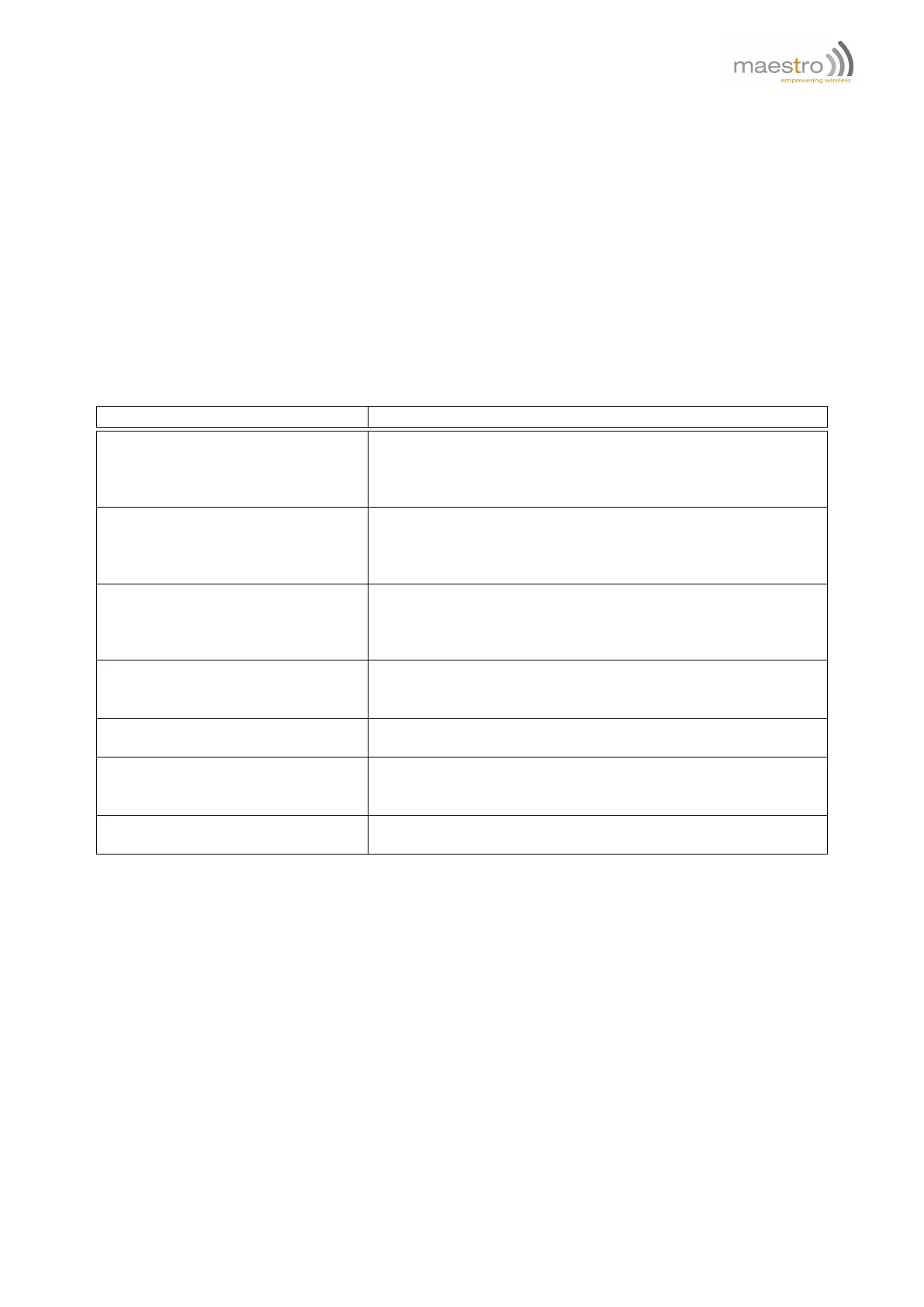
0 download successful,
-1 SIM card problem (check SIM card and PIN),
-2 internal memory problem (try reset modem),
-3 FTP connection fail (check network signal, check FTP status, check FTP address),
-4 reserved,
-5 download file size not same as FTP reported (retry downloading),
-6 not enough space for downloading (contact Maestro Wireless),
-7 file format incorrect (check file for downloading),
-8 error writing flash (contact Maestro Wireless),
4xx–5xx FTP protocol return code (check FTP document (RFC 959) for explanation).
Example:
Command Response
AT+FTPDOTA="update.dwl" +FTPDOTA: 0,update.dwl,17000
OK
Note: download "update.dwl" file from FTP root directory, file
size is 17000 bytes.
AT+FTPDOTA="update1.dwl","sub" +FTPDOTA: 0,update.dwl,17001
OK
Note: download "update1.dwl" file from FTP "sub" directory, file
size is 17001 bytes.
AT+FTPDOTA="update1.dwl","sub",1 +ADINSTALL: 2
M1003G_SmartPack_v22_SL8082T_R752_050316
Note: download "update1.dwl" file from FTP "sub" directory, and
perform program update successfully.
AT+FTPDOTA? +FTPDOTA: update.dwl, 17001
OK
Note: check downloaded file ready for update.
AT+FTPDOTA? +FTPDOTA: OK
Note: no downloaded file.
AT+FTPDOTA="update1.dwl" +FTPDOTA: -3
OK
Note: error on downloading file (FTP open fail).
AT+FTPDOTA=? +FTPDOTA: (128)[,(128)]
OK
17.3 Installing new application
AT+ADINSTALL
This command performs the program update process. File downloaded by AT+FTPDOTA command will replace the
existing modem application. Modem will restart and then result and version will be displayed.
Syntax: AT+ADINSTALL
Response: +ADINSTALL: <result>,<ver>
Defined Values:
<result> if other result code please contact Maestro Wireless Solutions:
2 update process successful,
Confidential, the whole document is the sole property of Maestro Wireless Solutions ltd.
support@maestro-wireless.com
83



 To Next Page