Chapter 20
Command string - How to use ?
20.1 Command string format
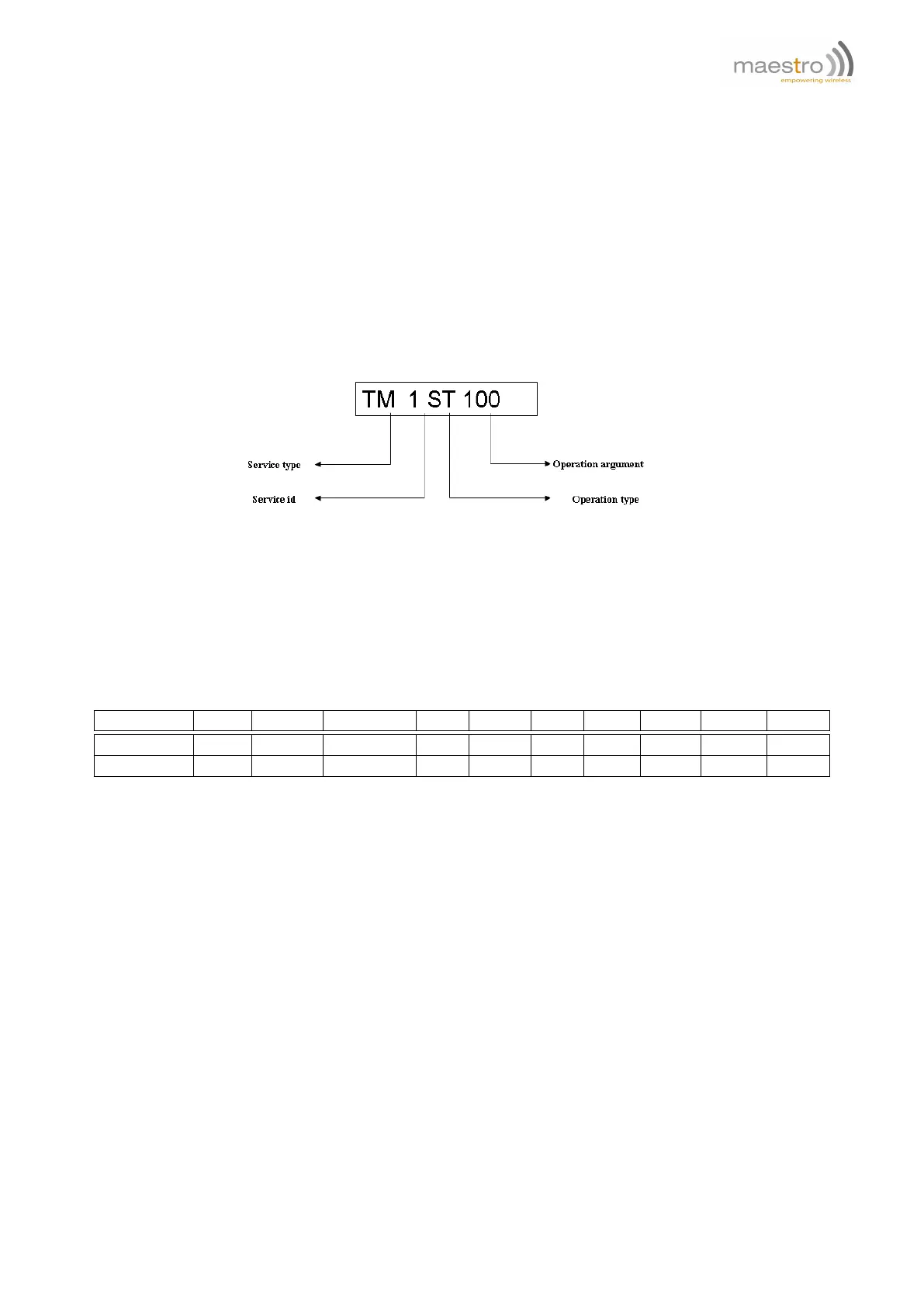
A single Command String is a text string composed with four fields, for example:
Each field is separated by a space (ASCII value 32).
20.1.1 Service type
The Service field is two capital characters indicating the type of Service to be chosen, please refer to the Table 20.2
for details.
Field entry AL CT TM IP OP SM EM PS AI
1
SC
Service alarm counter countdown input output SMS email power analog socket
See section 21.1 21.2 21.3 21.4 21.5 21.6 21.7 21.8 21.9 21.10
Table 20.2: Service type list
20.1.2 Service id
Each type of Service there has more than one unit; e.g. there are 10 counters available so the id range is 1 to 10.
20.1.3 Operation type and Operation argument
For each type of Service there are few kinds of operations; e.g. "TM 1 ST 100" means to set the value or countdown
timer #1 to 100 seconds. See further chapters for the explanation of each service.
20.2 Concatenating Command String
You can concatenate Command String update 128 bytes long totally (including space). They will be executed sequen-
tially. However, if one Command String is incorrect or invalid execution will be stopped and successive Command
String will not be executed.
Confidential, the whole document is the sole property of Maestro Wireless Solutions ltd.
support@maestro-wireless.com
89



 To Next Page