Optionally connecting a liquid lens 27
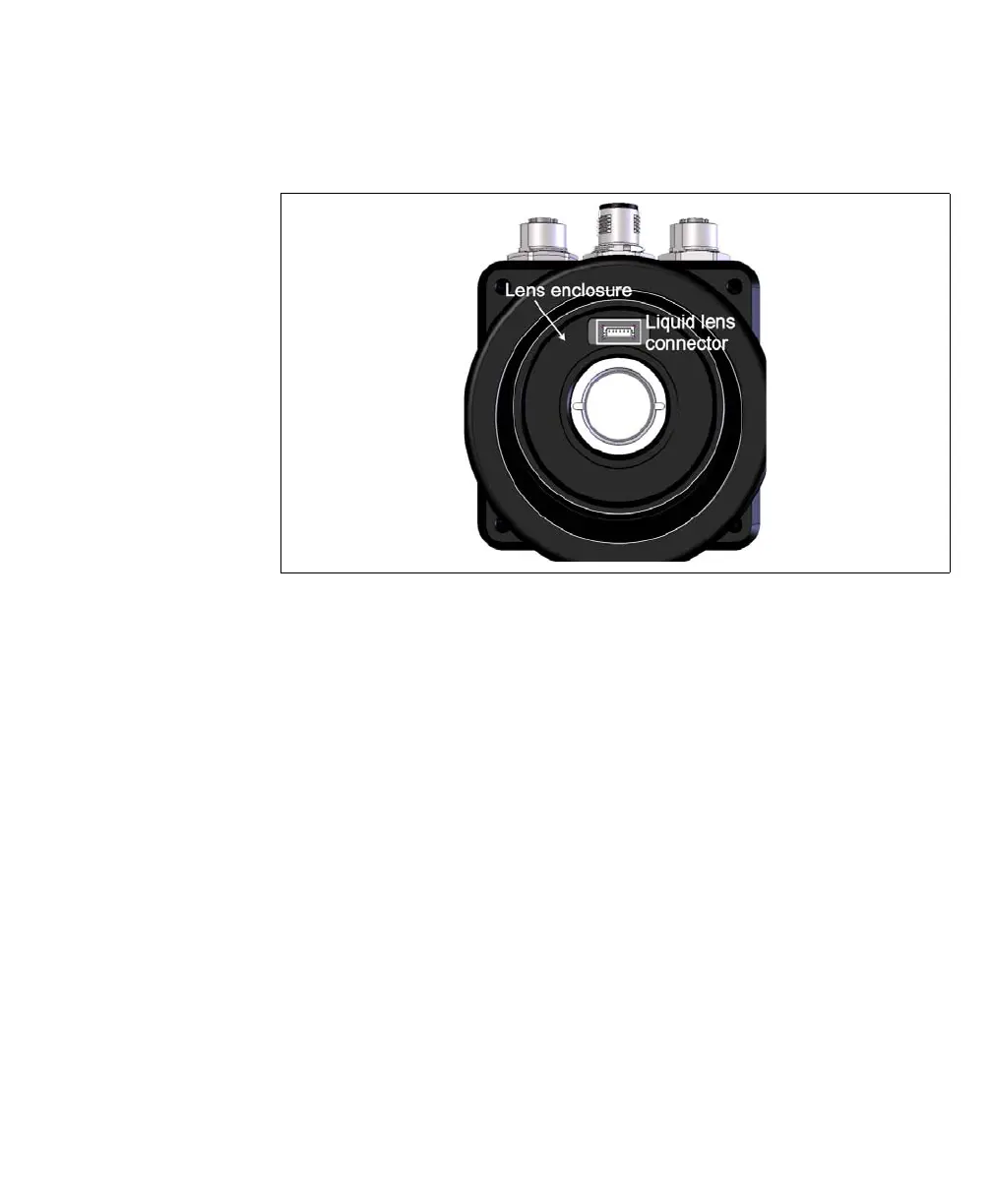
3. Remove the plug covering the liquid lens connector inside the camera lens
housing, using non-conductive tweezers.
4. Screw the lens onto the lens enclosure, until it is firmly in place.
5. The Varioptic Caspian lens has two cables. Wrap the longer cable (with the 6-pin
connector) tightly around the Varioptic Caspian lens housing.
6. Plug the 6-pin connector of your Varioptic Caspian lens into the liquid lens
con nec to r o n yo ur Matrox Iris G TR . To do so, use non-conductive tweezers. Once
the connector is in place, use the tweezers to press firmly on either side of the
connector to ensure a good connection.
7. Tuck the 3-pin connector (and its branched wire) into the folds of the longer cable.
The 3-pin connector is not used..
8. Slide the IP lens case over the lens, and screw it into the Matrox Iris GTR housing,
until it is firmly in place.
❖
Note that the IP lens case must be in place for IP67 conformity.
9. Reconnect the power to your Matrox Iris GTR.



 To Next Page