Routing input signals to Matrox Iris GTR 107
Routing input signals to Matrox Iris GTR
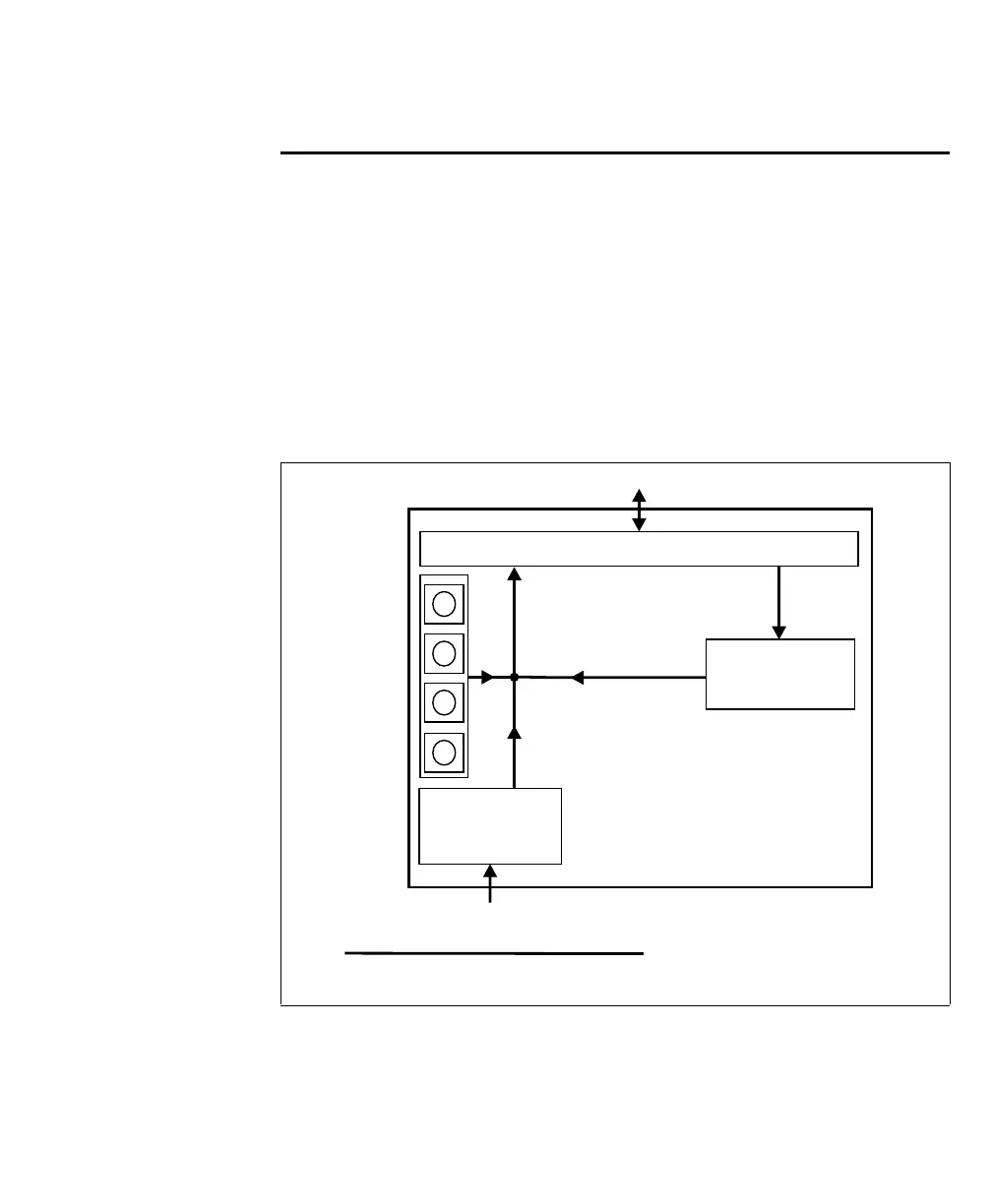
There are three ways to route a signal to an auxiliary input signal of your Matrox
Iris GTR:
• Route an output signal from a third-party device to an auxiliary input signal of
your Matrox Iris GTR.
• Route an auxiliary output signal to an auxiliary input signal on your Matrox
Iris GTR.
• Generate a Matrox Iris GTR auxiliary input signal with a push button.
[
Equivalent circuit only
Matrox Iris GTR
Matrox camera connector
Output
router
1
1 A breakout board switch setting controls the routing of an output
to an input.
Push buttons
(input-generating)
Third-party device
Input
connector



 To Next Page