28 Chapter 2: Powering and connecting to your Matrox Iris GTR
Reading the state of your Matrox Iris GTR
From the moment you power up your Matrox Iris GTR to the moment you power
it down, at least one of the four light-emitting diodes (LEDs) at the back of Matrox
Iris GTR should be lit.
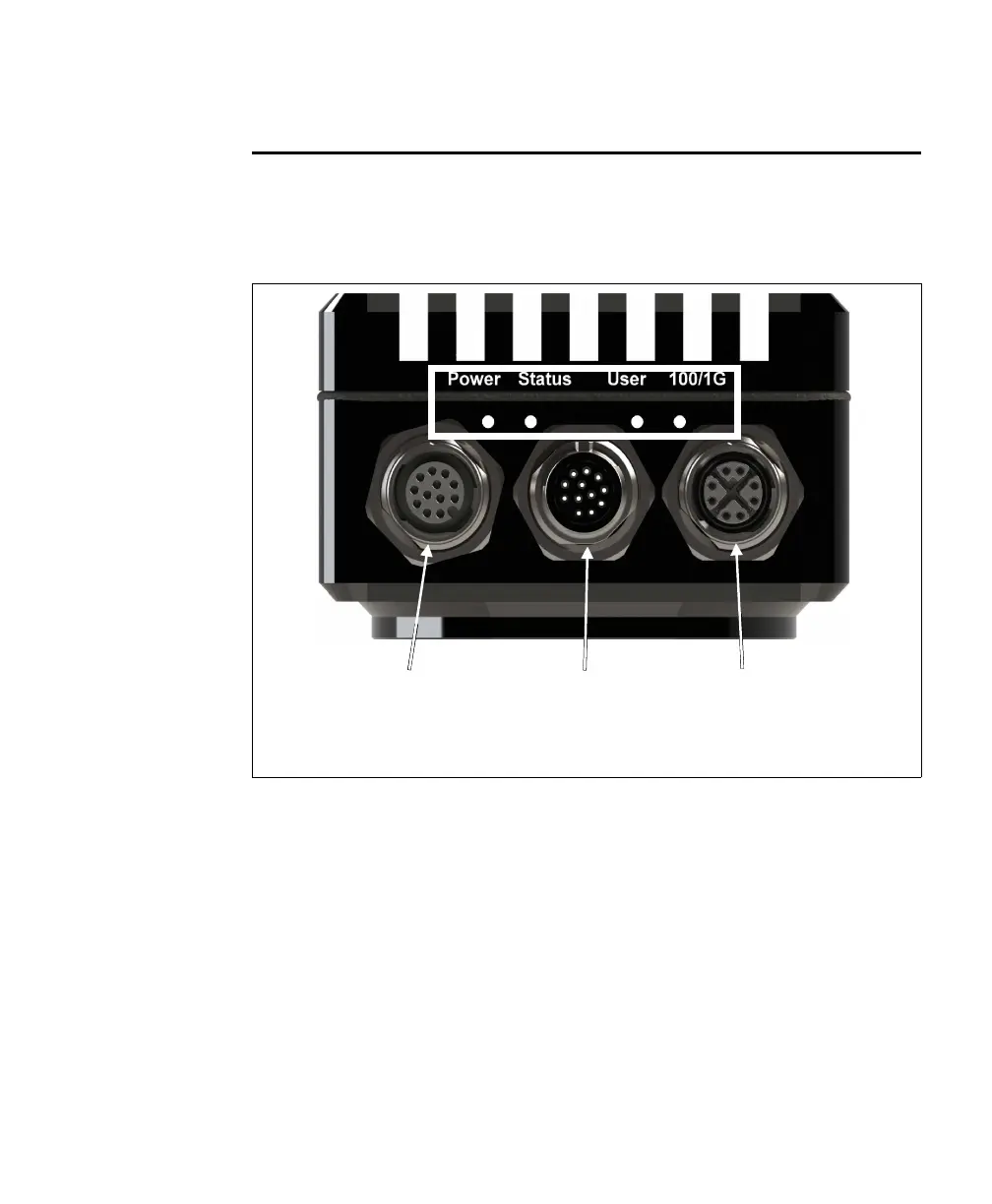
The LEDs on your Matrox Iris GTR are:
• Power LED and User LED. The colors of these two LEDs change as your Matrox
Iris GTR boots.
• Status LED. This LED shows the general activity of your Matrox Iris GTR.
• 100/1G LED. This LED shows the connection status of your Matrox Iris GTR.
s
Digital I/O and
power connector
VGA/USB
connector
100/1000
BaseT Ethernet
connector



 To Next Page