22 Chapter 2: Powering and connecting to your Matrox Iris GTR
Powering and connecting to your
Matrox Iris GTR
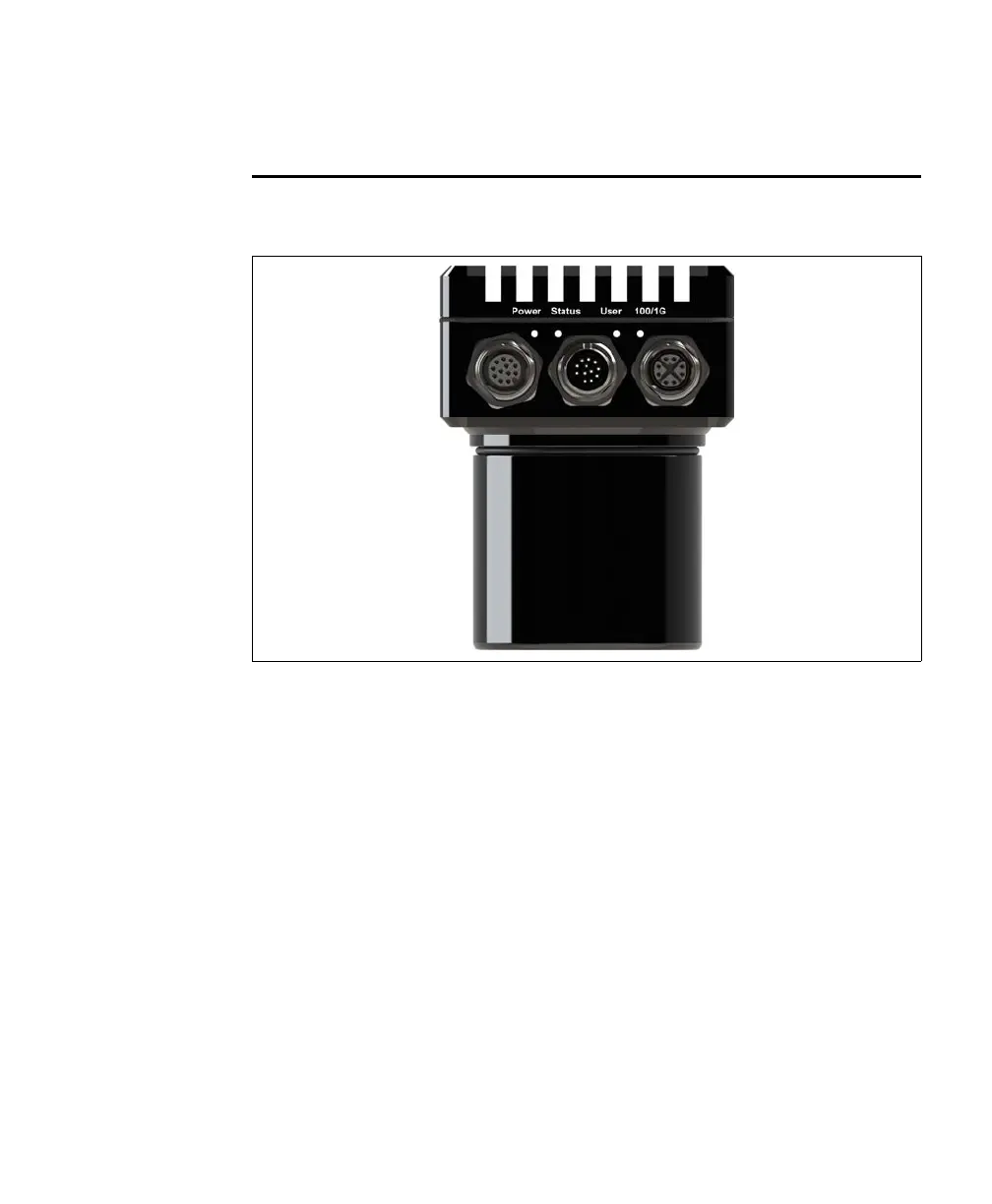
The Matrox Iris GTR has the following interfaces (from left to right):
• Digital I/O and power connector. Used to receive power from an external power
source. The connector can also receive trigger input and send/receive digital
auxiliary I/O signals to/from third-party I/O devices. In addition, the connector
has a specialized analog intensity (dimming) control signal intended to be used
with a lighting device (such as, an Advanced Illumination inline control system
(ICS3), a Smart Vision Lights Brick light, or a similar device).
• VGA/USB connector. Provides connectivity between your Matrox Iris GTR and
a display device and/or a USB device (such as a keyboard or a mouse).
• 100/1000 BaseT Ethernet connector. Provides connectivity between your
Matrox Iris GTR and your computer or your network. Matrox Iris GTR can gain
access to a LAN via Gbit Ethernet (GigE, 1G BaseT, or 1000BaseT), fast Ethernet
(100BaseT), or twisted pair Ethernet (10BaseT). This interface can also be used
for communication with external devices using the PROFINET, EtherNet I/P, or
Modbus protocol. For PROFINET, the interface operates as a hardware-assisted
PROFINET interface. The LAN connection associated with the hardware-assisted
PROFINET interface can be shared with other traffic.



 To Next Page