Lenses 63
• Display. Your Matrox Iris GTR can use a video screen connected to the VGA/USB
connector to display the Matrox Iris GTR interface.The following information
relates to the device that can be connected to the VGA/USB connector.
- Output: RGB analog output.
- Maximum supported resolution: 1920 x 1200.
- Maximum pixel depth: 32-bits.
- Maximum vertical refresh frequency: 60 Hz - 85 Hz, depending on
resolution.
• USB connection. A standard USB keyboard and mouse are supported natively.
To connect any other device (such as a specialized keyboard or touch screen) to
your Matrox Iris GTR, it must have a specialized device driver. If the device has
a third-party provided driver, inquire whether a specialized device driver is
available for your Matrox Iris GTR by contacting your local Matrox Imaging
representative.
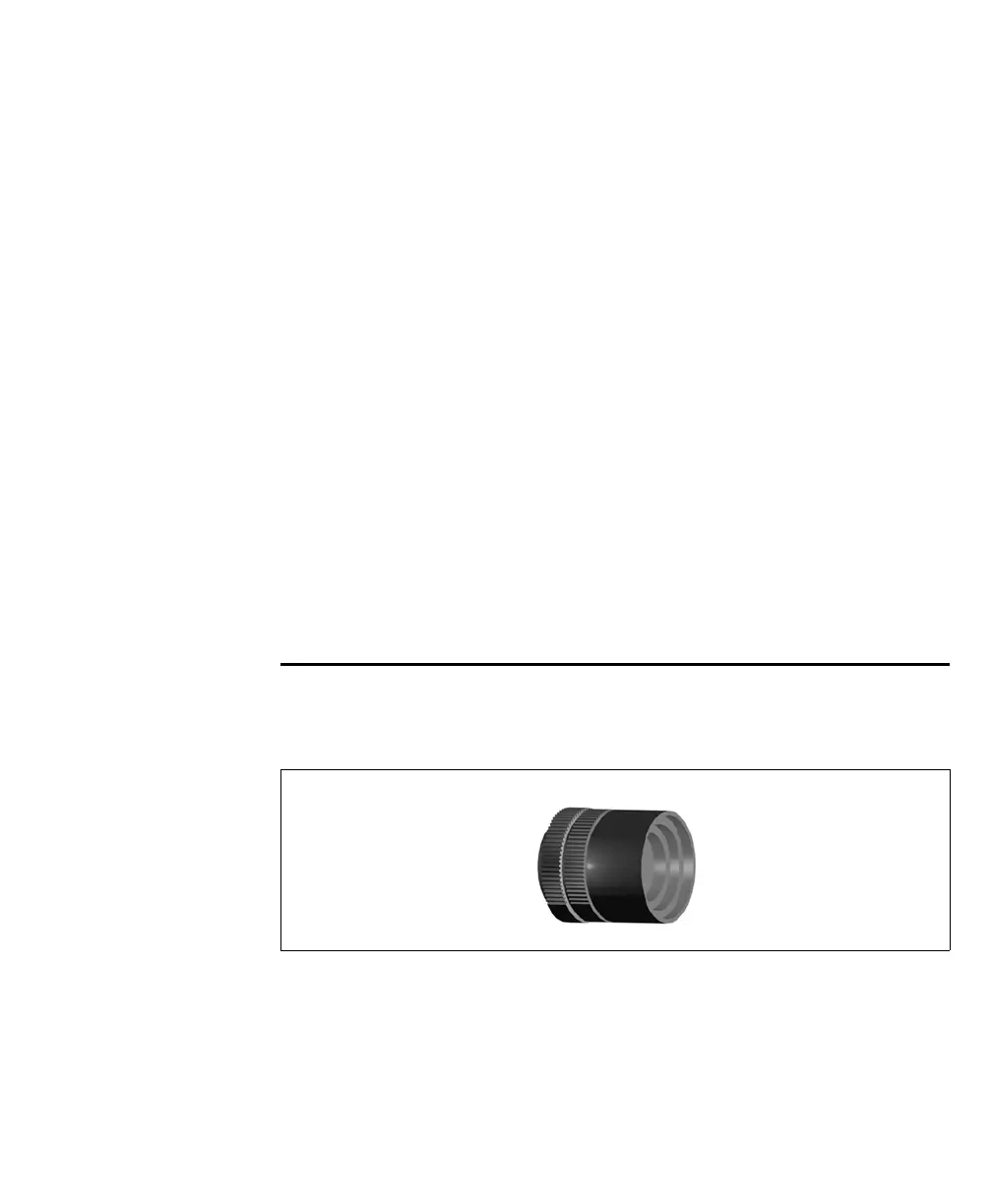
Lenses
Each Matrox Iris GTR starter kit ships with a C-mount lens. Contact your Matrox
sales representative for details.
Keep the lens free of fingerprints and dust. Do not clean with an alcohol-based
cleaning solution and do not spray water or cleaning fluids directly onto the lens.
Instead, use a can of compressed air or a lens cleaning cloth to remove dust.



 To Next Page