114
Chapter 9, Setting Up Matrox Effects with Adobe Premiere Pro
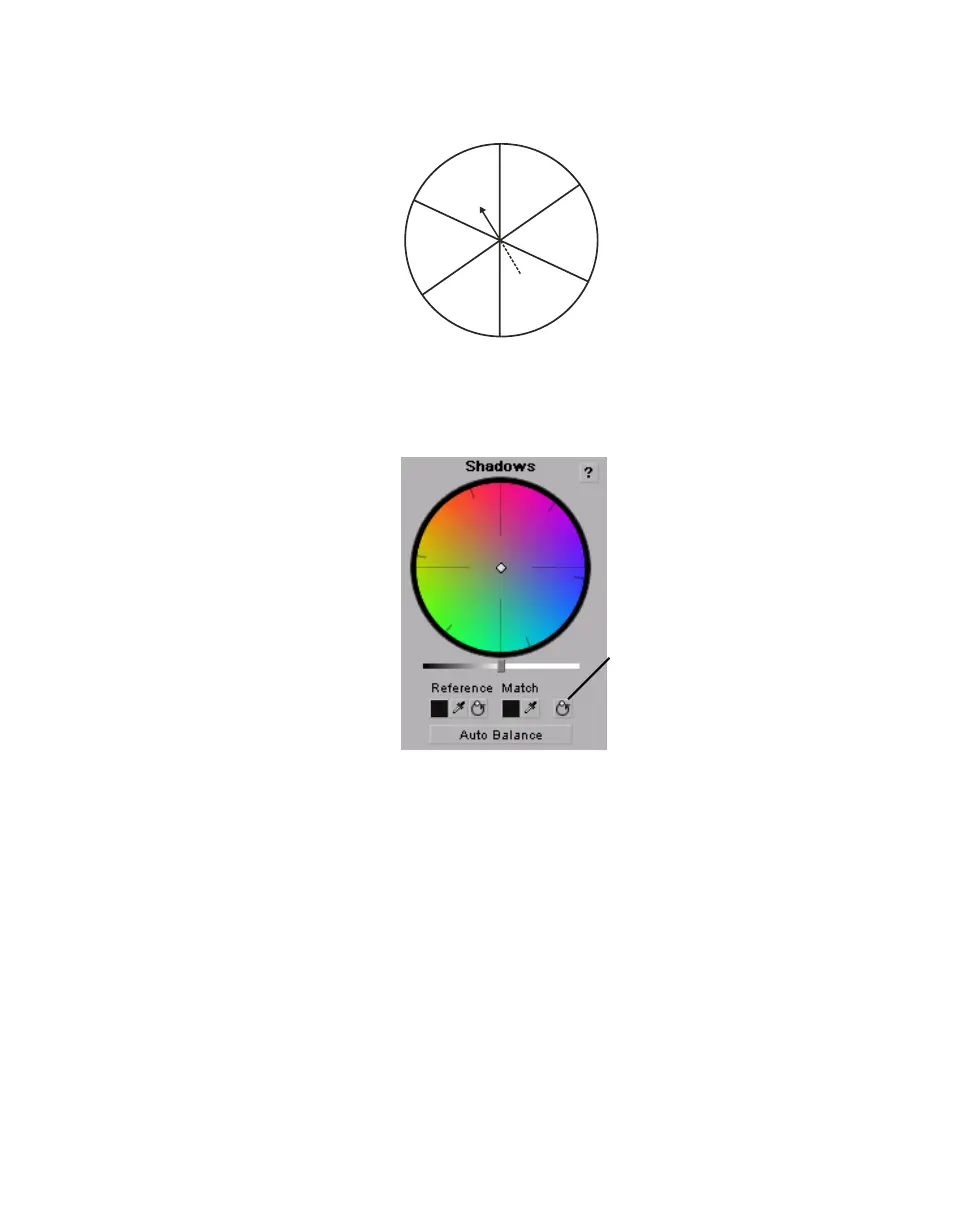
want to decrease. For example, if you move the handle towards red, you also
decrease cyan by the same amount, as shown in the following diagram:
¥Tip For increased precision, hold down the ALT key while you drag the handle.
If you want to reset the color balance (
Hue and Saturation) setting, click the
Reset Color Balance button under the color map you are using.
To adjust the luminance for a tonal range, drag the corresponding luminance
slider under the appropriate color map. For example, if you want to adjust the
MAGENTA
RED
YELLOW
BLUE
CYAN
GREEN
Reset Color
Balance button



 To Next Page