44
Chapter 6, Connecting External Devices to Matrox MXO2 Mini
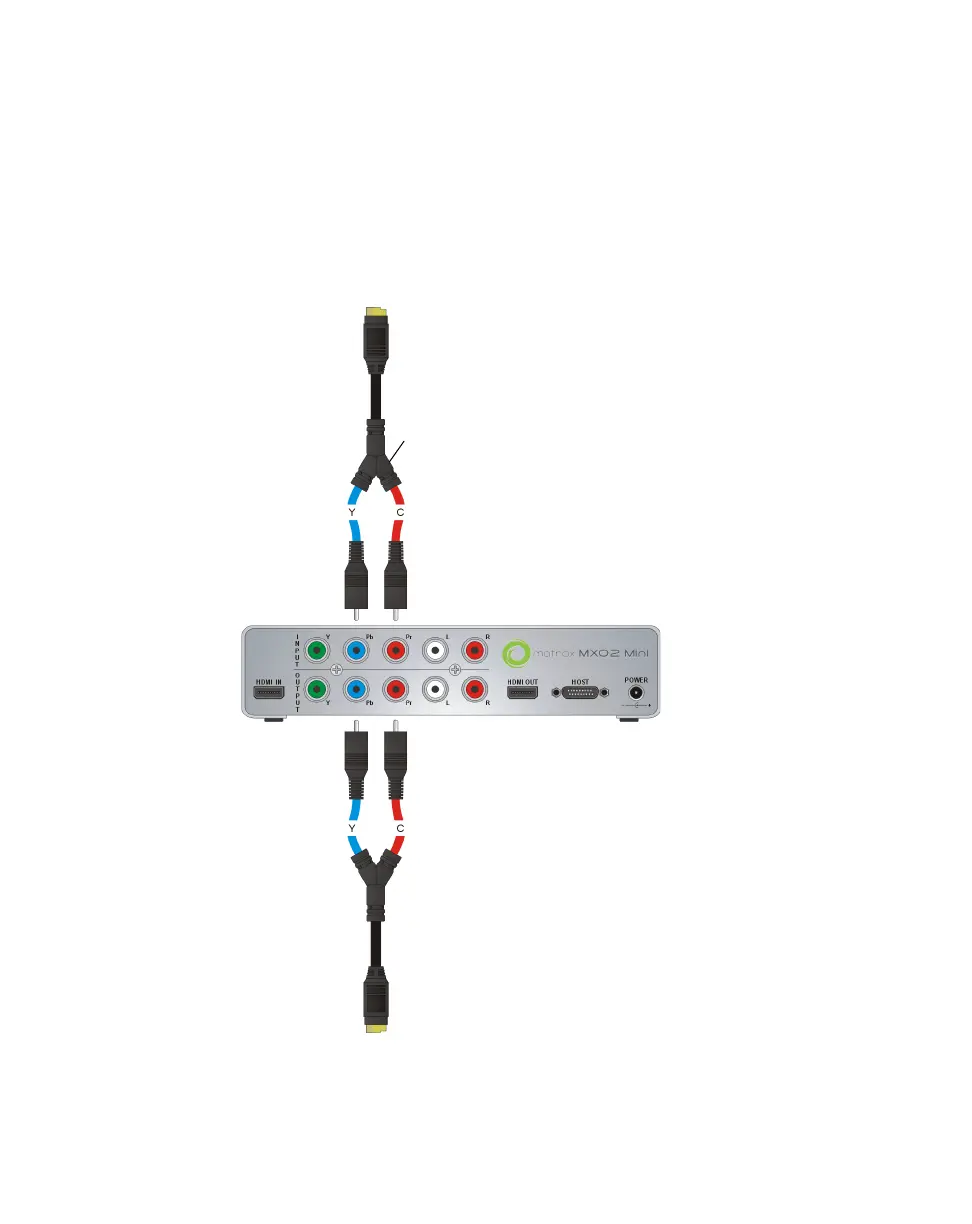
Connecting S-Video devices to MXO2 Mini
To support S-Video connections on MXO2 Mini, your MXO2 Mini kit includes
two S-Video adapter cables (one for S-Video input and one for S-Video output).
¦NoteWhen you connect an S-Video device to MXO2 Mini, you won’t be able
to connect an analog component device at the same time.
S-Video adapter
cable
MXO2 Mini
To S-Video OUT connector
on source device
To S-Video IN connector on
output device



 To Next Page